VR Technology Limited
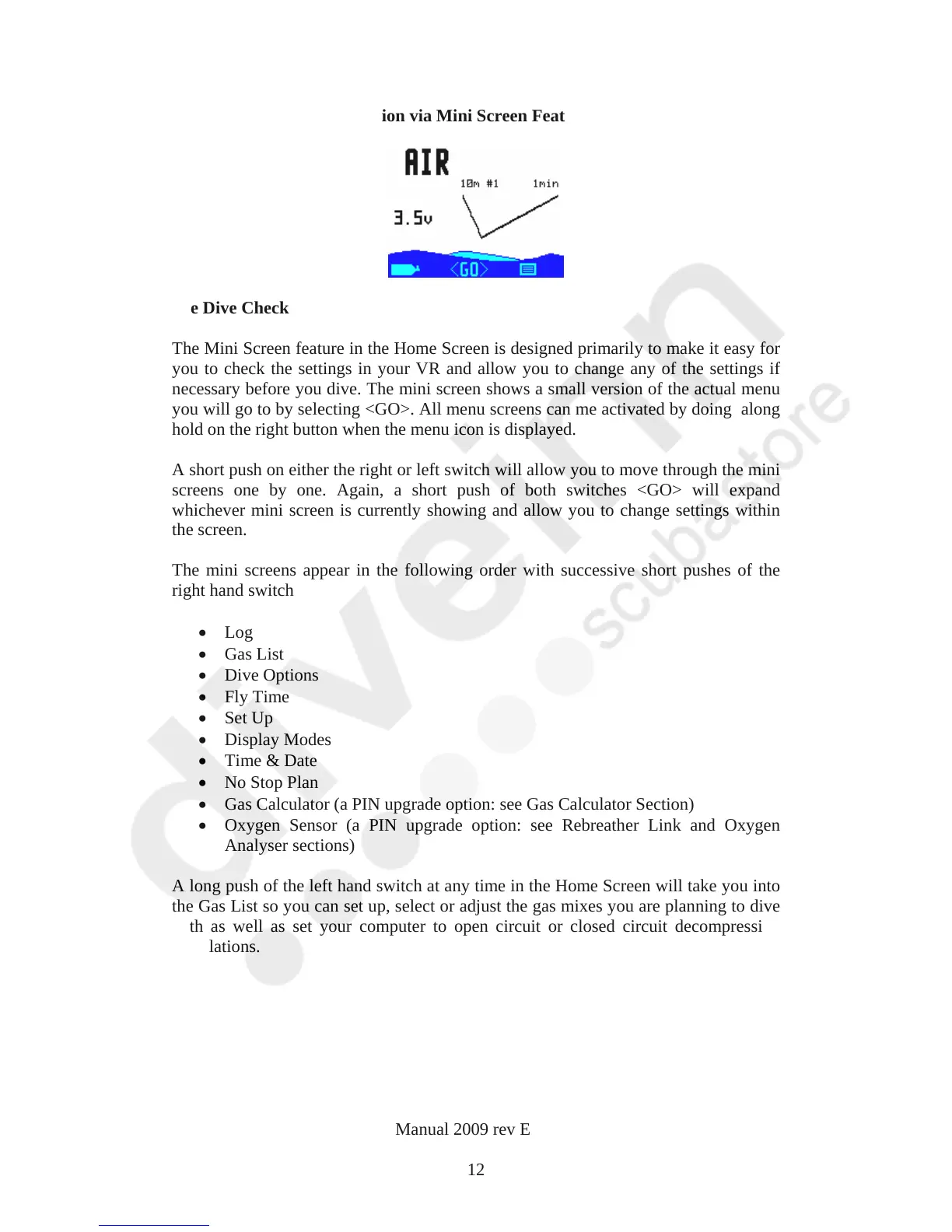
The Home Screen – Navigation via Mini Screen Feature
Pre Dive Check
The Mini Screen feature in the Home Screen is designed primarily to make it easy for
you to check the settings in your VR and allow you to change any of the settings if
necessary before you dive. The mini screen shows a small version of the actual menu
you will go to by selecting <GO>. All menu screens can me activated by doing along
hold on the right button when the menu icon is displayed.
A short push on either the right or left switch will allow you to move through the mini
screens one by one. Again, a short push of both switches <GO> will expand
whichever mini screen is currently showing and allow you to change settings within
the screen.
The mini screens appear in the following order with successive short pushes of the
right hand switch
Log
Gas List
Dive Options
Fly Time
Set Up
Display Modes
Time & Date
No Stop Plan
Gas Calculator (a PIN upgrade option: see Gas Calculator Section)
Oxygen Sensor (a PIN upgrade option: see Rebreather Link and Oxygen
Analyser sections)
A long push of the left hand switch at any time in the Home Screen will take you into
the Gas List so you can set up, select or adjust the gas mixes you are planning to dive
with as well as set your computer to open circuit or closed circuit decompression
calculations.
VR Dive Computer Operations Manual 2009 rev E 28/01/2009
12



 To Next Page