VR Technology Limited
If you are filling an empty cylinder, leave the HAVE column at 0 (zero).
You can also define the WANT column by changing the MaxD (maximum depth),
EAND (Equivalent Narcotic Depth) and PPO2 settings.
In this screen, a short push of both switches will move the highlight from one field to
the next and a short push of either the left - or right + switch will change the
highlighted number by 1. A long push of - or + will change the highlighted number by
10. A long push of both switches will return you to the Home Screen.
OPTIONS
From Home screen a long push on the right hand switch when the MENU icon is
displayed takes you to OPTIONS.
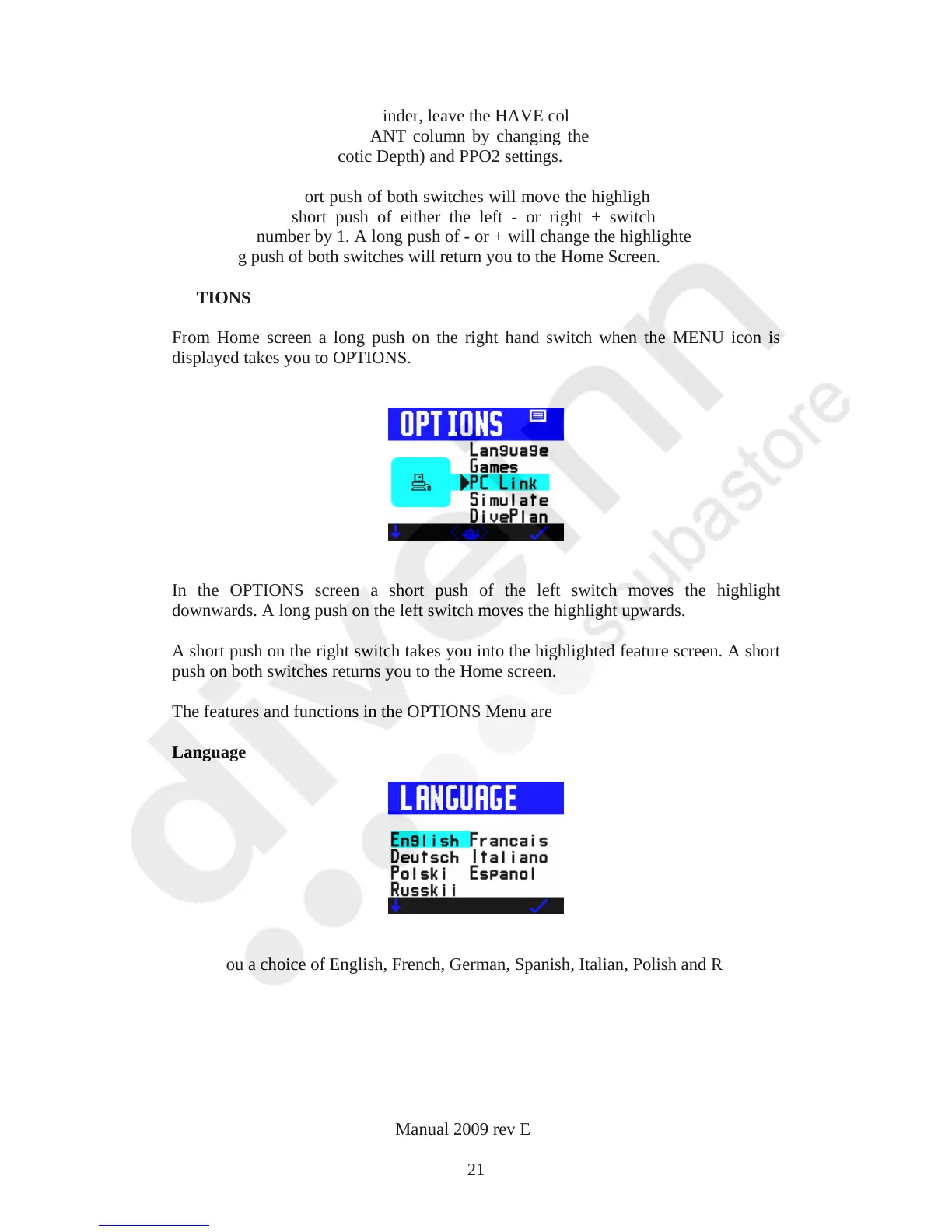
In the OPTIONS screen a short push of the left switch moves the highlight
downwards. A long push on the left switch moves the highlight upwards.
A short push on the right switch takes you into the highlighted feature screen. A short
push on both switches returns you to the Home screen.
The features and functions in the OPTIONS Menu are
Language
Gives you a choice of English, French, German, Spanish, Italian, Polish and Russian
VR Dive Computer Operations Manual 2009 rev E 28/01/2009
21



 To Next Page