VR Technology Limited
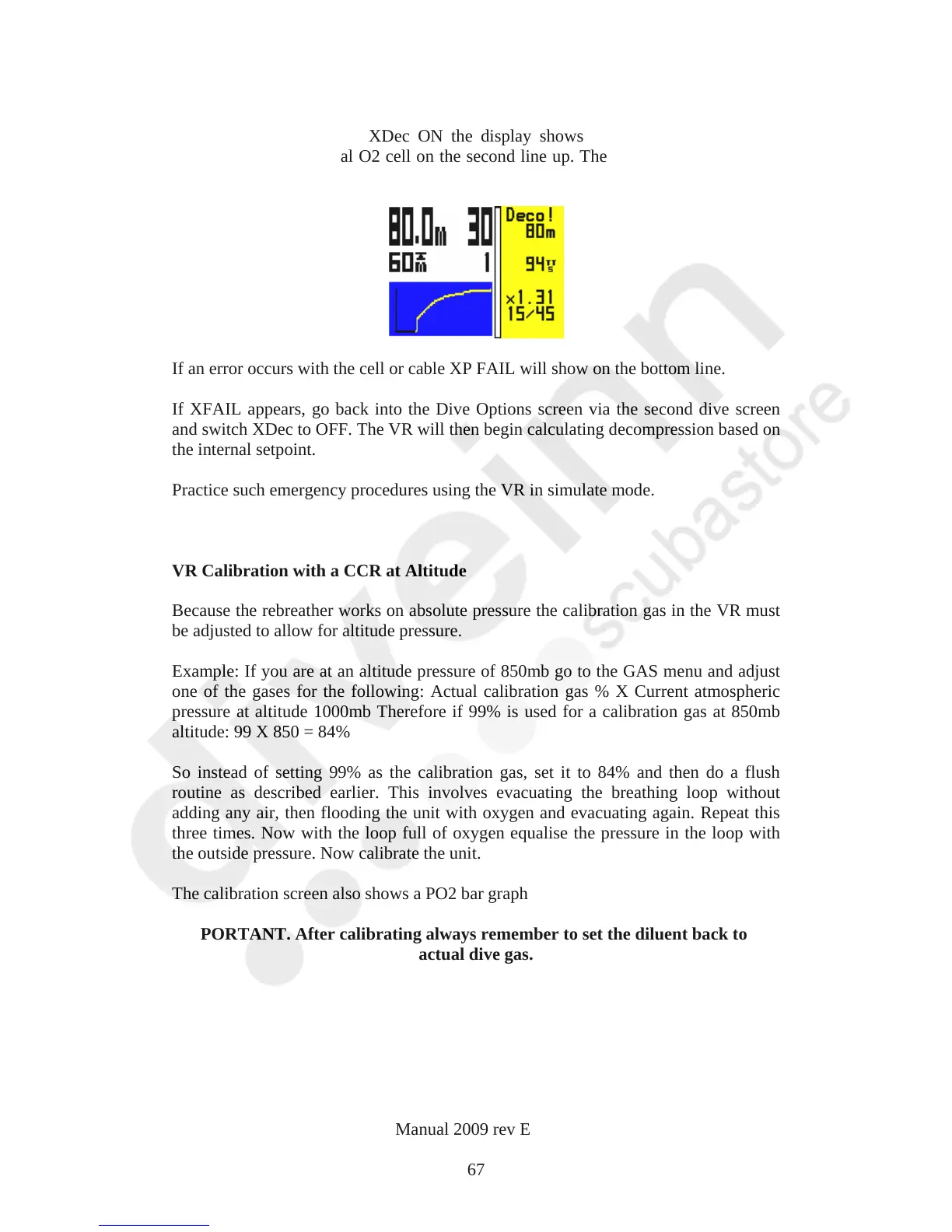
Dive Screen - XDec
On the Dive Screen with XDec ON the display shows X followed by the actual
reading from the external O2 cell on the second line up. The diluent gas is displayed
on the bottom line.
If an error occurs with the cell or cable XP FAIL will show on the bottom line.
If XFAIL appears, go back into the Dive Options screen via the second dive screen
and switch XDec to OFF. The VR will then begin calculating decompression based on
the internal setpoint.
Practice such emergency procedures using the VR in simulate mode.
VR Calibration with a CCR at Altitude
Because the rebreather works on absolute pressure the calibration gas in the VR must
be adjusted to allow for altitude pressure.
Example: If you are at an altitude pressure of 850mb go to the GAS menu and adjust
one of the gases for the following: Actual calibration gas % X Current atmospheric
pressure at altitude 1000mb Therefore if 99% is used for a calibration gas at 850mb
altitude: 99 X 850 = 84%
So instead of setting 99% as the calibration gas, set it to 84% and then do a flush
routine as described earlier. This involves evacuating the breathing loop without
adding any air, then flooding the unit with oxygen and evacuating again. Repeat this
three times. Now with the loop full of oxygen equalise the pressure in the loop with
the outside pressure. Now calibrate the unit.
The calibration screen also shows a PO2 bar graph
IMPORTANT. After calibrating always remember to set the diluent back to the
actual dive gas.
VR Dive Computer Operations Manual 2009 rev E 28/01/2009
67



 To Next Page