VR Technology Limited
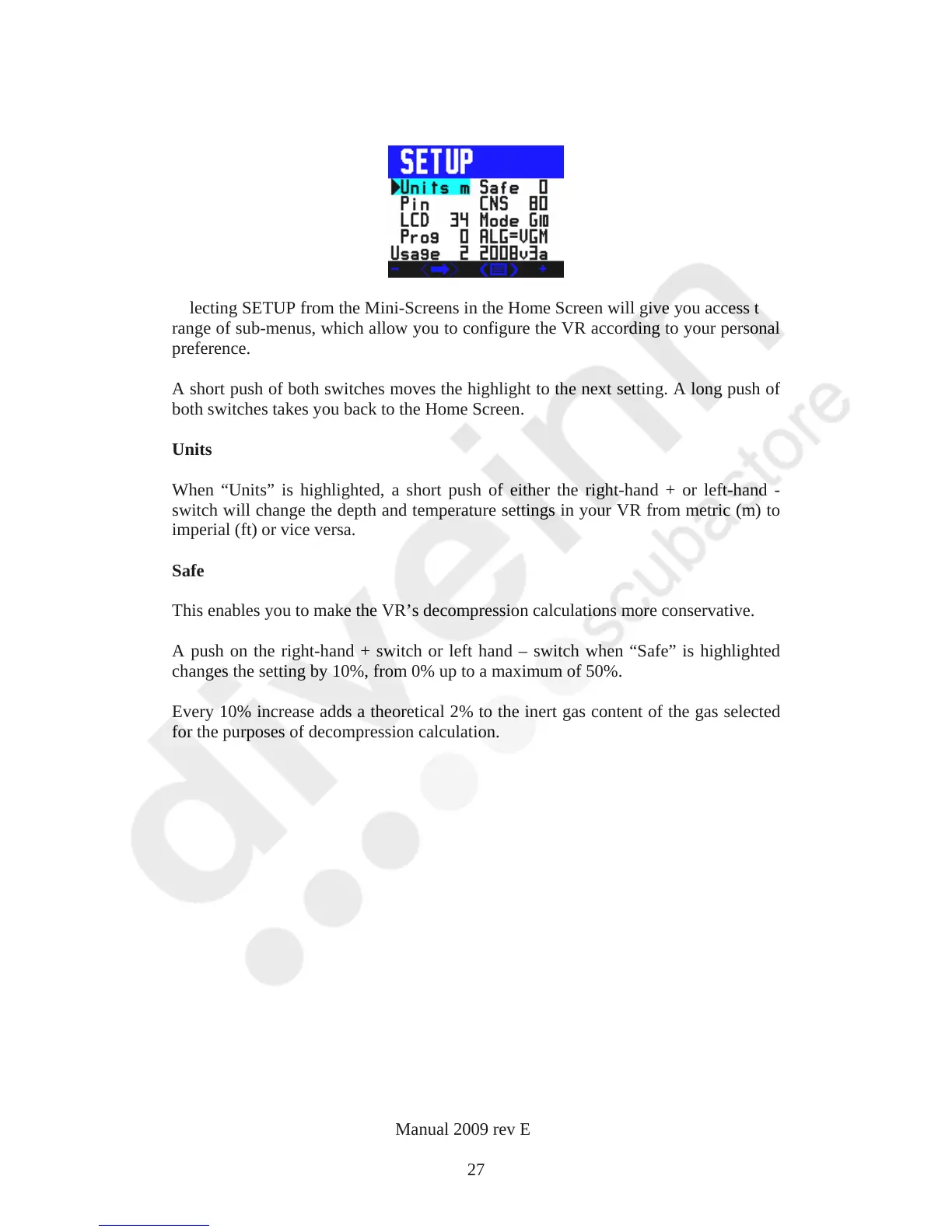
SETUP
Selecting SETUP from the Mini-Screens in the Home Screen will give you access to a
range of sub-menus, which allow you to configure the VR according to your personal
preference.
A short push of both switches moves the highlight to the next setting. A long push of
both switches takes you back to the Home Screen.
Units
When “Units” is highlighted, a short push of either the right-hand + or left-hand -
switch will change the depth and temperature settings in your VR from metric (m) to
imperial (ft) or vice versa.
Safe
This enables you to make the VR’s decompression calculations more conservative.
A push on the right-hand + switch or left hand – switch when “Safe” is highlighted
changes the setting by 10%, from 0% up to a maximum of 50%.
Every 10% increase adds a theoretical 2% to the inert gas content of the gas selected
for the purposes of decompression calculation.
VR Dive Computer Operations Manual 2009 rev E 28/01/2009
27



 To Next Page