VR Technology Limited
VR Dive Computer Operations Manual 2009 rev E 28/01/2009
ailout! A Special Note on Profile B for CCR Divers
you are a CCR diver, you can use Profile mode as a convenient way to set your
ollow the instructions above on how to add and save a profile.
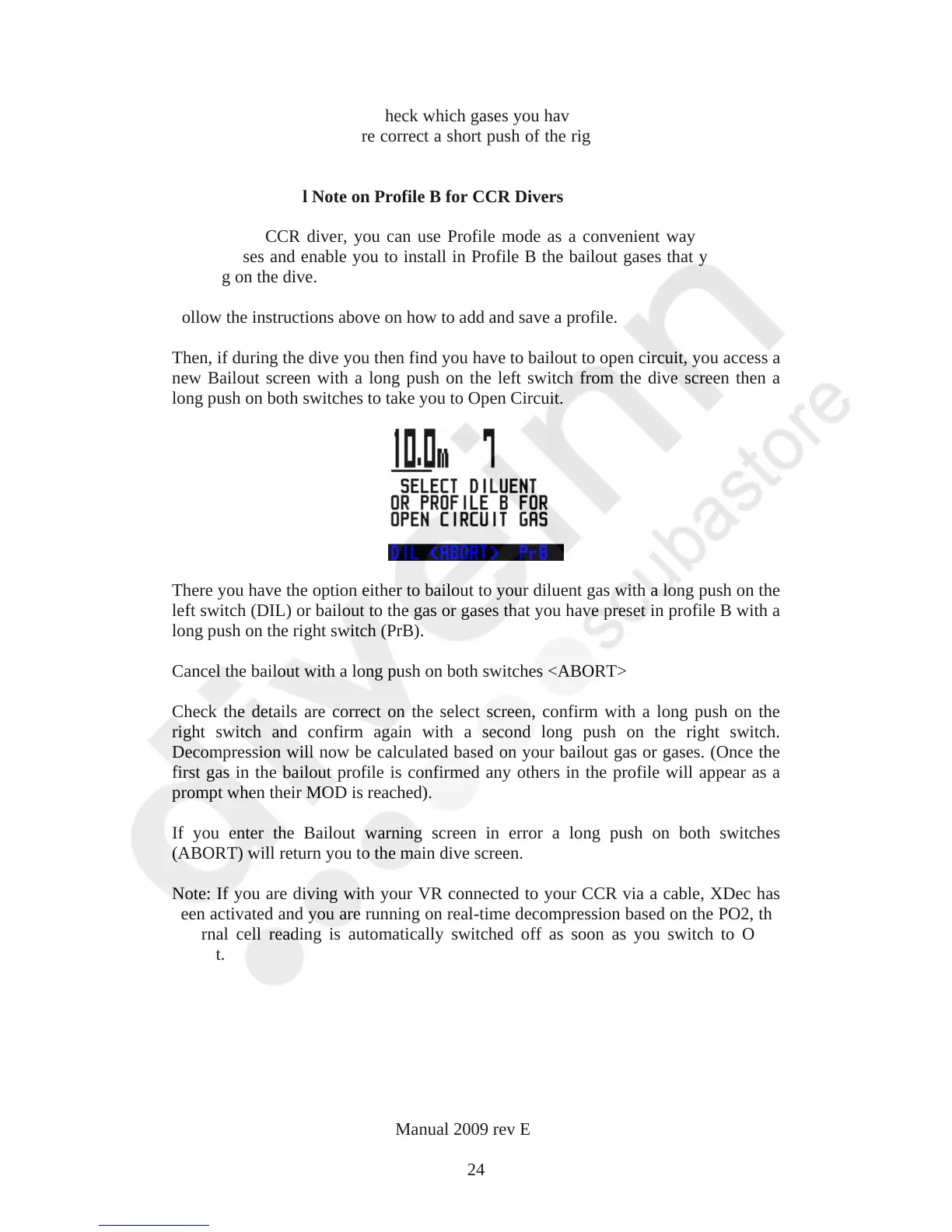
hen, if during the dive you then find you have to bailout to open circuit, you access a
screen. Here you can double check which gases you have set by repeated short pushes
of the left switch. If they are correct a short push of the right-hand switch returns you
to the Home screen.
B
If
bailout gases and enable you to install in Profile B the bailout gases that you will be
carrying on the dive.
F
T
new Bailout screen with a long push on the left switch from the dive screen then a
long push on both switches to take you to Open Circuit.
here you have the option either to bailout to your diluent gas with a long push on the
ancel the bailout with a long push on both switches <ABORT>
heck the details are correct on the select screen, confirm with a long push on the
you enter the Bailout warning screen in error a long push on both switches
ote: If you are diving with your VR connected to your CCR via a cable, XDec has
T
left switch (DIL) or bailout to the gas or gases that you have preset in profile B with a
long push on the right switch (PrB).
C
C
right switch and confirm again with a second long push on the right switch.
Decompression will now be calculated based on your bailout gas or gases. (Once the
first gas in the bailout profile is confirmed any others in the profile will appear as a
prompt when their MOD is reached).
If
(ABORT) will return you to the main dive screen.
N
been activated and you are running on real-time decompression based on the PO2, the
external cell reading is automatically switched off as soon as you switch to Open
Circuit.
24



 To Next Page