VR Technology Limited
Selecting closed circuit gases and PO2 Set point
If you have purchased and installed the PIN for the closed circuit upgrade, you will
have a Closed Circuit option in your GAS SELECT screen. Press and hold both
switches to activate this.
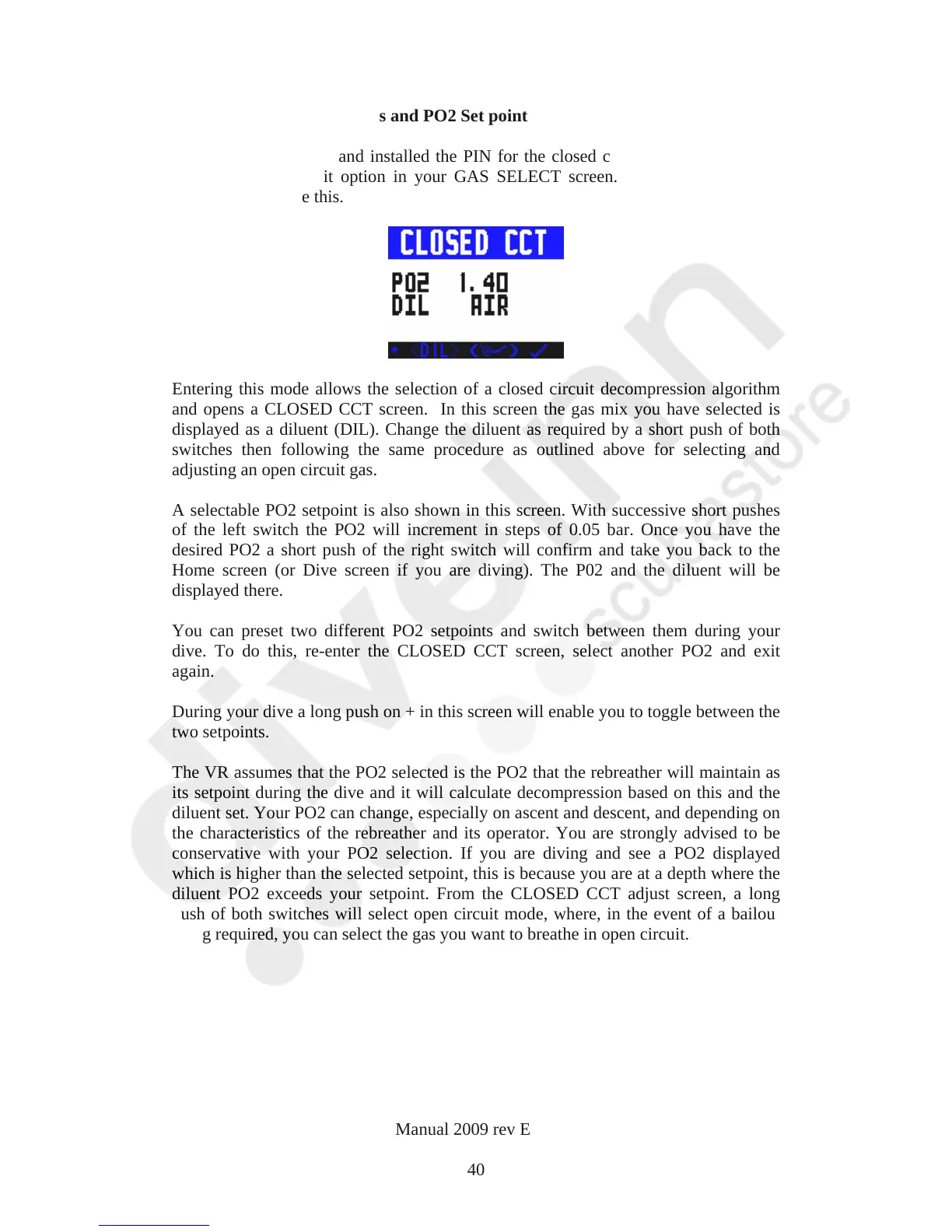
Entering this mode allows the selection of a closed circuit decompression algorithm
and opens a CLOSED CCT screen. In this screen the gas mix you have selected is
displayed as a diluent (DIL). Change the diluent as required by a short push of both
switches then following the same procedure as outlined above for selecting and
adjusting an open circuit gas.
A selectable PO2 setpoint is also shown in this screen. With successive short pushes
of the left switch the PO2 will increment in steps of 0.05 bar. Once you have the
desired PO2 a short push of the right switch will confirm and take you back to the
Home screen (or Dive screen if you are diving). The P02 and the diluent will be
displayed there.
You can preset two different PO2 setpoints and switch between them during your
dive. To do this, re-enter the CLOSED CCT screen, select another PO2 and exit
again.
During your dive a long push on + in this screen will enable you to toggle between the
two setpoints.
The VR assumes that the PO2 selected is the PO2 that the rebreather will maintain as
its setpoint during the dive and it will calculate decompression based on this and the
diluent set. Your PO2 can change, especially on ascent and descent, and depending on
the characteristics of the rebreather and its operator. You are strongly advised to be
conservative with your PO2 selection. If you are diving and see a PO2 displayed
which is higher than the selected setpoint, this is because you are at a depth where the
diluent PO2 exceeds your setpoint. From the CLOSED CCT adjust screen, a long
push of both switches will select open circuit mode, where, in the event of a bailout
being required, you can select the gas you want to breathe in open circuit.
VR Dive Computer Operations Manual 2009 rev E 28/01/2009
40



 To Next Page