VR Technology Limited
A further short push of both switches will highlight Color B and, while this is
highlighted, short pushes on the right-hand + or left-hand – switch will change the
background colour in the section listed next to “Type”.
CONTRAST changes the appearance of the screen colours to optimise them for
viewing. This may need adjustment based on the colours chosen.
A further short push of both switches will highlight CONTRAST. While this is
highlighted:-.
short pushes on the right switch + make the screen darker
short pushes on the left switch - make the screen brighter.
A further short push of both switches will highlight “Default” . While this is
highlighted a short push of either switch will return all colours and the contrast level
back to the factory settings.
Mode
Your VR comes with G10 mode enabled. This is standard 2009 software with all the
features and options referred to in this manual (model dependant).
A push of either the right-hand + or left-hand – switch when mode is highlighted will
change your VR’s mode to either G3 or X10 mode.
G3 mode is the same as G10 mode except you can only preset 3 gases in the gas list.
X10 mode causes the VR to revert to old 2007 software, primarily for users who
prefer the previous configuration
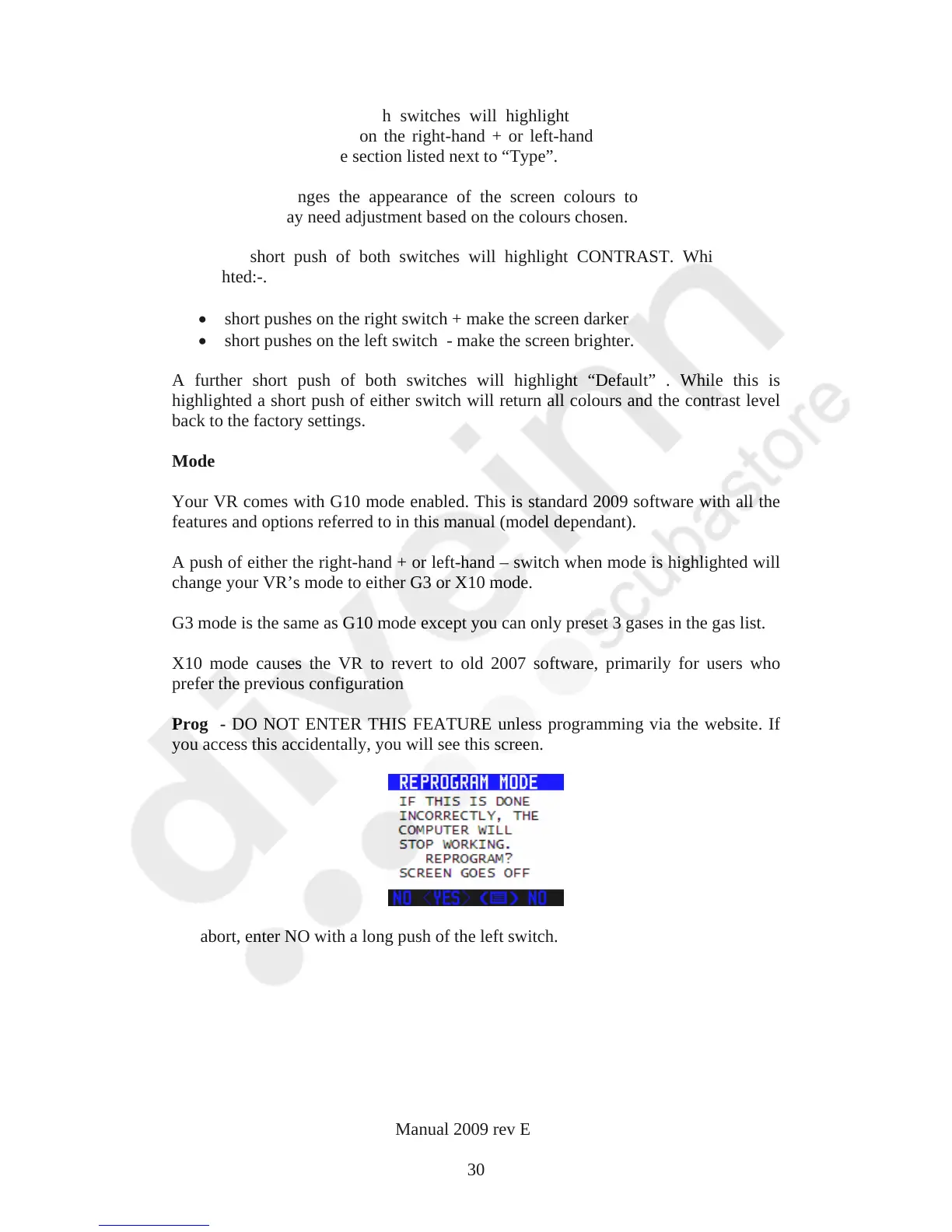
Prog - DO NOT ENTER THIS FEATURE unless programming via the website. If
you access this accidentally, you will see this screen.
To abort, enter NO with a long push of the left switch.
VR Dive Computer Operations Manual 2009 rev E 28/01/2009
30



 To Next Page