VR Technology Limited
Diving beyond the maximum operating depth of any gas is dangerous and should be
avoided and is not endorsed by any training agency. Emergency plans and gas should
always be carried to cater for temporary excursions in the event of an emergency.
BG (Big Graphics) optional PIN
(This is only available with the VR in X10 mode.)
When you buy the PIN to activate Gas Calculator mode in your VR (item UG 15) you
also get the PIN for Big Graphics Mode free of charge. This enables you to double the
size of the depth and time digits in the Dive Screen with the VR in X10 mode only.
Note that CNS% and Time to Surface (TTS) information will not appear on the Dive
Screen while Big Graphics Mode is ON. Your No Stop Time (NST) remains visible,
as do your decompression ceiling and time at stop if you are carrying out a
decompression dive.
Light
Switch between three screen backlight m
odes
Tm............... Light on for 10 seconds at the surface or underwater
On................ Light always on at the surface and underwater
DOn............. Light off at the surface, light on underwater
Stops
Switch between 3 optional final decompression stop depths, 3m, 4.5m and 6m
. Should
you wish to decompress deeper then the decompression may take longer than the on-
screen prediction.
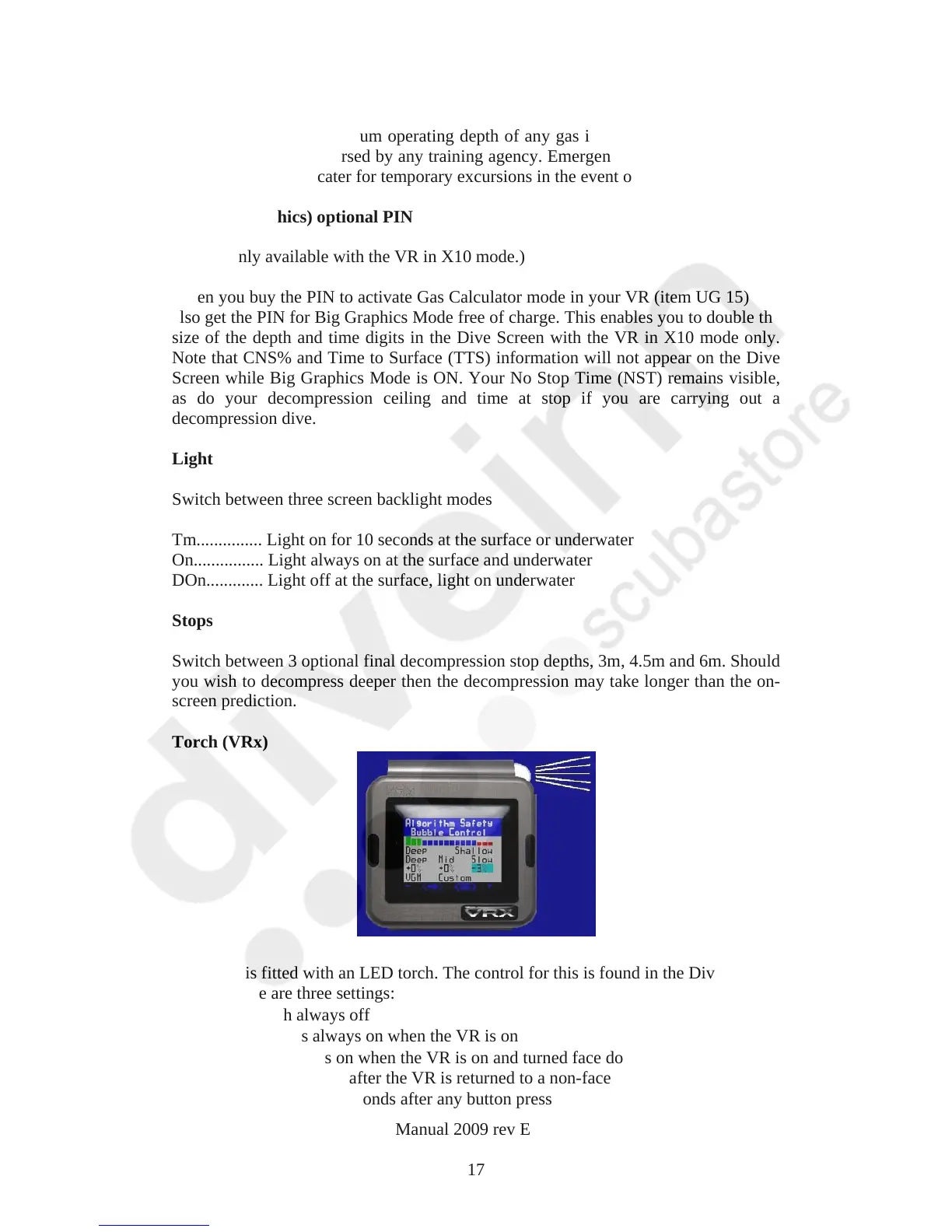
Torch (VRx)
The VRX is fitted with an LED torch. The control for this is found in the Dive options
screen. There are three settings:
N = torch always off
Y = torch is always on when the VR is on
A = torch turns on when the VR is on and turned face down. The torch stays
on for 10seconds after the VR is returned to a non-face down position.
T = turns for 1o seconds after any button press
VR Dive Computer Operations Manual 2009 rev E 28/01/2009
17



 To Next Page