VR Technology Limited
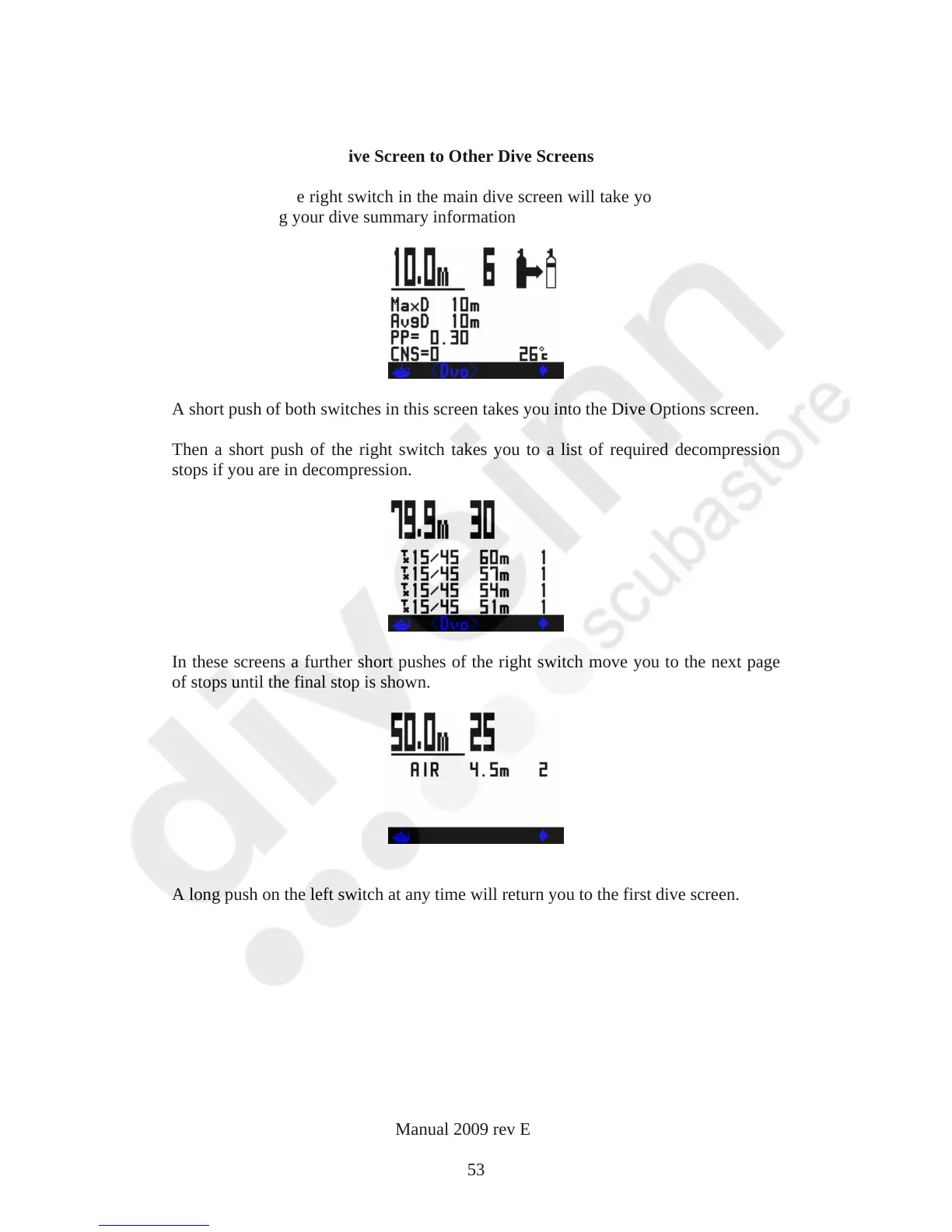
Going from the Main Dive Screen to Other Dive Screens
A long push of the right switch in the main dive screen will take you into further dive
screens showing your dive summary information
A short push of both switches in this screen takes you into the Dive Options screen.
Then a short push of the right switch takes you to a list of required decompression
stops if you are in decompression.
In these screens a further short pushes of the right switch move you to the next page
of stops until the final stop is shown.
A long push on the left switch at any time will return you to the first dive screen.
VR Dive Computer Operations Manual 2009 rev E 28/01/2009
53



 To Next Page