VR Technology Limited
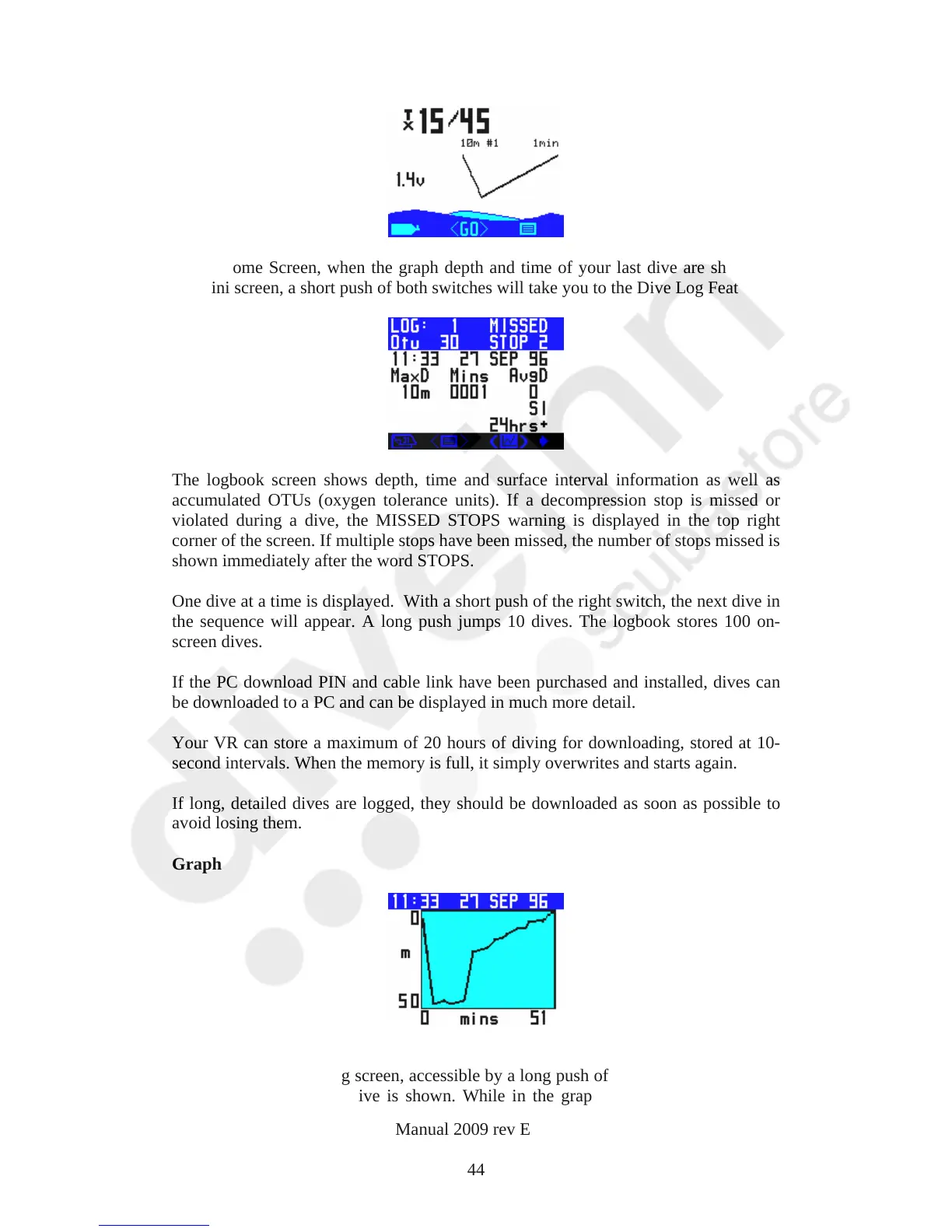
In the Home Screen, when the graph depth and time of your last dive are shown on
the mini screen, a short push of both switches will take you to the Dive Log Feature.
The logbook screen shows depth, time and surface interval information as well as
accumulated OTUs (oxygen tolerance units). If a decompression stop is missed or
violated during a dive, the MISSED STOPS warning is displayed in the top right
corner of the screen. If multiple stops have been missed, the number of stops missed is
shown immediately after the word STOPS.
One dive at a time is displayed. With a short push of the right switch, the next dive in
the sequence will appear. A long push jumps 10 dives. The logbook stores 100 on-
screen dives.
If the PC download PIN and cable link have been purchased and installed, dives can
be downloaded to a PC and can be displayed in much more detail.
Your VR can store a maximum of 20 hours of diving for downloading, stored at 10-
second intervals. When the memory is full, it simply overwrites and starts again.
If long, detailed dives are logged, they should be downloaded as soon as possible to
avoid losing them.
Graph
The VR has a second log screen, accessible by a long push of both switches, in which
a graphic profile of the dive is shown. While in the graphic profile screen, a short
VR Dive Computer Operations Manual 2009 rev E 28/01/2009
44



 To Next Page