VR Technology Limited
GAMES (option)
THE OCTOPUS GAME
The Octopus Game works like this: The aim is to try to hit the white octopus with a
squirt of ink from the black octopus. The white octopus will explode when he is hit
and you will then get a summary of your score. In the game screen short pushes of
both switches will move you between Ang (angle), Vel (velocity) and Fire modes.
When you are in Fire mode a jet of ink will squirt from the black octopus and, if your
angle and velocity are correct, you will hit the white octopus. If not, you need to
adjust the angle and velocity settings and this you can do in Ang or Vel mode, by a
short push of either the right hand + or left hand - switch. (A long push will increment
or decrement the setting by 10). While you are firing you will see Tide appear. This is
a random setting; the strength and direction of the tide will change from game to game
just so that it does not all become too easy!
DECOBOOKS AND MORE GAMES
Please note: You must have purchased and installed in your VR Computer both the
C11 Downloading PIN AND the UG 15 PIN add on downloading package in order to
use these features. Please consult your dealer to purchase. After you have bought and
installed the DecoBooks PIN, go to your VR computer’s OPTIONS MENU and scroll
down until Games is highlighted. Then a long push of the right switch takes you into
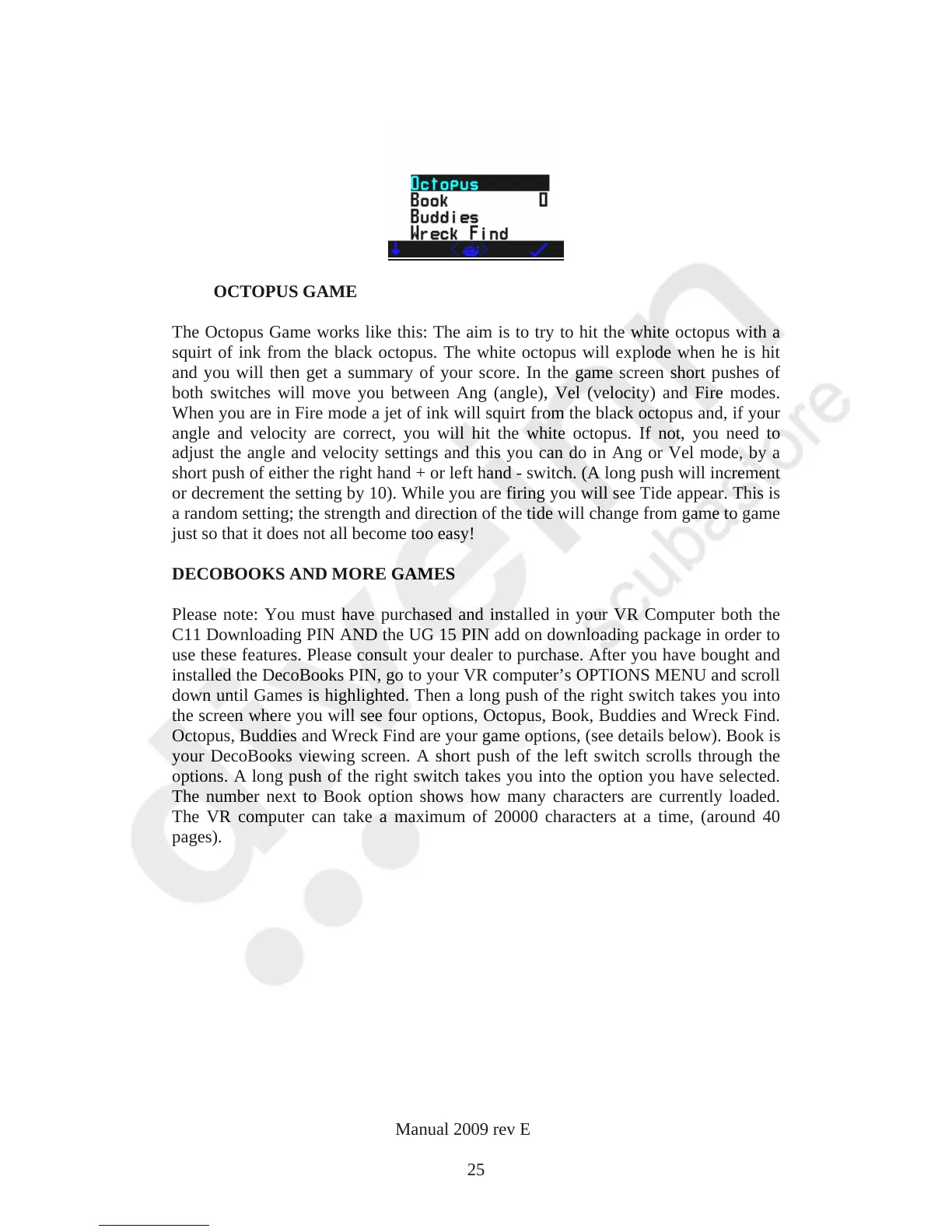
the screen where you will see four options, Octopus, Book, Buddies and Wreck Find.
Octopus, Buddies and Wreck Find are your game options, (see details below). Book is
your DecoBooks viewing screen. A short push of the left switch scrolls through the
options. A long push of the right switch takes you into the option you have selected.
The number next to Book option shows how many characters are currently loaded.
The VR computer can take a maximum of 20000 characters at a time, (around 40
pages).
VR Dive Computer Operations Manual 2009 rev E 28/01/2009
25



 To Next Page