VR Technology Limited
Getting Started
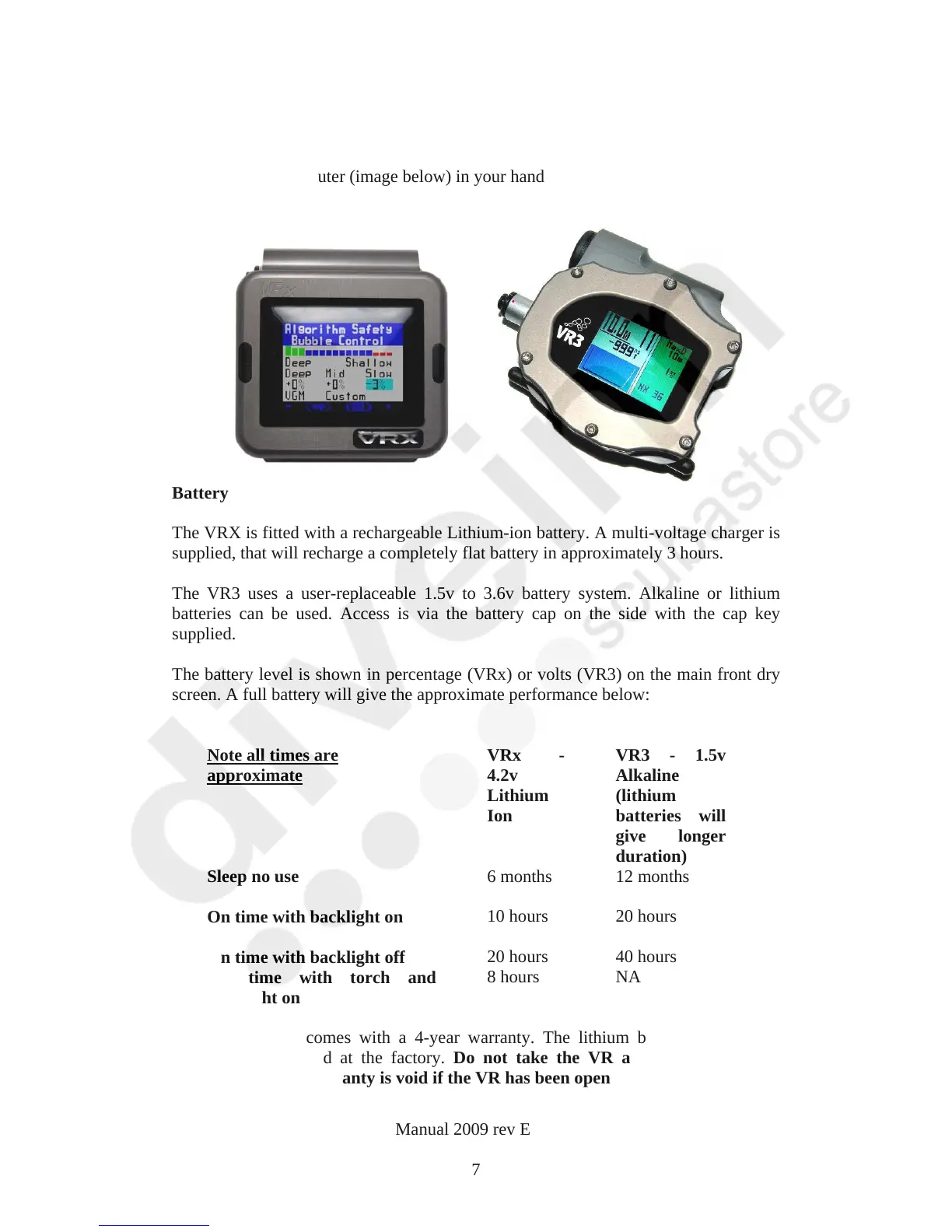
Looking at the computer (image below) in your hand
Battery
The VRX is fitted with a rechargeable Lithium-ion battery. A multi-voltage charger is
supplied, that will recharge a completely flat battery in approximately 3 hours.
The VR3 uses a user-replaceable 1.5v to 3.6v battery system. Alkaline or lithium
batteries can be used. Access is via the battery cap on the side with the cap key
supplied.
The battery level is shown in percentage (VRx) or volts (VR3) on the main front dry
screen. A full battery will give the approximate performance below:
Note all times are
approximate
VRx -
4.2v
Lithium
Ion
VR3 - 1.5v
Alkaline
(lithium
batteries will
give longer
duration)
Sleep no use
6 months
12 months
On time with backlight on
10 hours
20 hours
On time with backlight off
20 hours 40 hours
On time with torch and
backlight on
8 hours
NA
The VRx battery comes with a 4-year warranty. The lithium battery can also be
serviced and replaced at the factory. Do not take the VR apart or change the
battery yourself. Warranty is void if the VR has been opened or tampered with.
VR Dive Computer Operations Manual 2009 rev E 28/01/2009
7



 To Next Page