VR Technology Limited
Changing or Adding a New Gas During a Dive
One of the unique advantages of the VR is that, during a dive while underwater you
can add a new gas to your list of ON gases or amend the gas content of a current gas.
You can practice doing this on the surface in the Simulate screen.
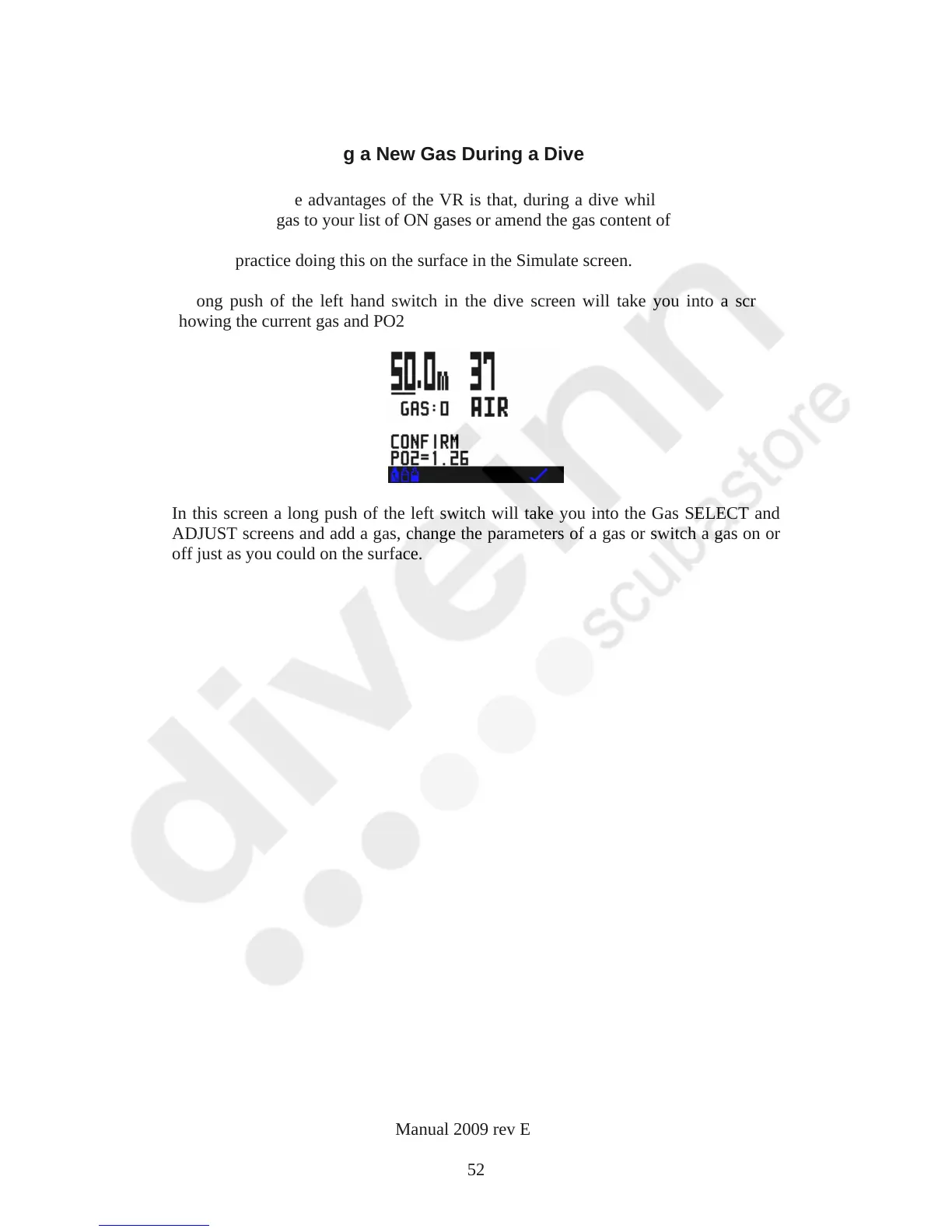
A long push of the left hand switch in the dive screen will take you into a screen
showing the current gas and PO2
In this screen a long push of the left switch will take you into the Gas SELECT and
ADJUST screens and add a gas, change the parameters of a gas or switch a gas on or
off just as you could on the surface.
VR Dive Computer Operations Manual 2009 rev E 28/01/2009
52



 To Next Page