VR Technology Limited
Games (option)
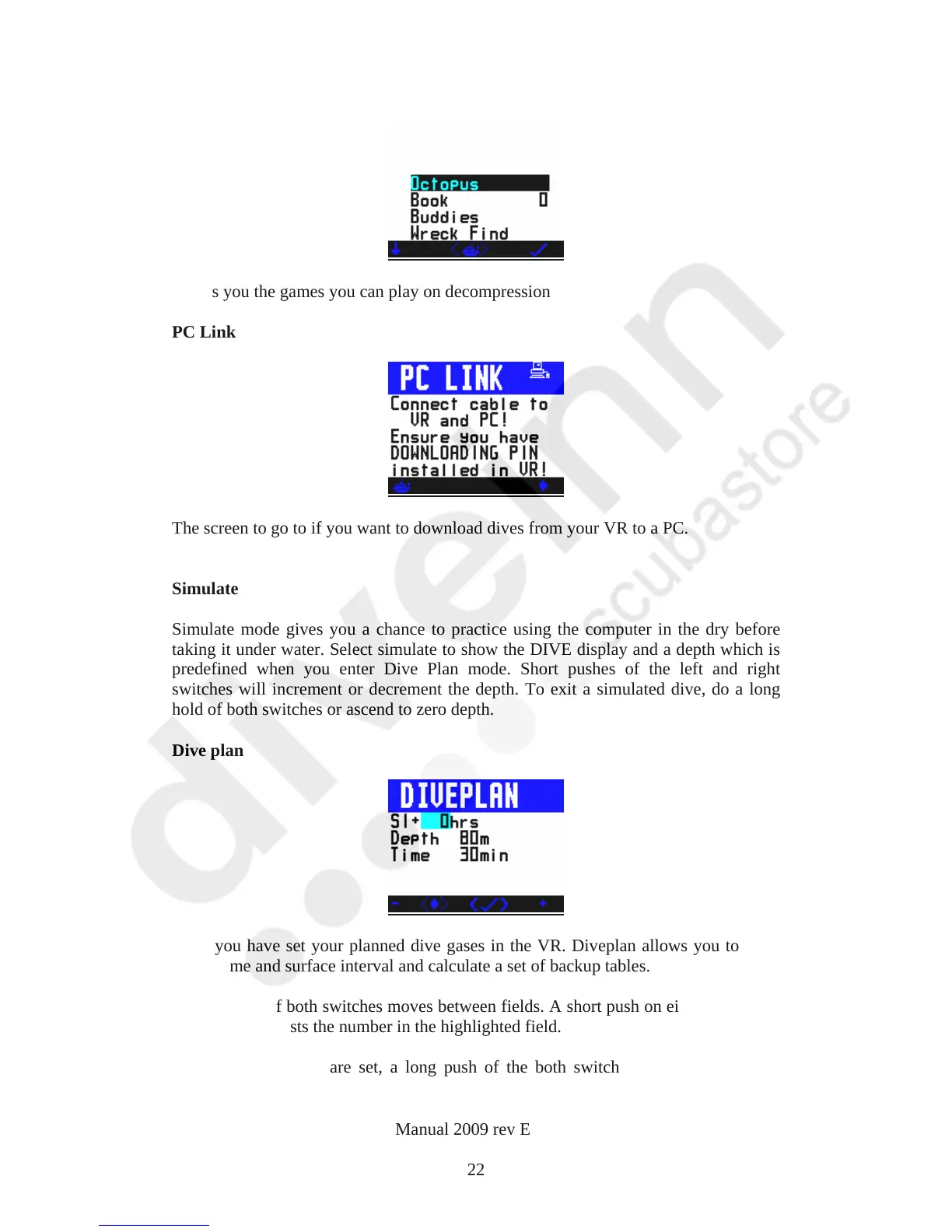
Shows you the games you can play on decompression
PC Link
The screen to go to if you want to download dives from your VR to a PC.
Simulate
Simulate mode gives you a chance to practice using the computer in the dry before
taking it under water. Select simulate to show the DIVE display and a depth which is
predefined when you enter Dive Plan mode. Short pushes of the left and right
switches will increment or decrement the depth. To exit a simulated dive, do a long
hold of both switches or ascend to zero depth.
Dive plan
Once you have set your planned dive gases in the VR. Diveplan allows you to enter
depth, time and surface interval and calculate a set of backup tables.
A short push of both switches moves between fields. A short push on either the left or
right switch adjusts the number in the highlighted field.
Once the parameters are set, a long push of the both switches will display a dive
screen.
VR Dive Computer Operations Manual 2009 rev E 28/01/2009
22



 To Next Page