VR Technology Limited
Dive Options – Gmode
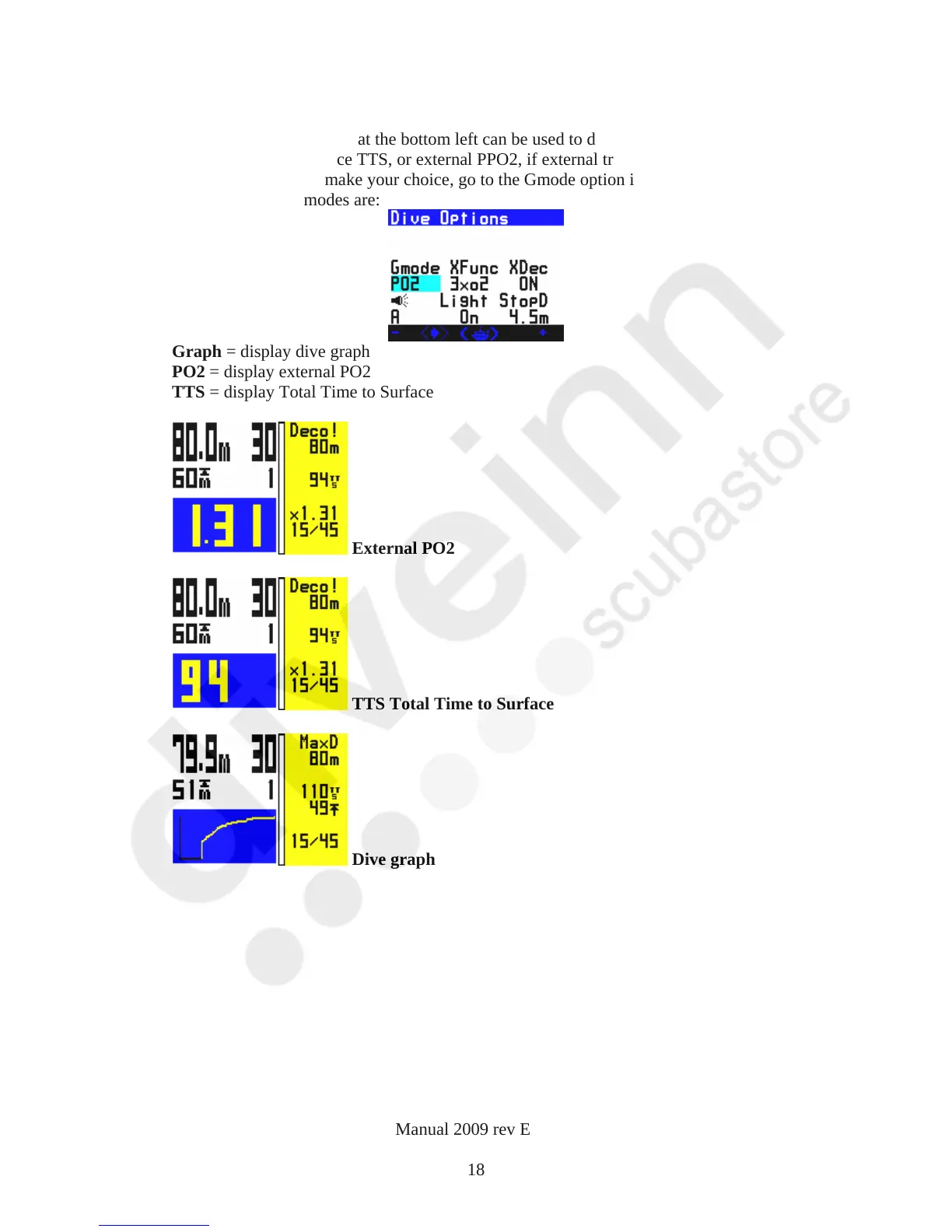
The dive screen graph are at the bottom left can be used to display the dive graph, or
the Total Time to Surface TTS, or external PPO2, if external triple or single cell
option is enabled. To make your choice, go to the Gmode option in the display
options. The three modes are:
Graph = display dive graph
PO2 = display external PO2
TTS = display Total Time to Surface
External PO2
TTS Total Time to Surface
Dive graph
VR Dive Computer Operations Manual 2009 rev E 28/01/2009
18



 To Next Page