15
W&T Assigning the IP address
Subject to error and alteration
• If the Com-Server does not have its factory default settings
and there is a system password assigned, this must be
known in order to make changes using WuTility.
Step 1: Start the assignment dialog
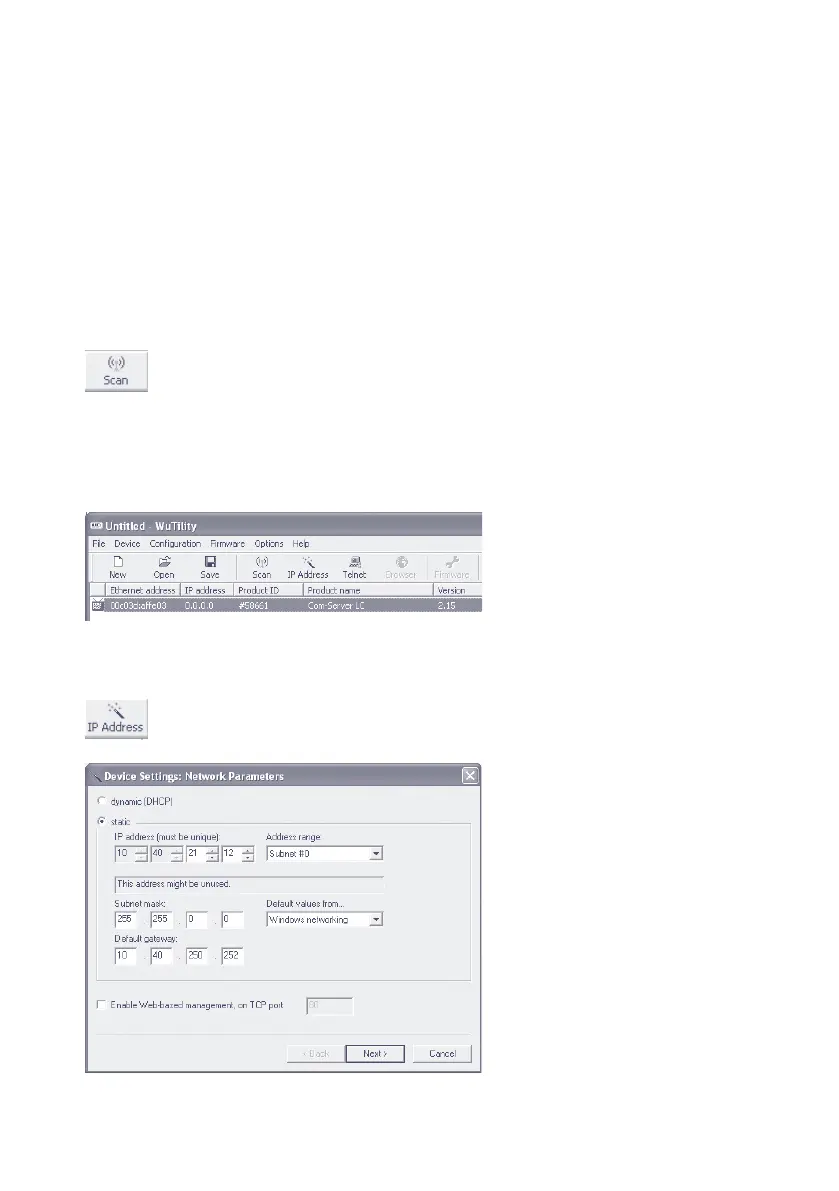
WuTility automatically searches the local network for connec-
ted W&T network devices and creates an inventory list. This
search process can be repeated manually as often as desired
by clicking on the Scan button:
Within the inventory list you can identify the desired Com-
Server based on its MAC address. For initial installations its IP
address is 0.0.0.0.
Select the Com-Server and click on the IP address button:



 To Next Page