221
W&T Appendix
Subject to error and alteration
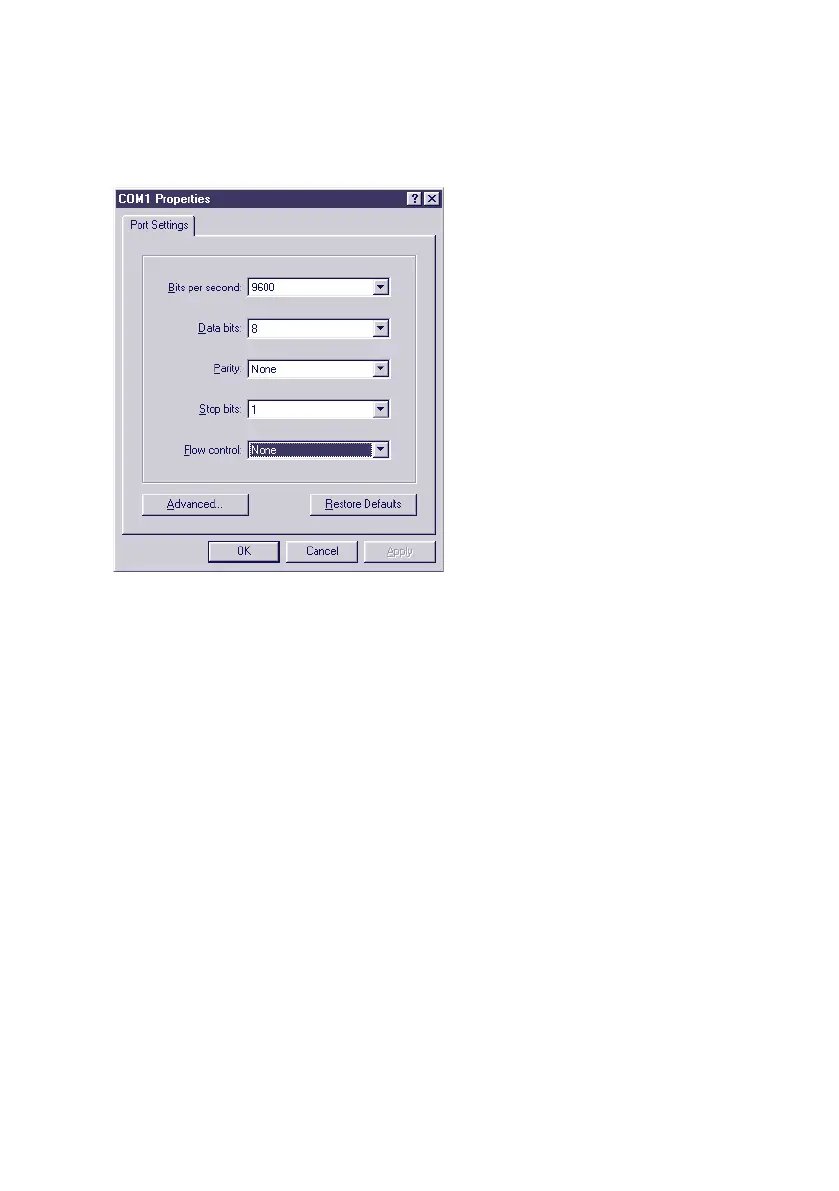
3. The transmission parameters are 9600 baud, 8 data bits,
no parity, no protocol:
4. After you have confirmed the settings with OK, you will
find yourself in the actual terminal window. All keyboard
entries are output thorugh the selected COM port. Now
turn the Com-Server on and off to reset it and while it is
starting up hold down the „x“ key (lower case, no Caps
Lock!). After about 2-3 seconds the prompt IP no.:+<EN-
TER>: will appear in Hyperterminal.
5. Now enter the IP address you want to assign in the usual
dot notation (e.g. 172.17.10.10). There will be no immedi-
ate echo of characters, so the individual inputs will not be
seen on the monitor. Only after you have pressed Return
to confirm is the completely entered IP address returned
by the Com-Server.
1
To avoid unintended changes to the IP address, the
DHCP client of the Com-Server is automatically deactiva-
ted when configuring using the serial port.



 To Next Page