220
Hyperterminal
To serially assign the IP address you can also use Hyperter-
minal, which is bundled with Windows. Start this procedure
under Start r Programs r Accessories r Hyperterminal.
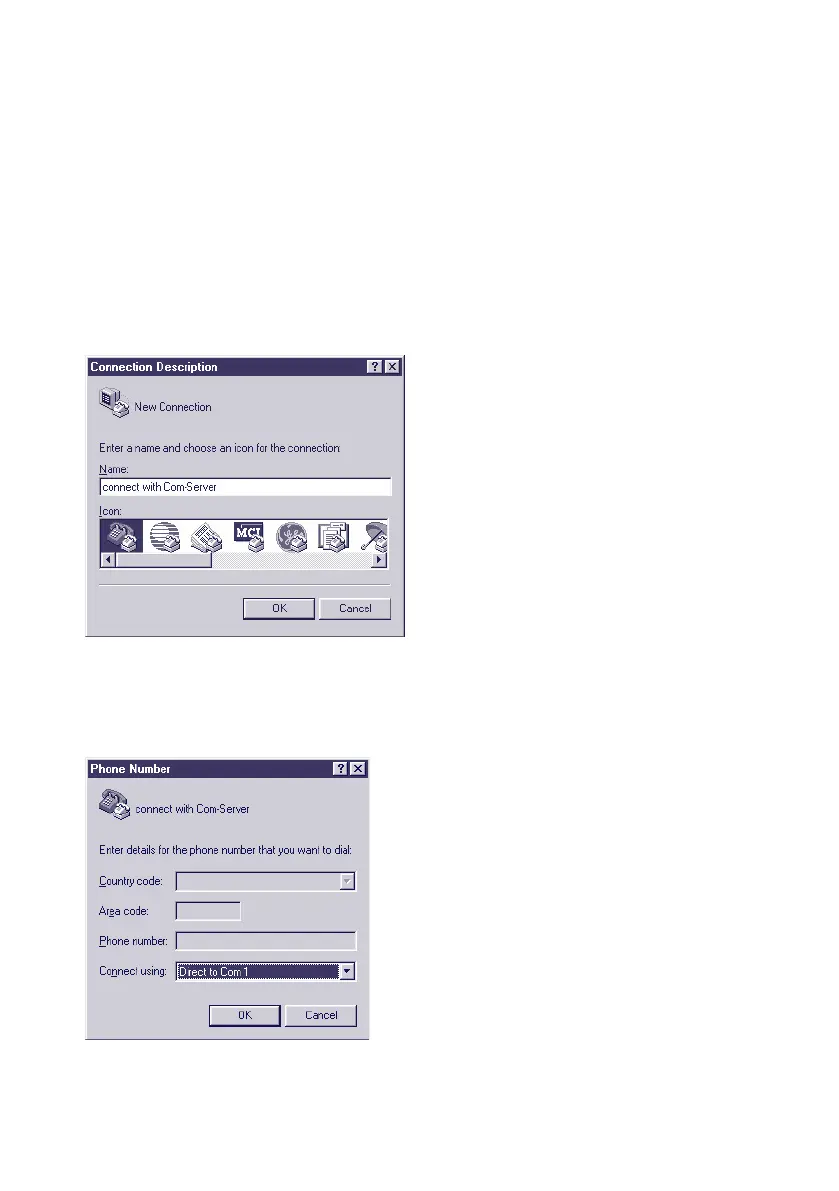
1.) In the first window you assign a name for the connection
you wish to build. this allows you to directly start Hyper-
terminal with the correct transmission parameters the next
time you want to assign an IP address:
2. In the lower selection box of the following window please
select only the COM port to which the Com-Server is con-
nected.



 To Next Page