Interface Selection
Product Reference Guide
9
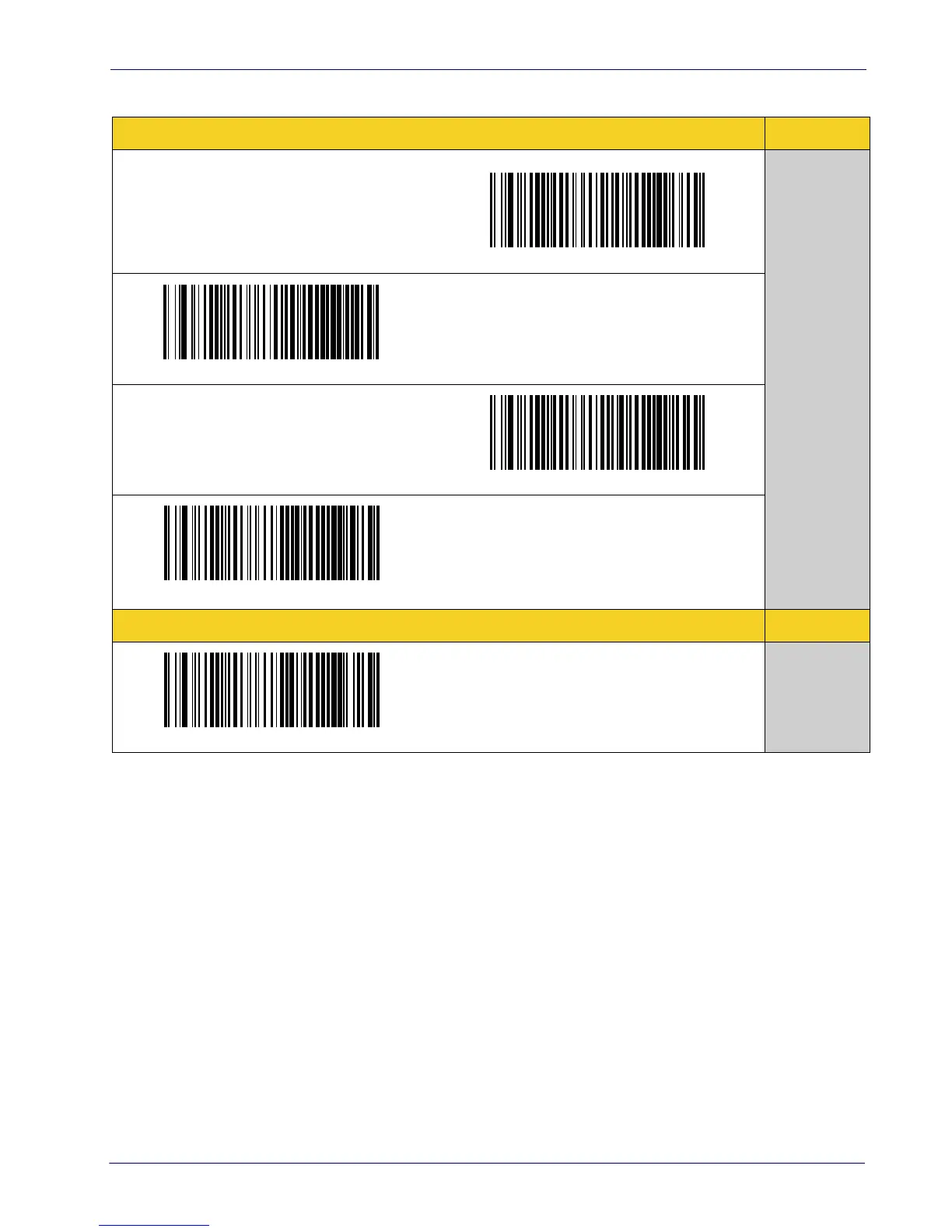
Table 1. Available Interfaces
RS-232
FEATURES
RS-232 standard interface
Select RS232-STD
Set RS-232
Interface
Features
starting on
page 19
Select RS232-WN
RS-232 Wincor-Nixdorf
RS-232 for use with OPOS/UPOS/JavaPOS
Select RS-232 OPOS
Select USB-COM-STD
a
a. Download the correct USB Com driver from www.waspbarcode.com
USB Com to simulate RS-232 standard interface
USB-OEM
FEATURES
Select USB-OEM
USB-OEM
(can be used for OPOS/UPOS/JavaPOS)
Set USB-OEM
Interface
Features
starting on
page 45



 To Next Page