June 11, 2015, 715004754 Rev. A
Page 78
To store a method:
1. Press METHOD (Shift Temp ×C) to return to the Method choice list.
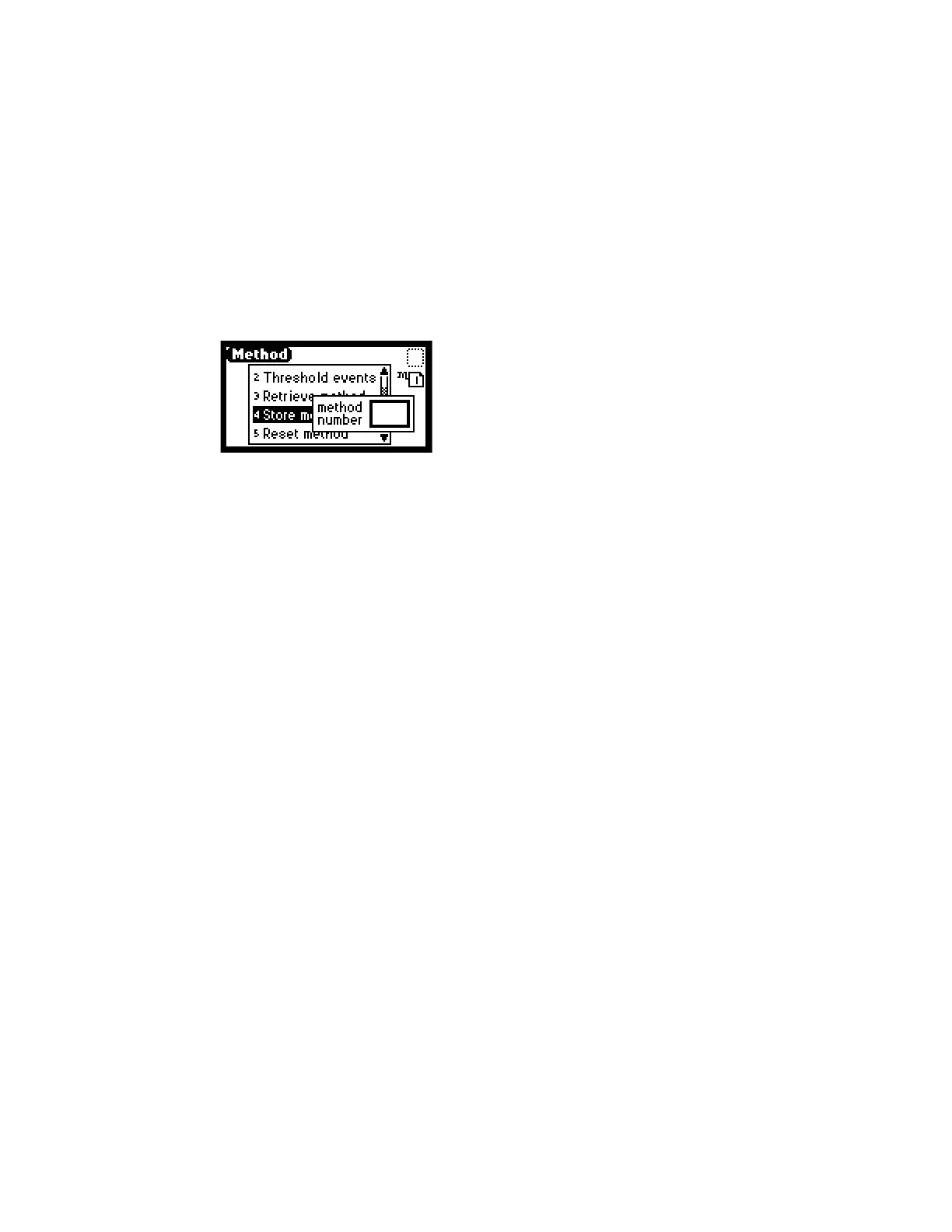
2. From the Method choice list, press 4, Store method *. A method number field
appears.
Note: No warning message appears if the method number you select is being
used by a previously stored method. When you enter a number and press Enter,
the current method conditions are stored, overwriting any previous method
stored in the same slot.
Figure 5–10: Method choice list
3. Enter a number from 1 to 5 and press Enter.
Result: A brief message (“Storing * as method n”) appears. When the display
returns to the Method choice list, the method is stored.
5.2.4.4 Retrieving a method
To retrieve a previously stored method:
1. Return to the Method choice list by pressing METHOD (Shift Temp ×C).
2. Press 3, Retrieve a method.
Result: The last method number stored or retrieved is displayed in the method
number box.
3. Enter the number of the method you want to retrieve and press Enter.
Result:
A brief message (“Retrieving method n”) appears.
When the display returns to the Method choice list, the method number you specified
appears within the method number icon.
5.2.4.5 Viewing events within a method
To view timed and threshold events that make up a stored method:
1. Retrieve the method (as described above).
2. With the number of the method appearing in the method number box, press 1
to view the Timed events or 2 to view Threshold events within the displayed
method.
Note: If you make a change to a timed or threshold event within a method, the
asterisk is displayed (Method *) indicating that the method (*) is no longer the same
as the stored method you retrieved in step 1. You can then store the method
containing the altered event(s) in the same storage slot.



 To Next Page