June 11, 2015, 715004754 Rev. A
Page 77
To define the pulse period of the frequency of a wave, see “Accessing the
configuration screens” on page 84.
To program a threshold event:
1. On the keypad, press the METHOD (Shift Temp×C) key.
2. From the Method choice list, press 2, Threshold events.
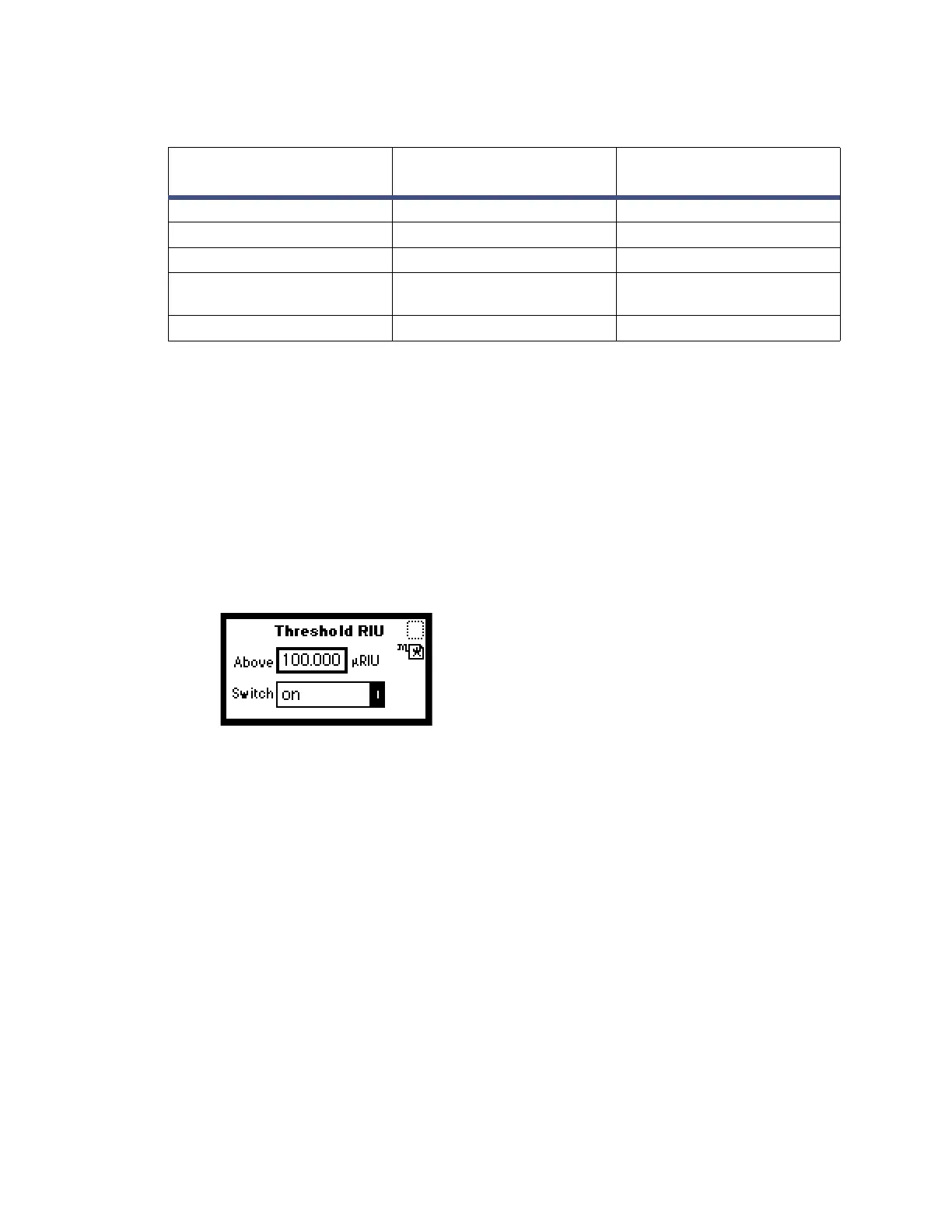
Result: An active field (Above) (mRIU) for entering the threshold appears.
When you enter the number in the (Above) field to specify the threshold value
required in mRIU, an additional field is displayed (Switch).
Figure 5–9: Threshold events screen
Tip: The “threshold” selection (see the table on page 75) allows modification of
this initial Threshold value as a timed event.
3. Press Enter to advance to the next (Switch) field, or press the s or t key to move
among the five fields on the threshold events screen.
4. When the Switch field is active, press Enter to display the threshold events
choice list or press the number corresponding to the event you are
programming.
Note: To disable the Threshold event, press CE and Enter in the Above field
(
µRIU).
5.2.4.3 Storing a method
A method consists of all programmable parameters on the RIU Mode home and
associated screens, as well as timed and threshold events. You can store the current
method by selecting a location from 1 to 10.
Table 5–5: Threshold event “To” parameters
Number Switch
Below threshold
switch state
1OnOff
2OffOn
3PulseOff
4Rect Wave
(Rectangular Wave)
Off
5 Toggle Toggle



 To Next Page