Installing a Column or Cartridge 19
3. While pressing the tubing into the bottom of the female connector, tighten the
compression screw approximately 3/4 of a turn past finger-tight to seat the ferrule
on the tubing.
Subsequent connections with this fitting do not require the extra 3/4 of a turn. 1/8 of
a turn is normally adequate.
Connecting the Helium Sparge Supply
1. Connect the tubing from the helium supply to the sparge gas inlet on the 600E pump
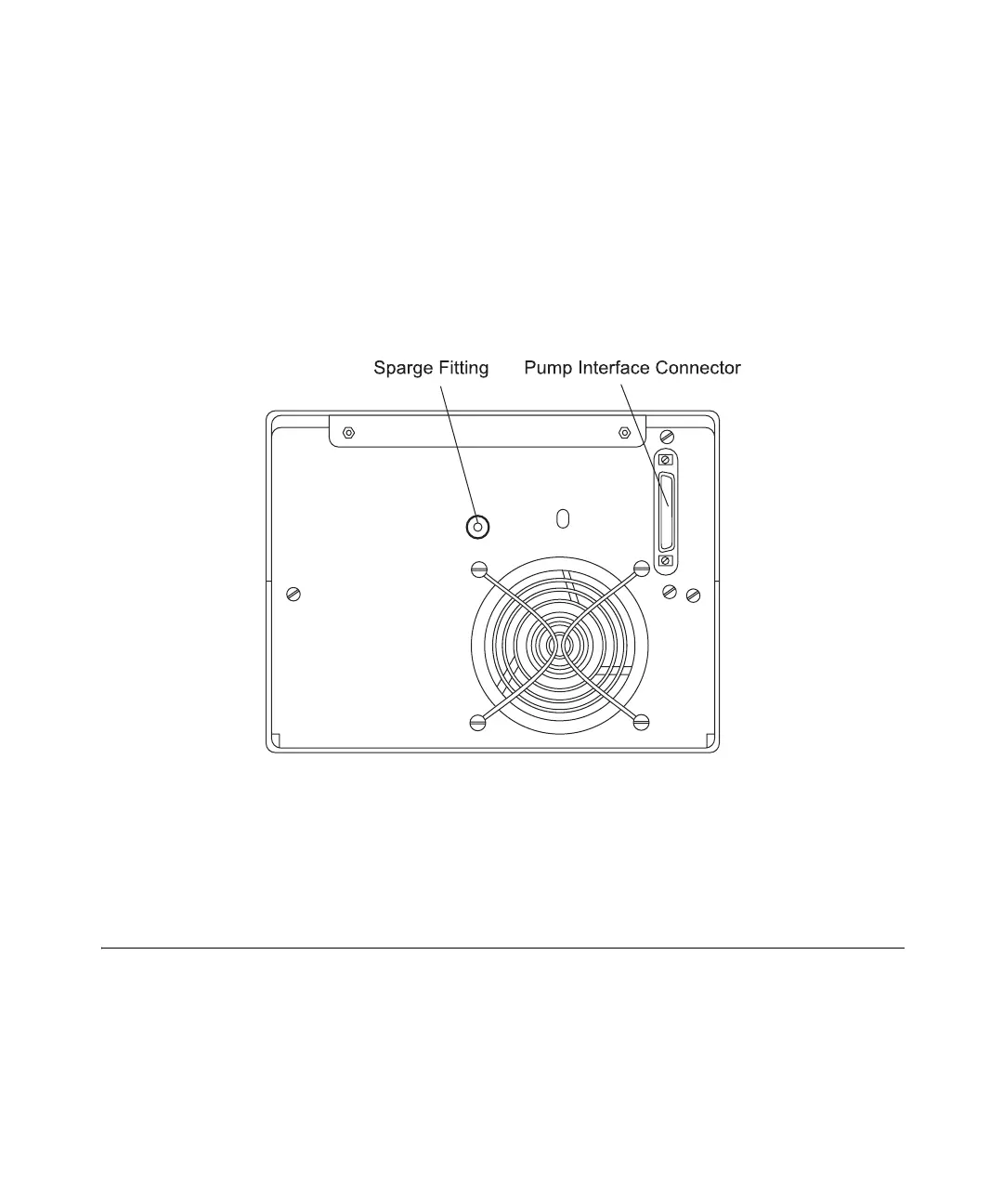
rear panel (Figure 2-9) using the tubing and compression fittings assembled above.
Figure 2-9 Sparge Gas Inlet Connection on the 600E Pump
2. Regulate the helium tank or house supply source between 50 and 90 psi (3.4 to 6.1
atm).
2.3 Installing a Column or Cartridge
The 600E pump slide-out drawer, shown in Figure 2-10, accommodates installation of one
of the following column/cartridge options:
• Single column (up to 30 cm)
• Column heater with single column (up to 30 cm)



 To Next Page