40 Making Electrical Connections to the 600 Controller
3.4 Making RS-232 Connections with the Waters 746
Data Module
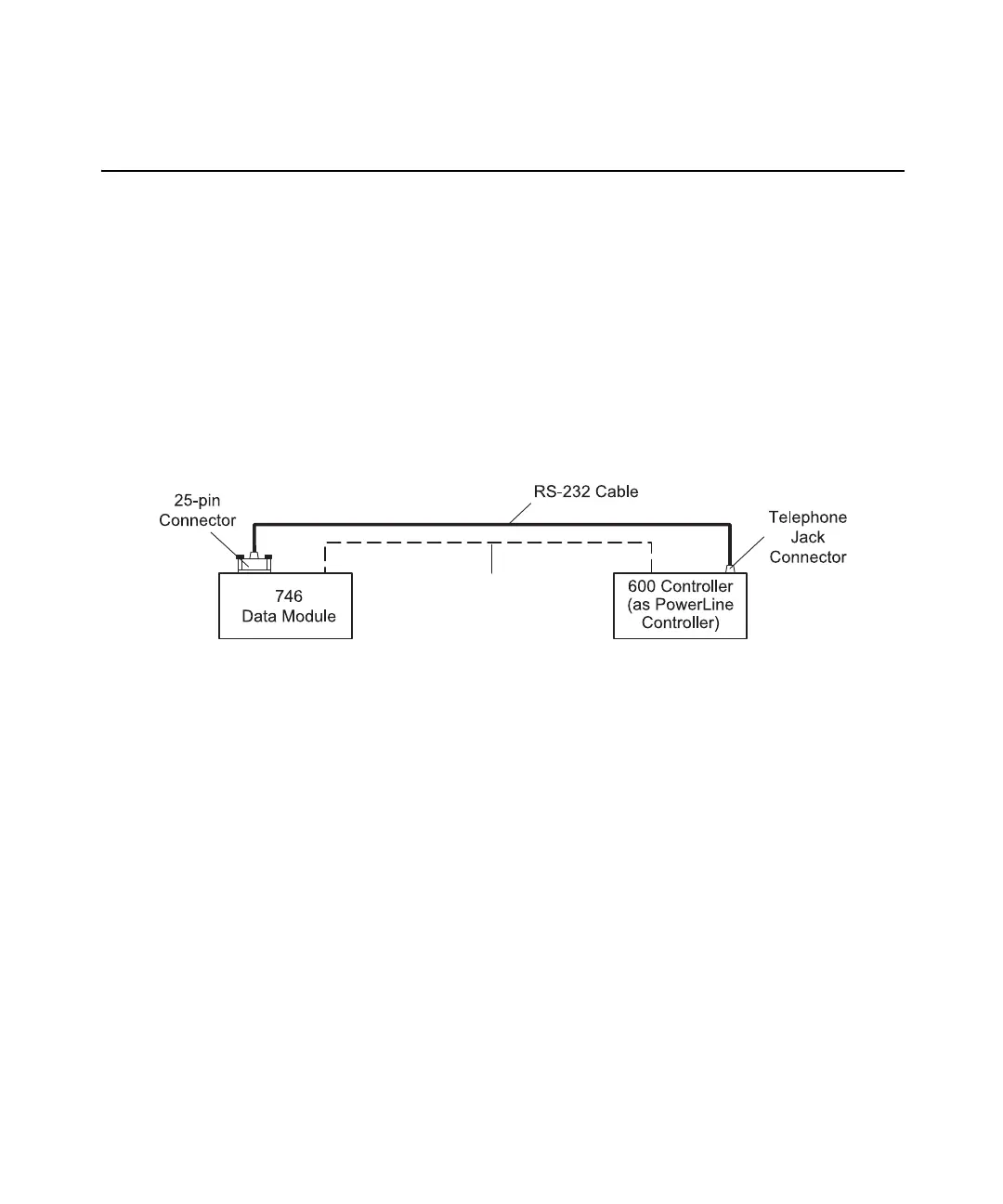
The RS-232 interface connects the Waters 600 controller to a Waters 746 data module.
The interface transmits:
• Control commands from the data module to the controller
• Commands and report information from the controller to the data module
No chromatographic data is transmitted across the interface.
To make the RS-232 connection:
1. Connect the 25-pin connector (provided with the data module) to the rear panel of
the data module (Figure 3-7).
Figure 3-7 RS-232 Connections with a Waters 746 Data Module
2. Connect the cable to the RS-232 telephone jack connector on the controller rear
panel (see Figure 3-1).
Note: When connecting the 746 to the controller, you must also attach a cable from the
Inject terminal to the 746 to coordinate the run start signals of the two systems.
(from Inject Terminal)



 To Next Page