20 Making Fluidic Connections to the 600E Pump
• RCM 8 x 10 radial compression cartridge holder and Radial-Pak cartridge.
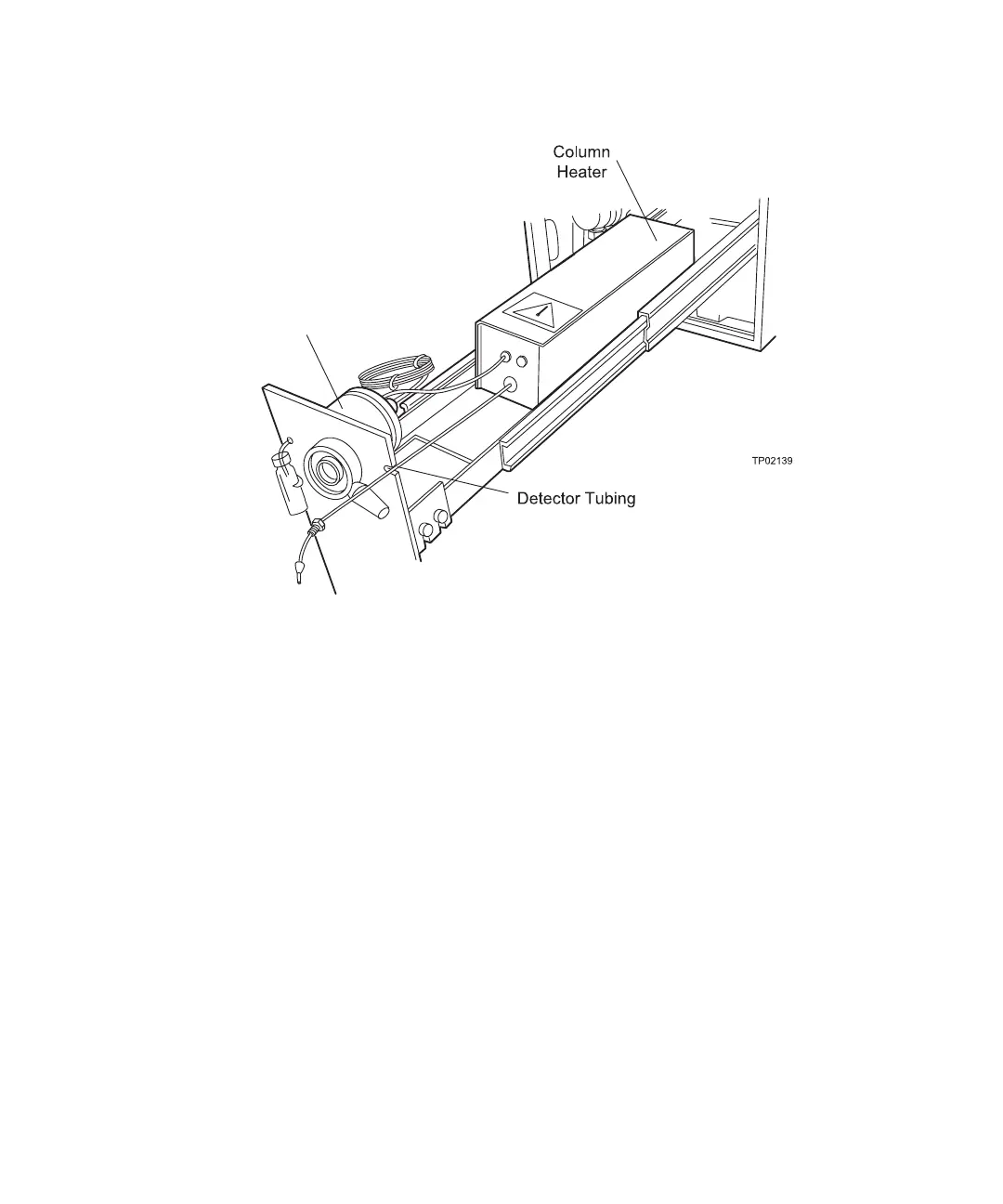
Figure 2-10 Pump Slide-Out Drawer
This section covers:
• Installing a column
• Installing a column heater
• Installing an RCM 8 x 10
Note: For information on solvent selection and equilibration before use, refer to the Care
and Use Manual supplied with your column or cartridge. Observe precautions during use.
2.3.1 Installing a Column
To install a column in the 600E pump slide-out drawer:
1. Turn the latch on the front of the pump (see Figure 2-5) and pull out the slide-out
drawer.
2. Disconnect the tubing.
Note: The drawer does not fully extend unless you disconnect the tubing.
(Optional)



 To Next Page