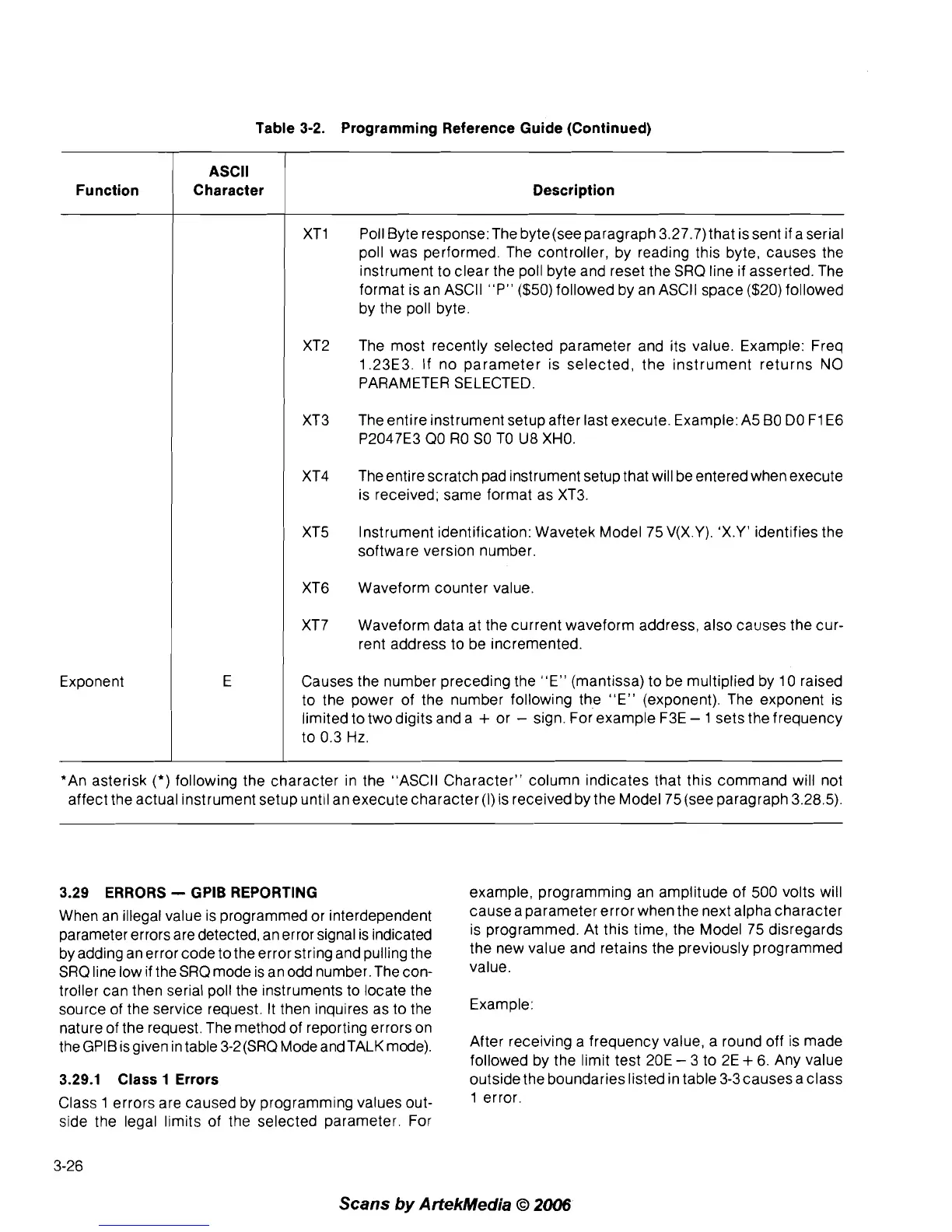
Table 3-2. Programming Reference Guide (Continued)
Function
ASCll
Character Description
Exponent
XT1 Poll Byte response: The byte(see paragraph 3.27.7) that is sent if a serial
poll was performed. The controller, by reading this byte, causes the
instrument to clear the poll byte and reset the SRQ line if asserted. The
format is an
ASCll "P" ($50) followed by an ASCll space ($20) followed
by the poll byte.
XT2
The most recently selected parameter and its value. Example: Freq
1.23E3. If no parameter is selected, the instrument returns
NO
PARAMETER SELECTED.
XT3 The entire instrument setup after last execute. Example: A5 BO DO
F1 E6
P2047E3 QO RO SO TO U8 XHO.
XT4 The entire scratch pad instrument setup that will be entered when execute
is received; same format as XT3.
XT5 Instrument identification: Wavetek Model 75 V(X.Y). 'X.Y' identifies the
software version number.
XT6 Waveform counter value.
XT7 Waveform data at the current waveform address, also causes the cur-
rent address to be incremented.
Causes the number preceding the
"E" (mantissa) to be multiplied by 10 raised
to the power of the number following the "E" (exponent). The exponent is
limited to twodigits and a
+
or
-
sign. For example F3E
-
1 sets the frequency
to 0.3
Hz.
*An asterisk
(*)
following the character in the "ASCII Character" column indicates that this command will not
affect the actual instrument setup until an execute character
(I)
is received by the Model 75 (see paragraph 3.28.5).
3.29 ERRORS
-
GPlB REPORTING
When an illegal value is programmed or interdependent
parameter errors are detected, an error signal is indicated
by adding an error code to the error string and pulling the
SRQ line low if the SRQ mode is an odd number. The con-
troller can then serial poll the instruments to locate the
source of the service request. It then inquires as to the
nature of the request. The method of reporting errors on
theGPIB isgiven in table 3-2(SRQ Mode andTALK mode).
3.29.1 Class 1 Errors
Class 1 errors are caused by programming values out-
side the legal limits of the selected parameter. For
example, programming an amplitude of 500 volts will
cause a parameter error when the next alpha character
is programmed. At this time, the Model 75 disregards
the new value and retains the previously programmed
value.
Example:
After receiving a frequency value, a round off is made
followed by the limit test 20E
-
3 to 2E
+
6. Any value
outside the boundaries listed in table
3-3causes a class
1 error.
Scans
by
Artekhledia
O
2006



 To Next Page