Chapter 2: Installing the SmartSensor HD
•
15
2
Installing the SmartSensor HD
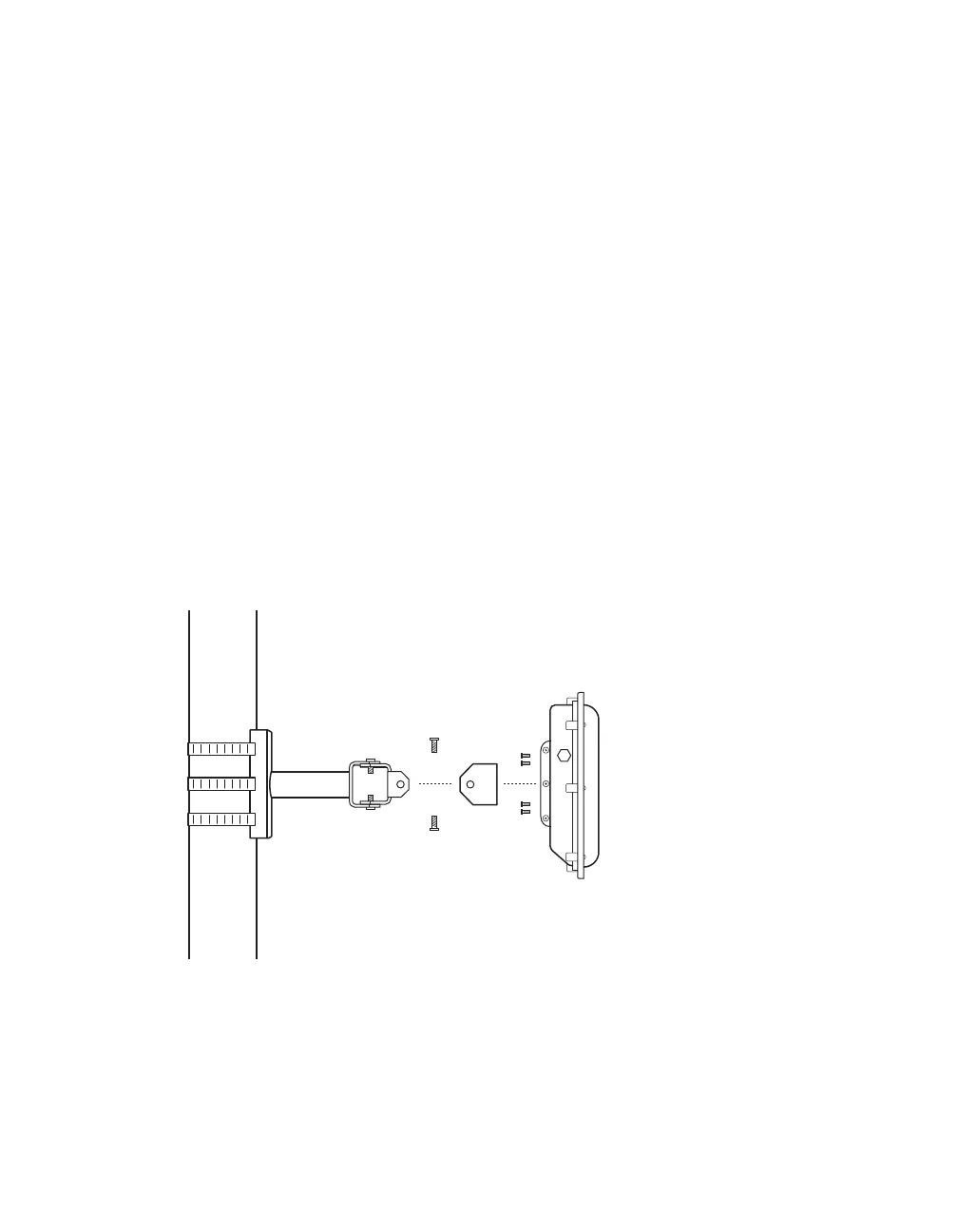
Mounting the sensor
Figure 6. Mounting the sensor
1 Prepare the sensor while still on the ground: remove the large
bolts holding the end knuckle to the mount, then use the
four small bolts and lock washers to attach the knuckle to the
sensor backplate.
2 Once you're ready to mount the sensor on the pole: insert the



 To Next Page