24
•
SmartSensor HD User Guide
Installations with a pole-mount
box and traffic cabinet
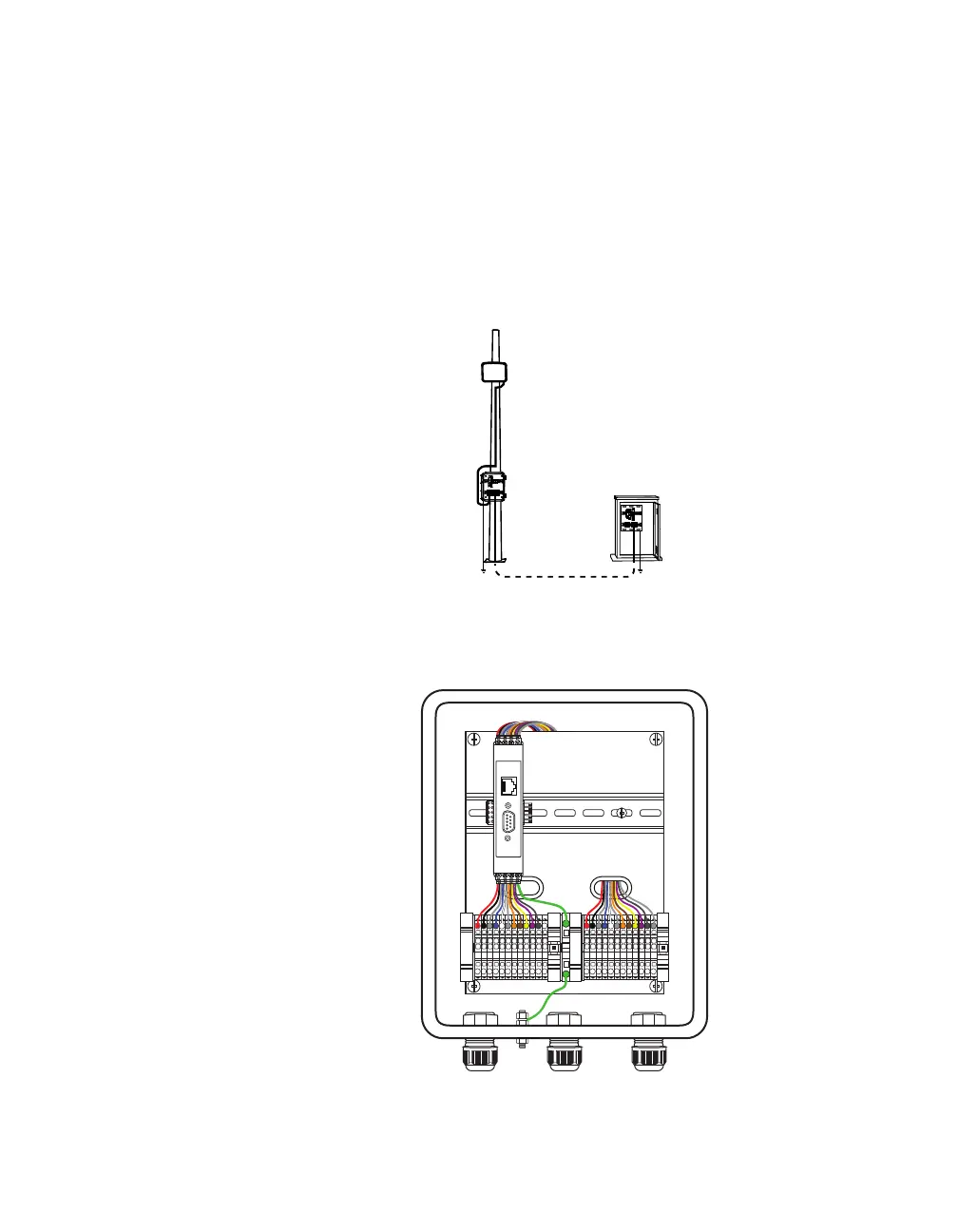
As shown below, this is an installation where the sensor cable runs
down the pole to the pole-mount box, then down to ground level,
where it runs underground to a trac cabinet. Power and commu-
nication modules are located in the cabinet, and power is sent to
the sensor via the sensor cable.
Figure 18. Installation with pole-mount box and trac cabinet
Setting up the pole-mount box
Lightning
Surge
Protection
W
ProtectedProtected
Click!
200
RS-485RS-232 DCE
To SmartSensor
GNDGNDRDTDCTSRTSGND
485+485-GND-DC+DC
To Trac Cabinet
GNDGNDRDTDCTSRTSGND
485+485-GND-DC+DC
Figure 19. Surge Preassembled Cabinet (pole-mount box)
Note. This section
assumes you are
using the Surge
Preassembled
Cabinet from
Wavetronix. If you
bought individual
Click modules
instead, see Click
100–400 Series User
Guide and support
document 295,
How to Assemble
the Power Plant. If
you are not using
Wavetronix devices,
contact your
dealer or visit the
knowledge base at
www.wavetronix.com.



 To Next Page