Chapter 3: Installing Power, Surge Protection, and Communications
•
23
Lightning
Surge
Protection
W
ProtectedProtected
Click!
200
RS-485RS-232 DCE
110 VAC
SmartSensor
GNDGNDRDTDCTSRTSGND
485+485-GND-DC+DC
L N GGL
GNDGNDRDTDCTSRTSGND485+485-GND-DC+DC
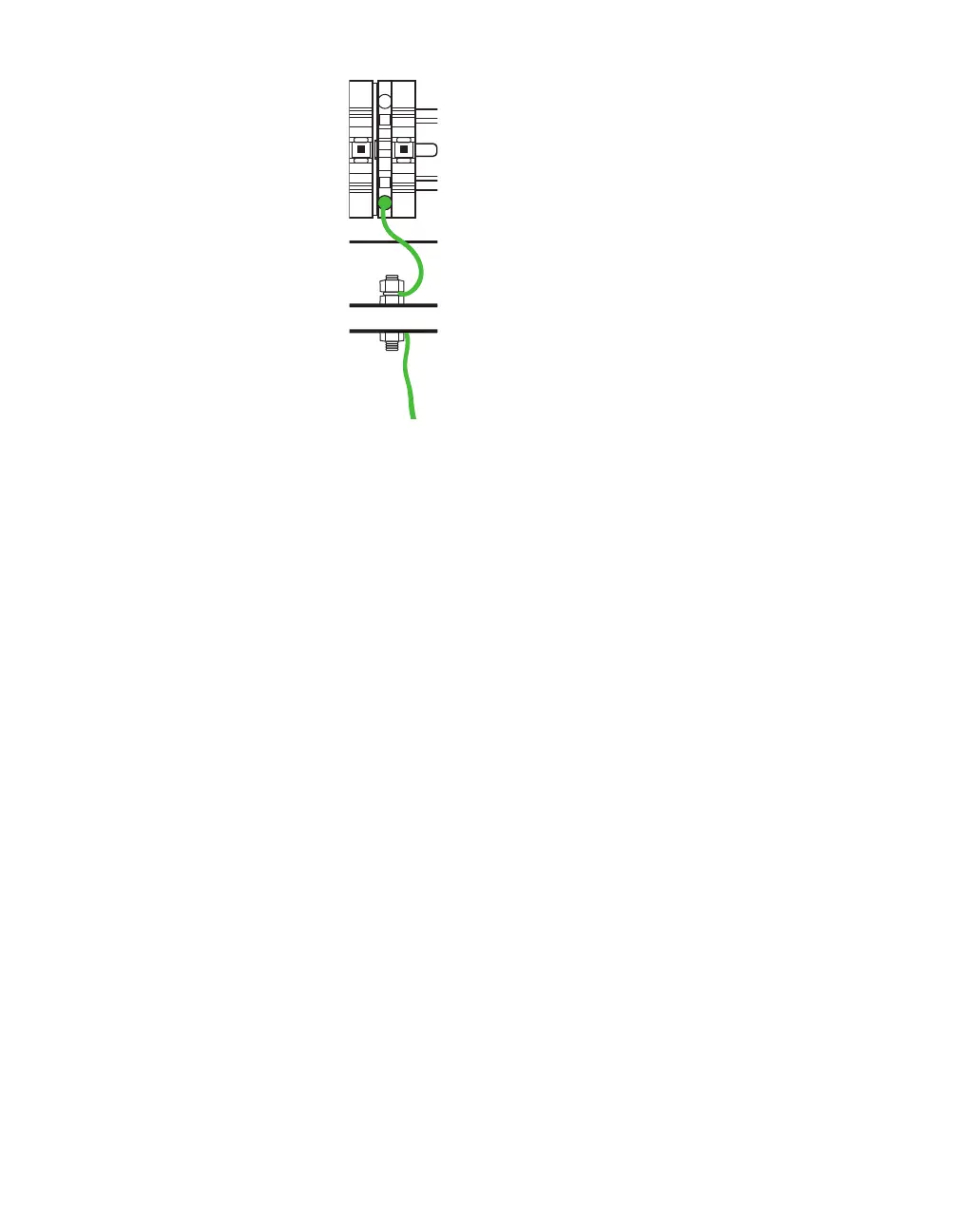
Figure 17. Connecting earth ground
8 Connect the grounding lug to earth ground.
More information about this setup
This cabinet is designed to be mounted on a pole and to provide
everything your sensor needs:
˿
The Click power plant, consisting of a circuit breaker, AC surge
protector, and AC to DC converter.
˿
The Click 200, which is a lightning surge protector. This device
is where the sensor cable is landed (via the terminal blocks).
It protects the rest of the pole-mount box from surges coming
from the sensor cable. It’s also where you can plug in to com-
municate with and configure the sensor.
There are no communication options besides the RS-232 and RS-
485 on the Click 200. An additional communication device can be
easily added to communicate with the installation remotely.
Warning. For installs
with only the pole-
mount box (no trac
cabinet), you need
the single Click
200 in the Standard
Preassembled
Cabinet. Failure to
use a Click 200
could void the
sensor warranty.



 To Next Page