32
•
SmartSensor HD User Guide
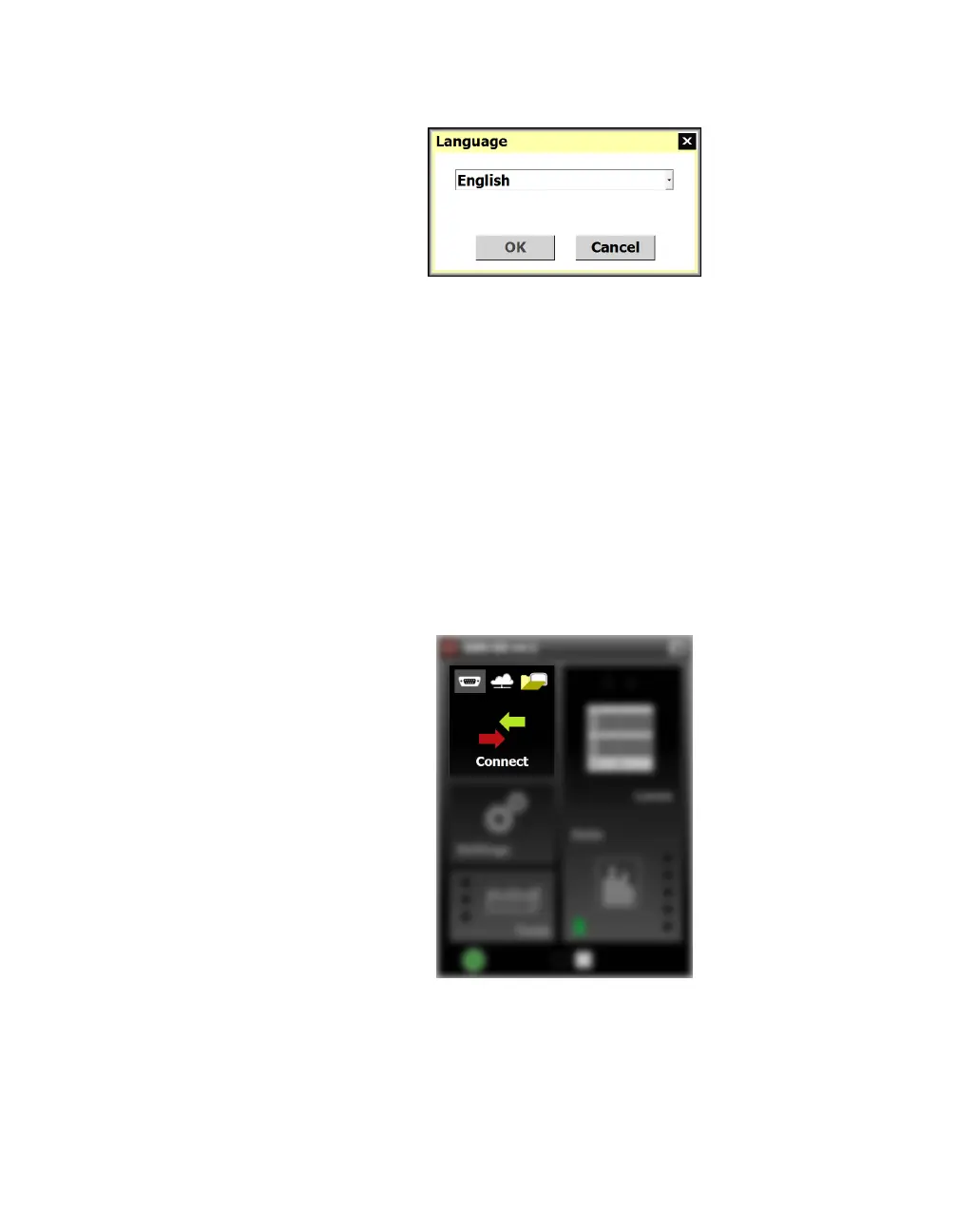
Changing the software language
Figure 31. Language selection
1 Click the globe icon in the lower left corner.
2 A window will appear. Choose your desired language from the
drop-down menu.
3 Click OK.
Changing the software size
Click one of the three boxes at the bottom of the screen to choose
between the small, medium and large display sizes.
SSMHD communication basics
Figure 32. Connect button, main screen
SmartSensor Manager can connect to your sensors via a serial (RS-
232 or RS-485) or Internet (IP address) connection; this may require
additional equipment. There is also a virtual option for testing or
demo purposes.



 To Next Page