Chapter 6: Configuring Lanes
•
65
Setting Description Details
Show/Hide Compass Shows or hides a
compass that shows
which direction the
sensor is pointing.
This is completely
user-set; the
information comes
from the Orientation
field under Settings,
so if you didn’t
change that setting,
this will default to
north. You can change
the orientation by
clicking on the
compass.
This setting is for
your information and
doesn’t affect sensor
operation.
Show/Hide
Alignment
Shows or hides
the arrow used
for indicating the
alignment of the
sensor.
See the Alignment
section earlier in this
chapter for more
information.
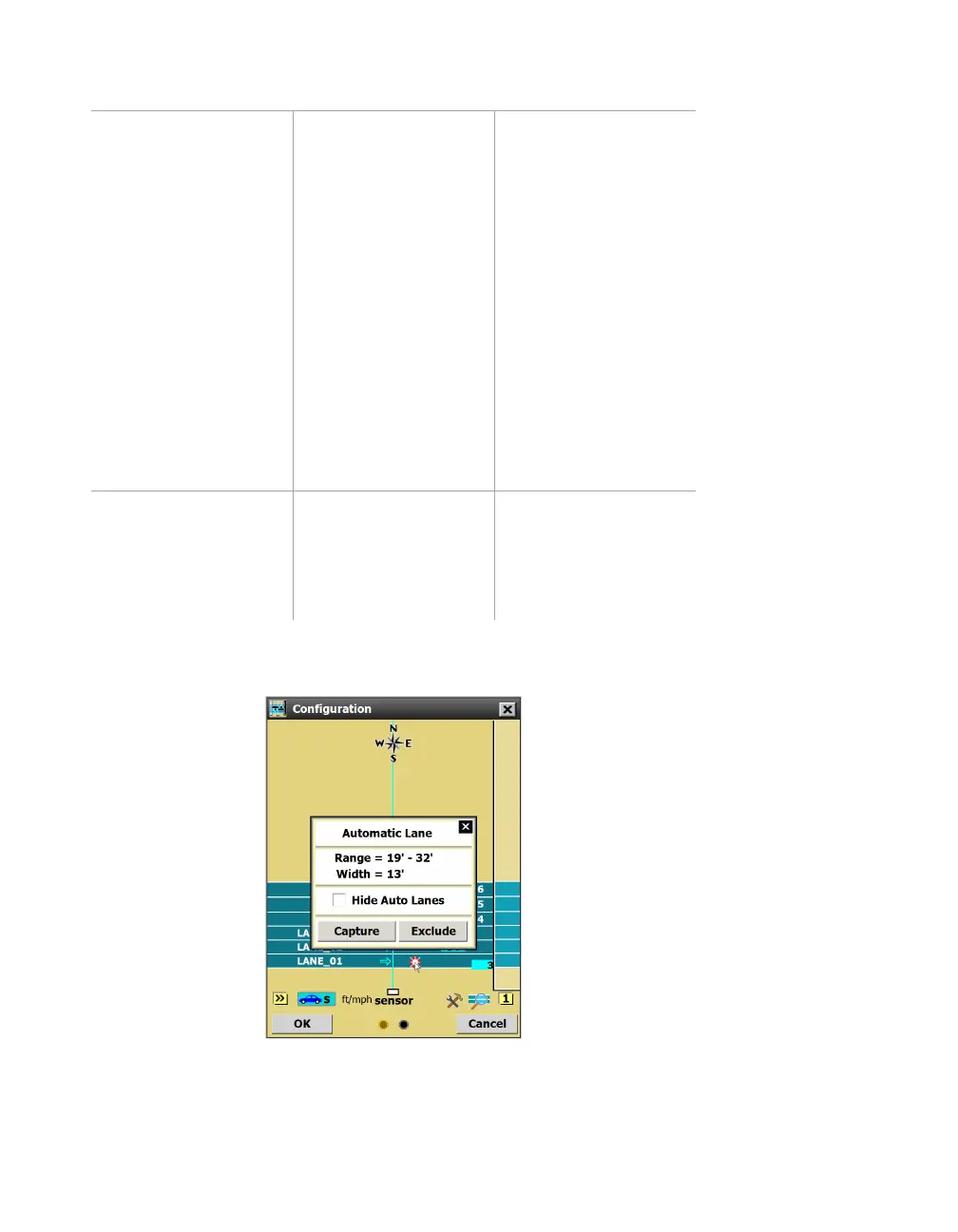
Using the Automatic Lane window
Figure 66. Automatic lane window
Click an automatic lane in the edit area to open this window.



 To Next Page