54
•
SmartSensor HD User Guide
Adding a lane
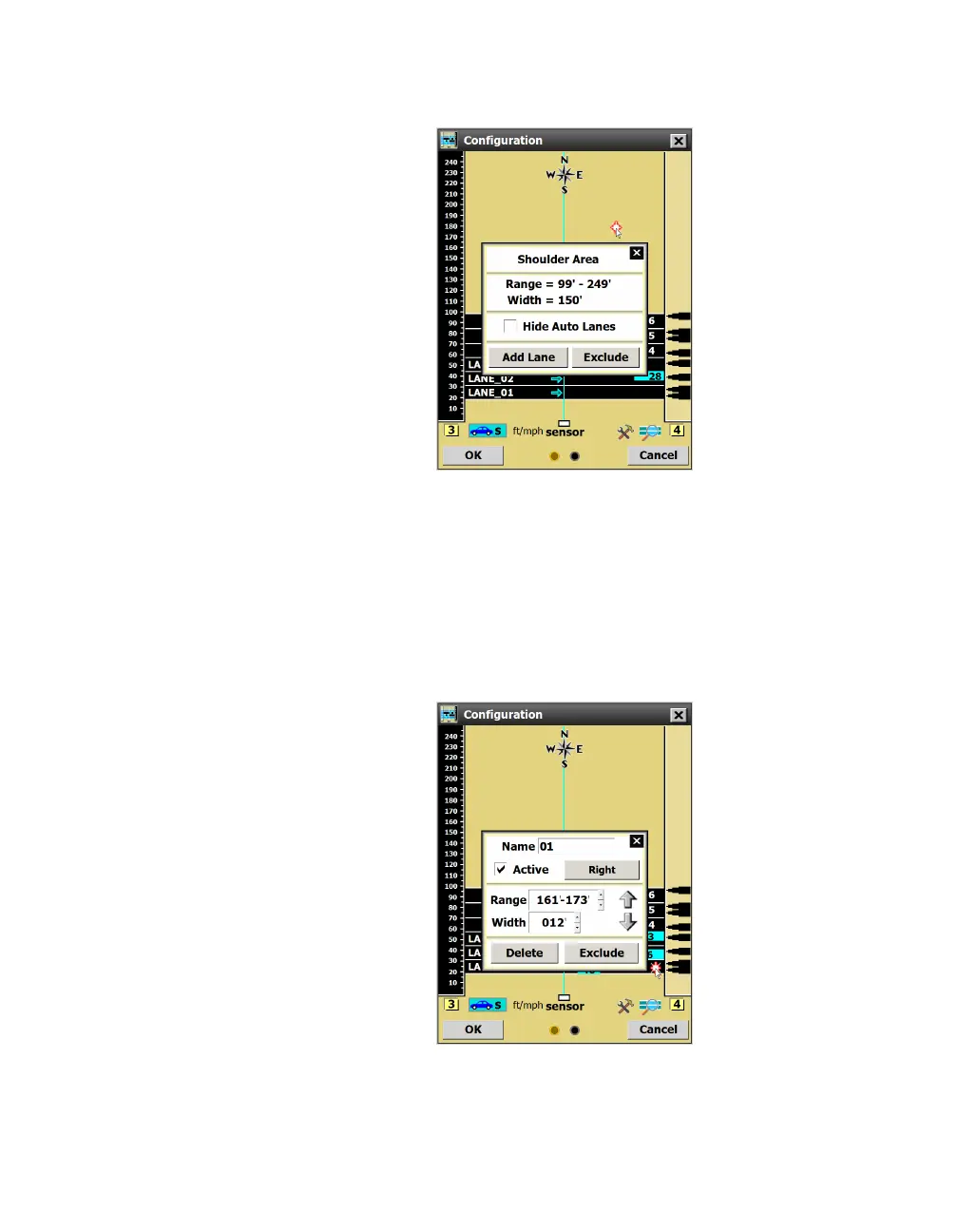
Figure 57. Shoulder Area window
1 Click on the spot where you want to add a lane. The Shoulder
Area window will appear.
2 Click Add Lane. The new lane will appear black, unlike a blue
automatically configured lane.
Editing a lane name
Figure 58. Lane window
1 Click on the lane you want to edit. The Lane window will appear.
2 Change the Name field at the top.
Note. Other options
found in the Lane
window will be
covered later in
this chapter.
Note. The software
won’t let you use
“LANE_xx” as the
format (since that’s
the format it uses),
but you can use
the lowercase
version, “Lane_xx”,
if you’d like.



 To Next Page