Chapter 4: Connecting to the Sensor
•
31
SmartSensor Manager HD vX.X.X Setup. If you are prompted,
click the Download button.
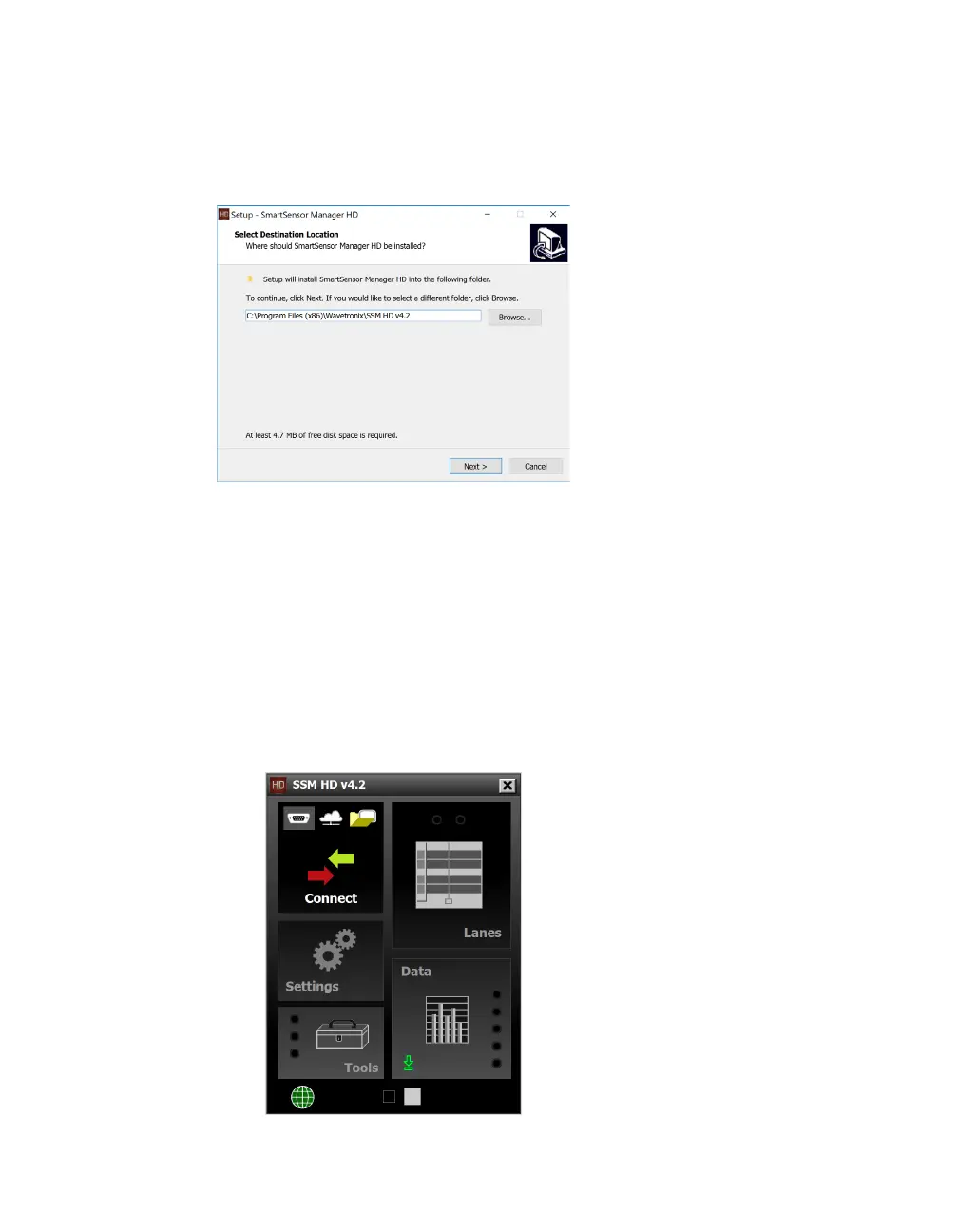
Installing SSMHD
Figure 29. SSMHD install wizard
1 Double-click on the setup file.
2 Follow the instructions on your screen to choose where to
install, and then to choose which shortcuts to create.
3 Click Finish when you’re done.
SSMHD main screen
Open SSMHD to see the screen below.
Figure 30. SSMHD main screen
Note. You must have
administrator rights
to install the program,
as well as Microsoft
.NET Framework
version 3.5.



 To Next Page