EasyManua.ls Logo

Wavetronix SmartSensor HD - Using the View menu

Wavetronix SmartSensor HD
109 pages
Print Icon
To Next Page IconTo Next Page
To Previous Page IconTo Previous Page
Loading...
64
 SmartSensor HD User Guide
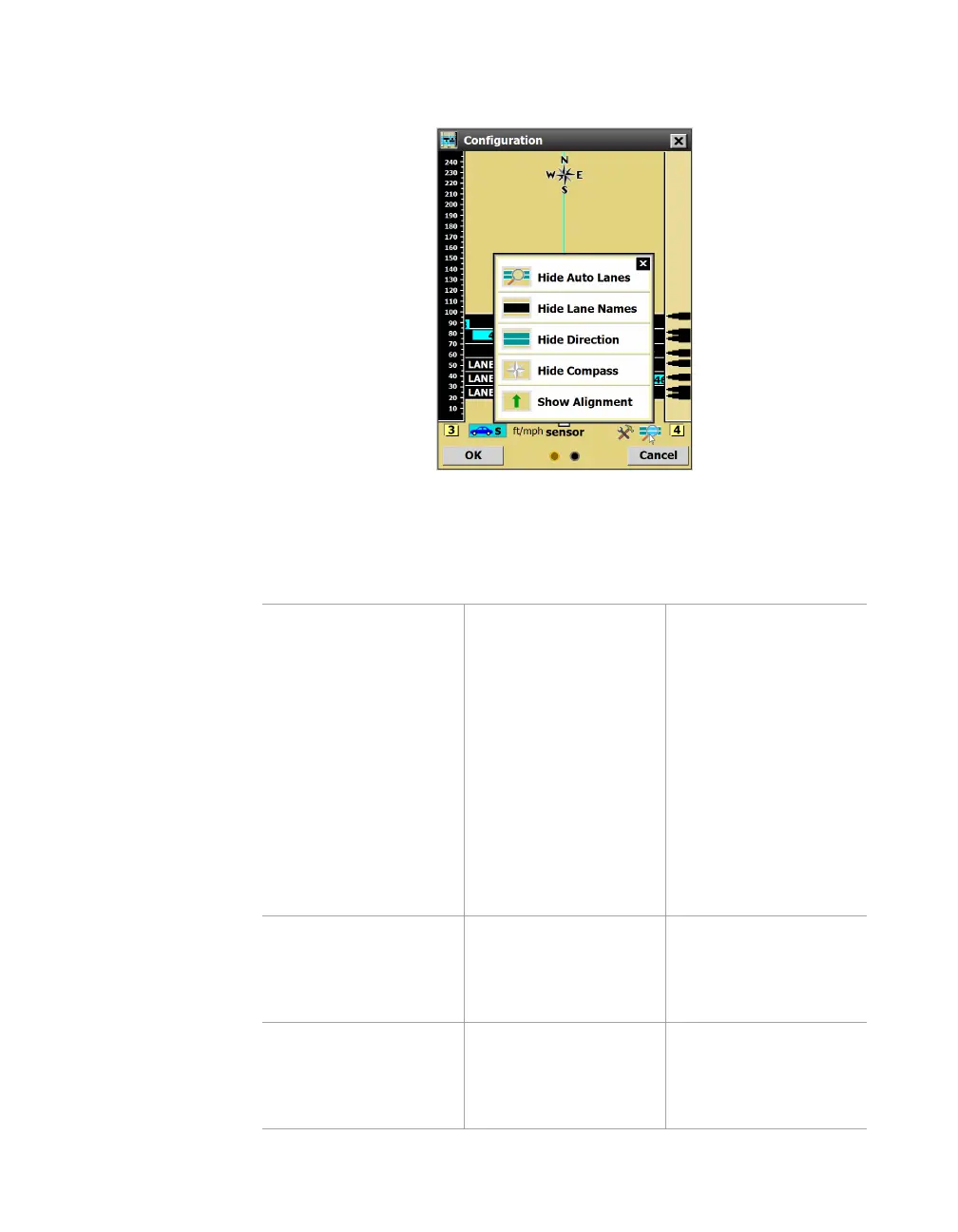
Using the View menu
Figure 65. View menu options
Click the magnifying glass icon to display the View menu.
Setting Description Details
Show/Hide Auto
Lanes
Shows or hides the
blue automatically
configured lanes
(those that haven’t
been saved yet).
This is one step in
the process of saving
only a portion of
the automatically
configured lanes;
see the Lane
Configuration section
of this chapter
for details. Hiding
automatic lanes can
also be done through
the Automatic Lane
window.
Show/Hide Lane
Names
Changes the display
of the text on the
lanes.
This setting is for your
convenience and
doesn’t affect sensor
operation.
Show/Hide Direction Changes the display
of the arrows on the
lanes.
This setting is for your
convenience and
doesn’t affect sensor
operation.

Table of Contents

Other manuals for Wavetronix SmartSensor HD

Related product manuals