Chapter 2: Installing the SmartSensor HD
•
17
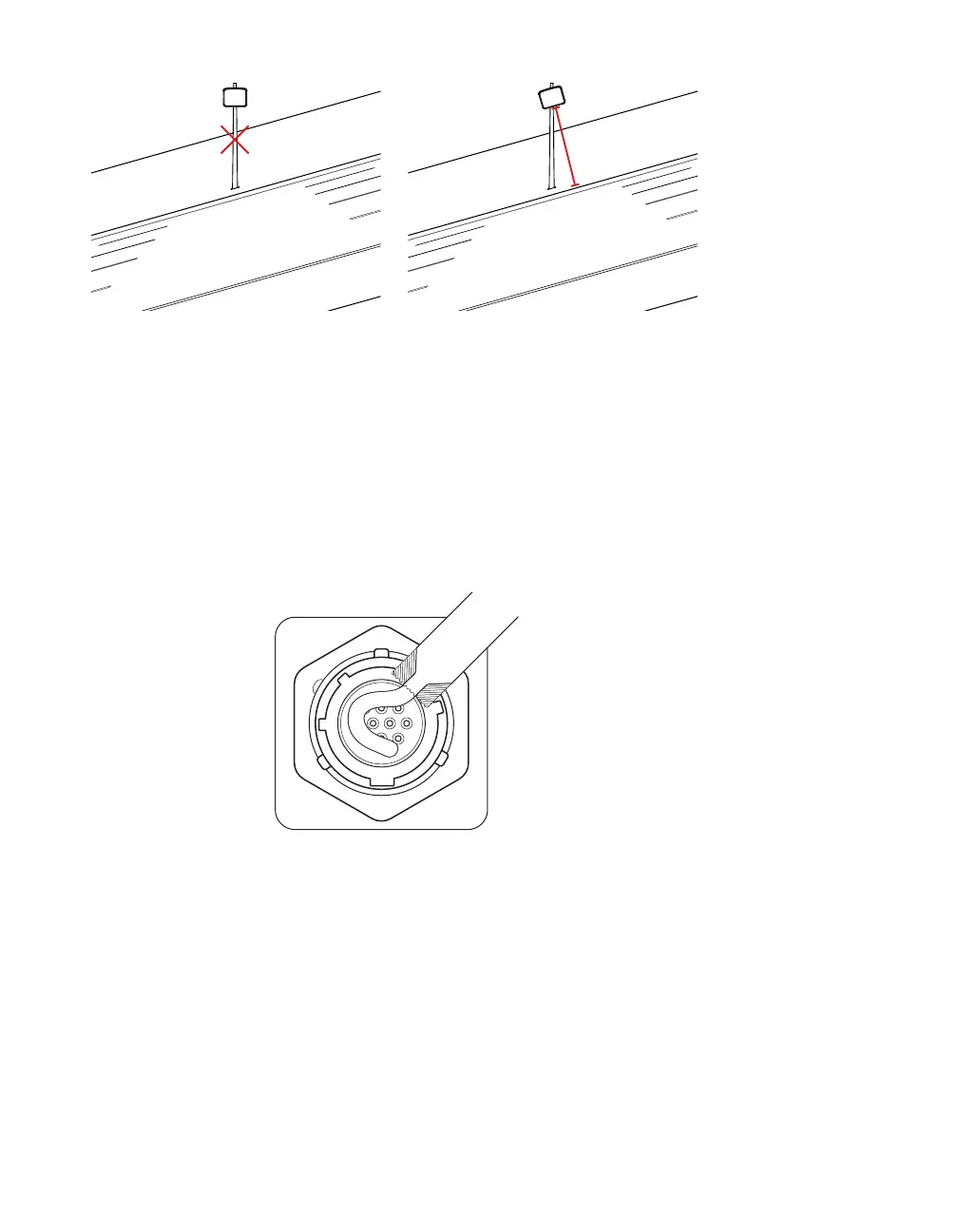
Figure 9. Rotating the sensor on a hill: incorrect (left) and correct (right)
3 If the sensor is installed on a road with an uphill/downhill grade,
rotate the sensor so that the bottom edge matches the grade
of the road (this will require the purchase of a rotating sensor
backplate).
4 Once you are satisfied with the sensor alignment and position-
ing, tighten all bolts in the mount.
Applying silicon dielectric compound
Figure 10. Applying the compound
1 Tear the tab o the tube of silicon dielectric compound that
came with the sensor.
2 Squeeze about half of the compound on the connector at the
base of the sensor.



 To Next Page