28
•
SmartSensor HD User Guide
2 Use the included screws to mount the Standard Preassembled
Backplate in the trac cabinet.
Lightning
Surge
Protection
W
ProtectedProtected
Click!
200
RS-485RS-232 DCE
110 VAC
SmartSensor
GNDGNDRDTDCTSRTSGND
485+485-GND-DC+DC
L N G
GL
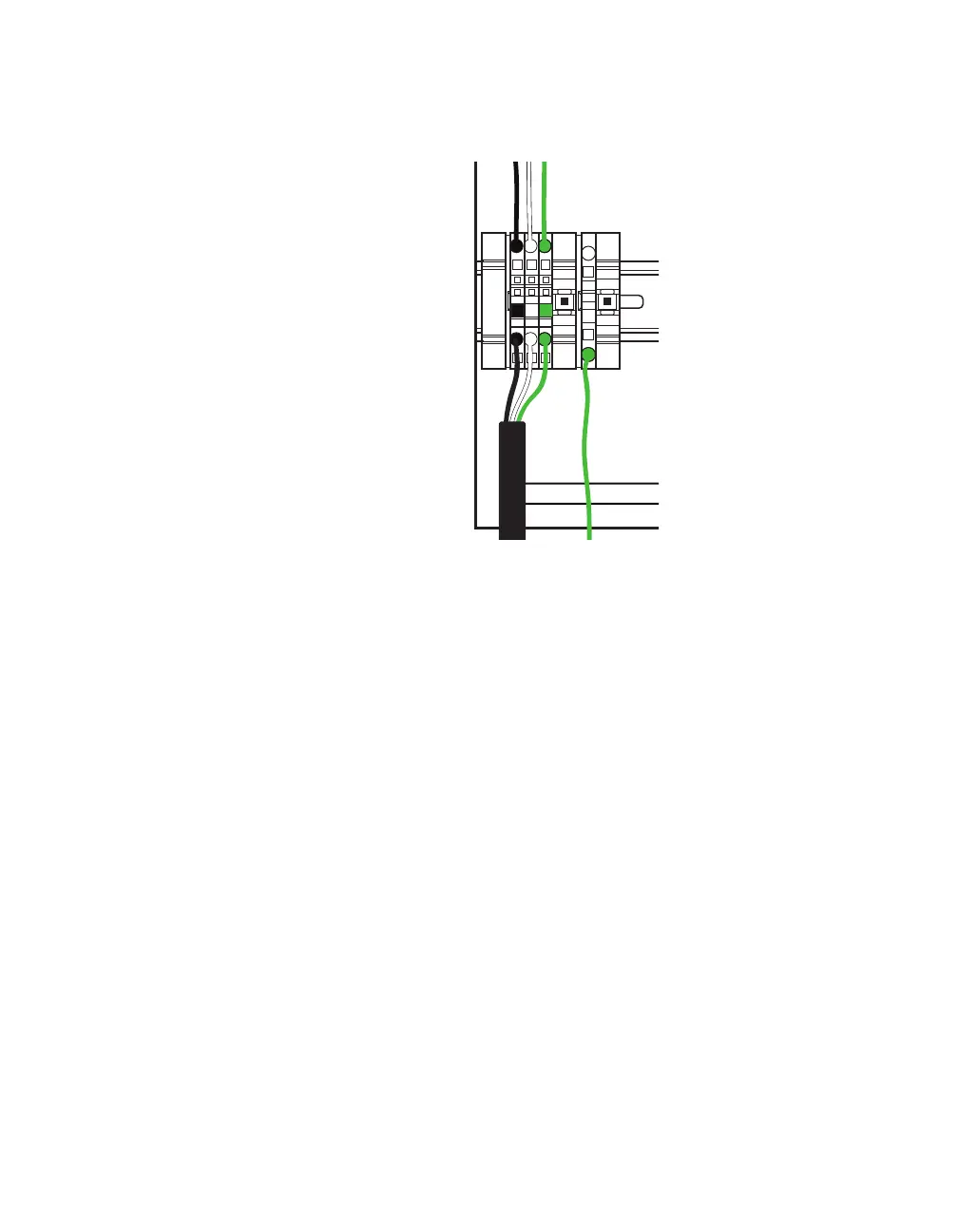
Figure 26. Connecting power cable to terminal blocks
3 Start by connecting the power cable. This backplate is shipped
from Wavetronix with the conductors in the cable already ter-
minated in a terminal block plug. Insert this plug into the power
terminal blocks.
4 If for some reason the conductors aren’t terminated into the
terminal block plug, terminate them by inserting each conduc-
tor into the corresponding round hole on the plug (match each
conductor to the label of the same color on the plug). Do not
strip the insulation. Insert a small screwdriver into the square
hole above it, and rock upwards to secure the conductor in
place. Repeat with each conductor.



 To Next Page