Chapter 8: Setting Up and Downloading Sensor Data
•
85
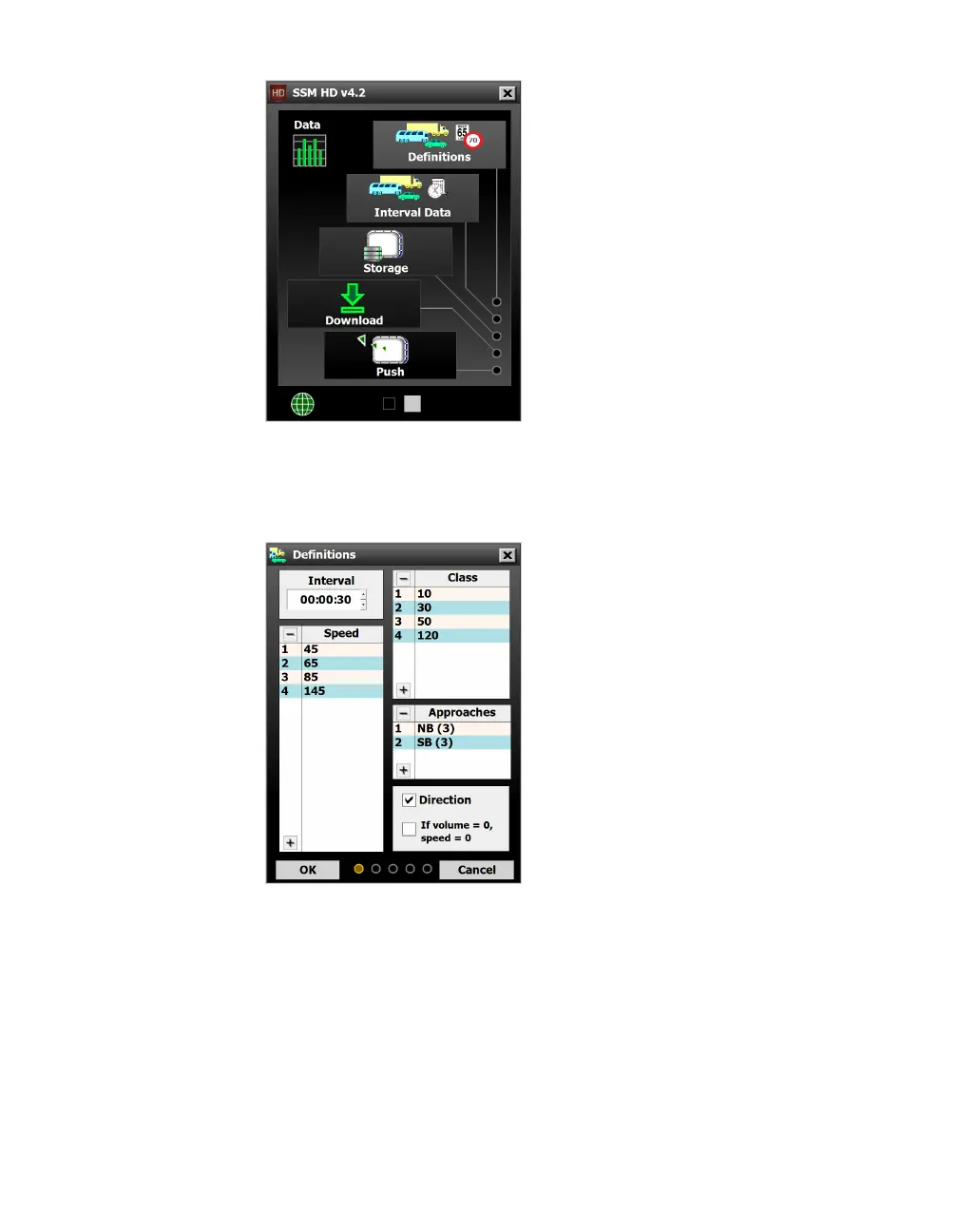
Figure 77. Data screen
Definitions
Figure 78. Definitions screen
This screen lets you define interval length, bins (class, speed and
direction) and approaches. You can set all, some or none of these
definitions simultaneously.
How you set these will aect your sensor’s onboard storage—the
more definitions you have set, the larger the records will be, and
the faster the onboard memory will fill up.



 To Next Page