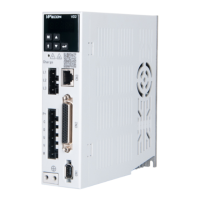
Wecon VD2 SA Series Servo Drives Manual (Lite V1.1)
WECON technology Co., Ltd
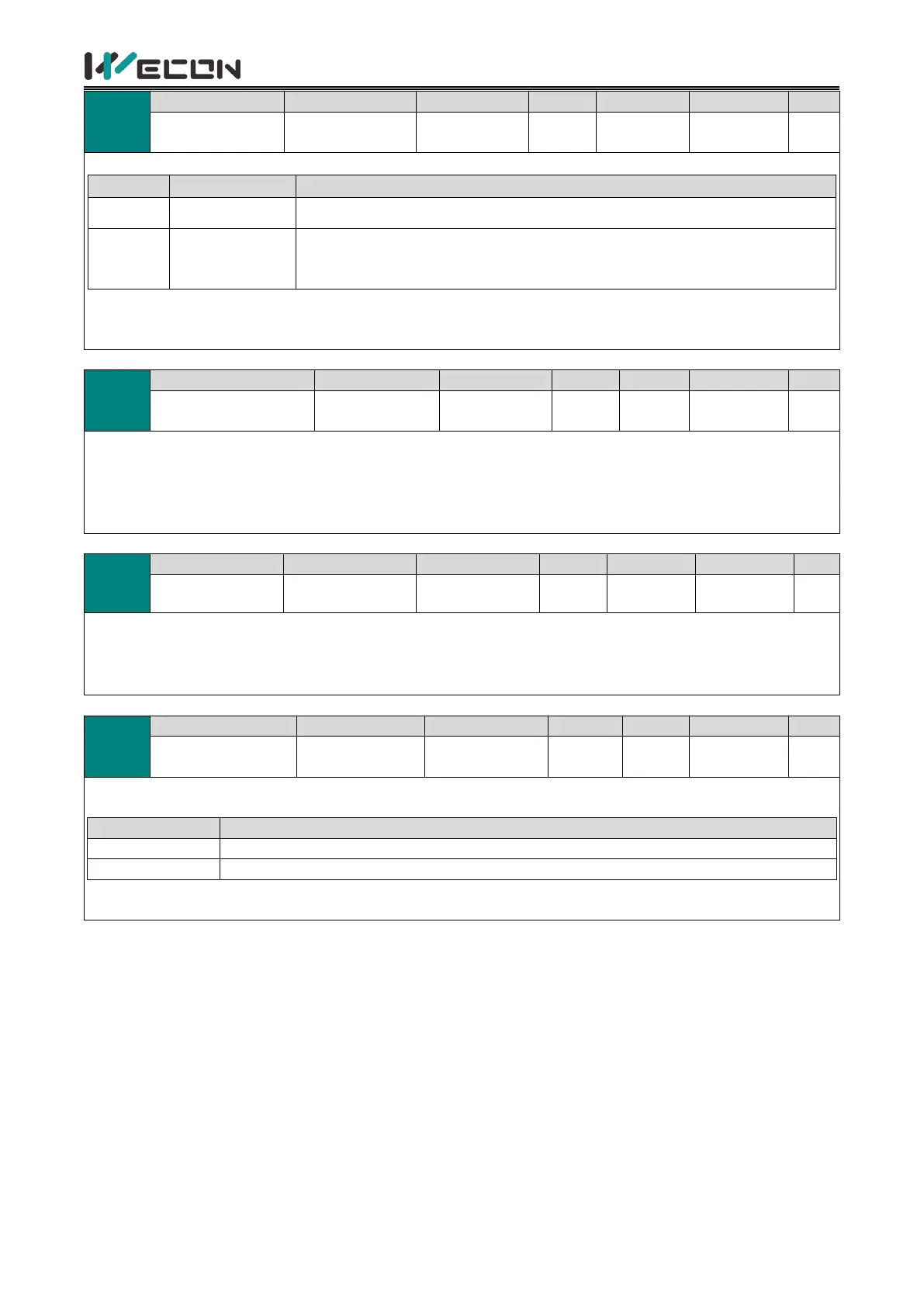
Fault reset operation selection
For clearable faults, after the cause of fault is removed, and write 1 to the
function code, the drive will stop the fault display and enter the Rdy (or RUN)
state again.
✎Note: If the servo S-ON is valid, when the fault is removed and cleared, the servo will directly enter “Run”
state. When performing fault clearing actions, please be sure to stop sending control instructions such as pulses
to ensure personal safety.
Motor overload
protection time factor
Set the time for code A-82 (Motor overload warning) and Er.34 (Motor overload protection fault) through this
function code.
According to the heating condition of the motor, modifying this value could make the overload protection time
fluctuate up and down the reference value. 50 corresponds to 50%, that is, the time is reduced by half; 300
corresponds to 300%, that is, the time is extended to 3 times.
This function code displays the motor code code of the motor currently recognized by the servo drive (including
the last successful recognition).
✎Note: It is necessary to connect the motor first, and then power on the drive. Otherwise, it will report “Er.27”
(encoder disconnection fault) .
Multi-turn absolute
encoder reset
Used to clear the rotation number of multi-turn absolute encoder (U0-55), current position (U0-56) or clear the
encoder fault alarms
Clear multi-turn data, encoder current position and encoder fault alarms
✎Note: After reset (P10-06 is set to 1), the absolute position of the encoder will change suddenly, and the
mechanical origin return operation is required.



 To Next Page