Wecon VD2 SA Series Servo Drives Manual (Lite V1.1)
WECON technology Co., Ltd
Group P12 Communication parameters
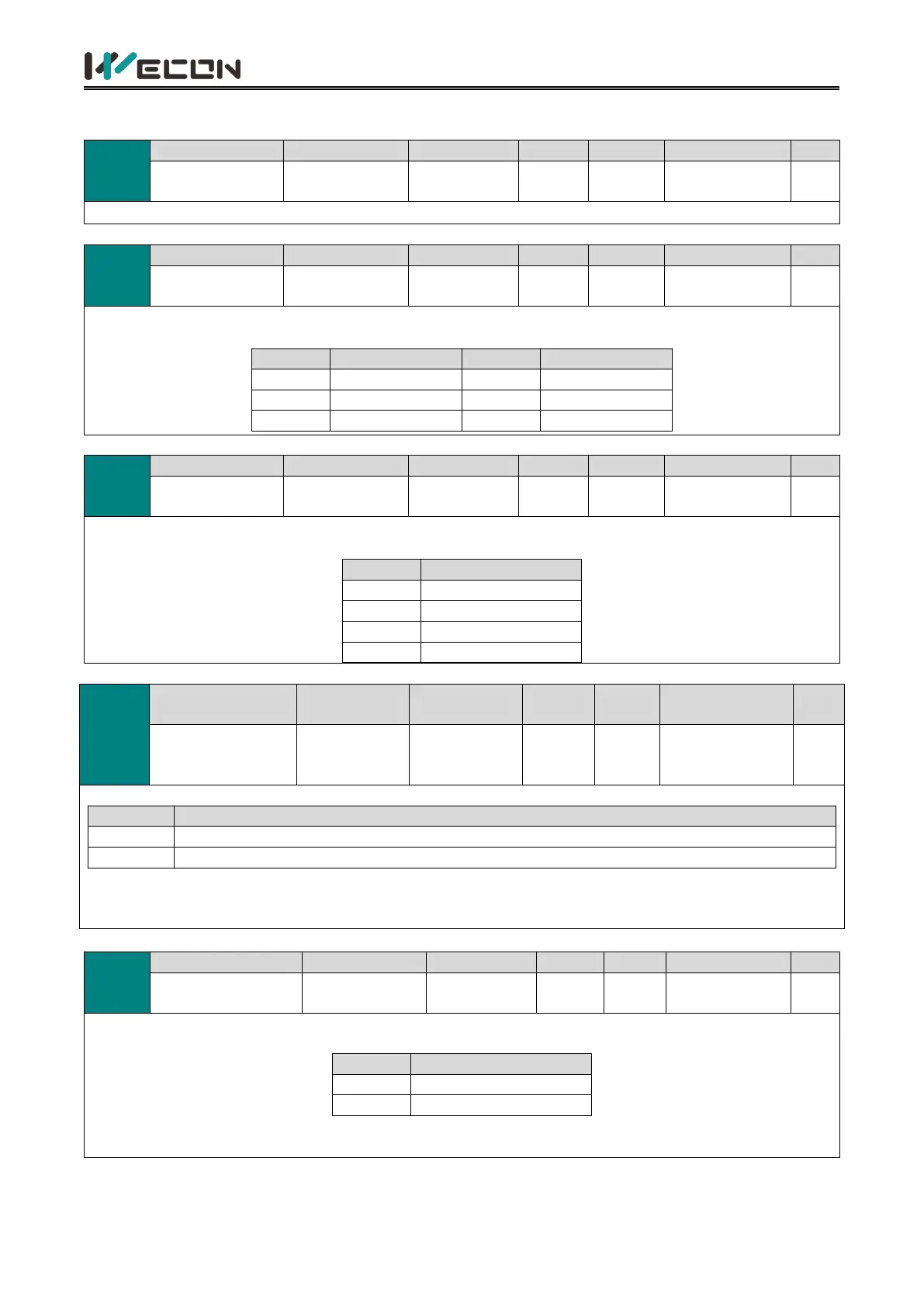
Set the Modbus communication address of servo drive
Set the communication rate between servo drive and Modbus software. The communication rate of the servo
drive must be consistent with that of the ModBus software, otherwise it c
ould
not communicate
.
Used to set the data verification mode when the servo drive communicates with ModBus. The data format of
servo drive must be consistent with that of the ModBus software, otherwise it could not communicate.
Write Modbus
communication
data to EEPROM
Whether the function code written by the communication method is saved to EEPRO
Whether the function code written by the communication method is saved to EEPROM
Do not write to EEPROM, and do not save data after power failure;
Write to EEPROM, and save data after power failure;
✎Note: If you need to change the function code value frequently, it is recommended to set the function code to
0, otherwise the EEPROM would be damaged due to frequent erase of EEPROM. “Er.02” (Parameter Storage
Error) will occur on the servo drive.
RS422/RS485
function selection
Used to set the communication method of VD2F servo drive (The CN3 and CN4 of VD2F are time division
multiplexing communication ports, and support RS422 and RS485 time division multiplexing)
✎Note: “
☆
” indicates that only VD2F servo drive support this function code. The VD2-0XXSA1G model does
not have this function code.



 To Next Page