1
/
4
-DIN,
1
/
8
-DIN &
1
/
16
- DIN Controllers & Indicators - Product Manual
59305, Issue 5 – March 2005 Powering Up Page 29
Figure 38. Typical front panel and keys
Displays
Indicator models have a single line display, which normally shows the process variable value,
and status indicators LED’s for mode and alarm indication. Controllers are provided with a
dual line display and LED indicators for mode, automatic tune, alarm and output status. The
upper display shows the process variable value during normal operation, whilst the lower
display shows the setpoint value. See the preceding diagram - Typical front panels.
LED Functions
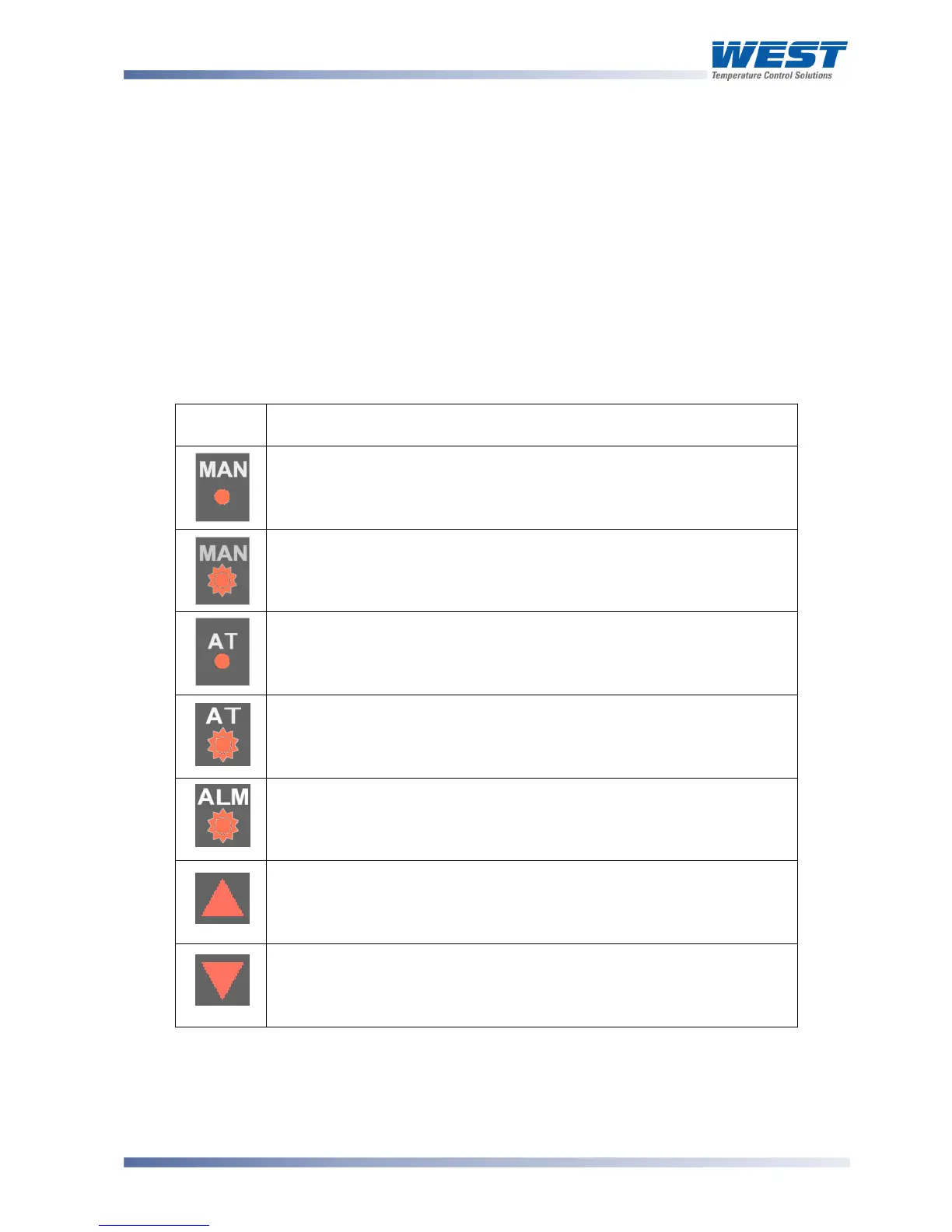
Table 3. Typical LED functions
LED
Function
ON indicates the Setup Mode has been entered
(This LED is labelled SET on indicator models)
FLASHING indicates the manual mode has been entered
(On indicator models this LED is labelled SET and flashes when in
Configuration Mode )
ON indicates that Controller Self Tune mode is engaged
FLASHING indicates that Controller
Pre-Tune mode is engaged
FLASHING indicates that an alarm condition is present
FLASHES in unison with Time Proportioning Primary outputs, or
for Current Proportioned outputs, ON indicates primary power is >0%
(On indicators this lights when the stored Max PV value is displayed )
FLASHES in unison with Time Proportioning Secondary outputs, or
for Current Proportioned outputs, ON indicates primary power is >0%
(On indicators this lights when the stored Max PV value is displayed )
Keypad
Each instrument in the range has either three of four switches, which are used to navigate
through the user menus and make adjustment to the parameter values. See the preceding
diagram - Typical front panels



 To Next Page