1
/
4
-DIN,
1
/
8
-DIN &
1
/
16
- DIN Controllers & Indicators - Product Manual
59305, Issue 5 – March 2005 Operating and Information Modes Page 33
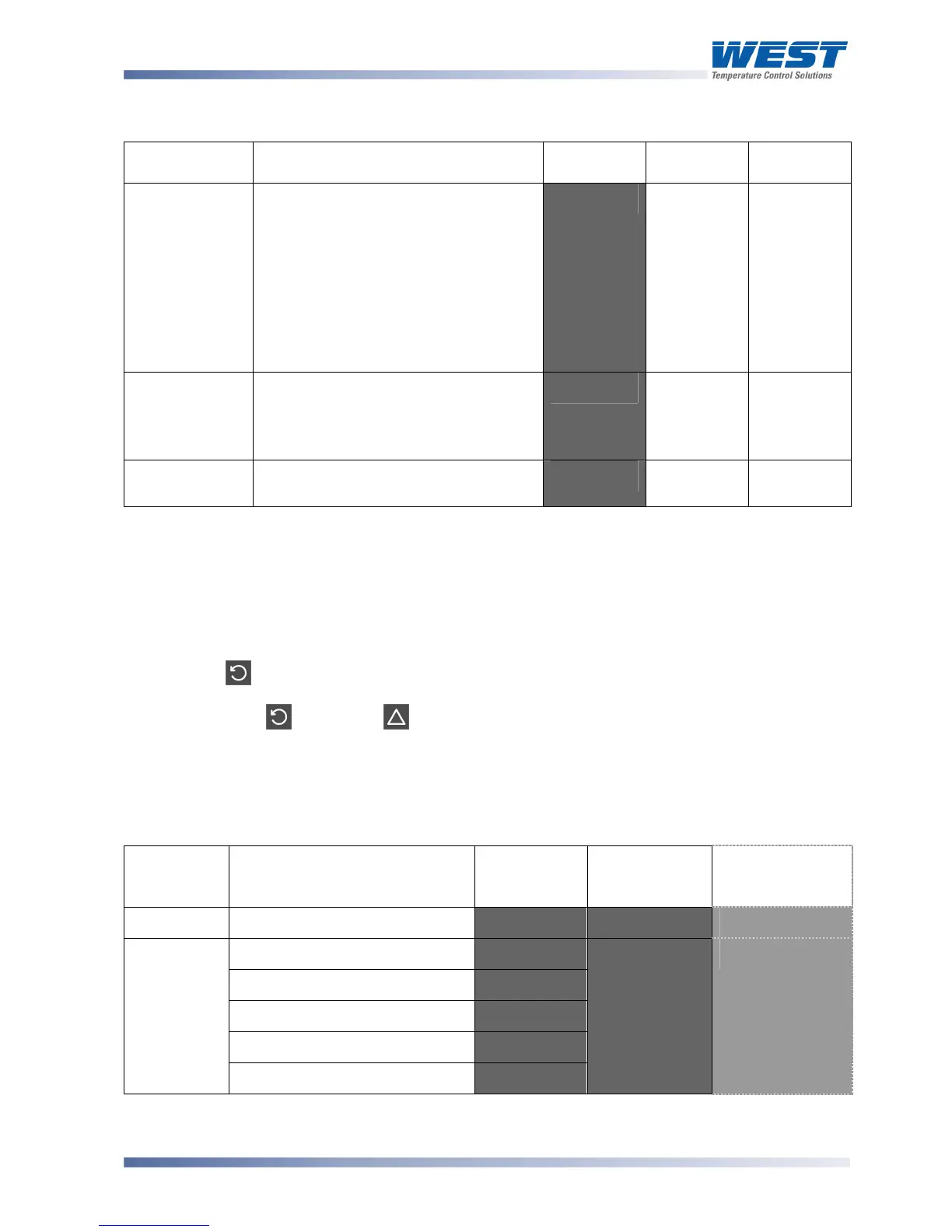
Table 8. Automatic Tune Mode Parameters
Parameter Upper Display
Adjustment Range
Lower
Display
Default
Value
When
Visible
Pre-tune
,% or ,&&.
Indication remains ,&& if Pre-Tune
cannot be used at this time. This
applies if:
a). The setpoint is ramping
b). The process variable is less than
5% of span from the setpoint
c). The primary or secondary output
proportional bands = 0'
-#=%' ,&&'
Controller
models only
Self-tune
,% or ,&&.
Indication remains ,&& if Self-Tune
cannot be used at this time. This
applies if either proportional band = 0.
:#=%' ,&&'
Controller
models only
Automatic tune
mode lock code
0 to 9999
#+"?' @'
Controller
models only
Product Information Mode
This is a read only mode describing the instrument and the options fitted to it.
Navigating in the Product Information Mode
Press to view each parameter in turn.
Hold Down and press to return to Select Mode.
Note:
If there is no key activity for 2 minutes the controller automatically returns to operator
mode
Table 9. Product Information Mode Parameters
Parameter Possible Values Upper/Main
Display
Lower
Display (or
1
st
Legend)*
1
/
8
DIN
Indicator Units
Display
Input type Universal input
>%<' A%B2' #'
No option fitted
%"%.'
Relay
9+C'
SSR drive
::9'
Triac
#9<'
Option 1
module type
Linear voltage / current output
+<%'
,-%2' 2'



 To Next Page