1
/
4
-DIN,
1
/
8
-DIN &
1
/
16
- DIN Controllers & Indicators - Product Manual
59305, Issue 5 – March 2005 P6010 & P8010 Model Group Page 71
Scrolling through Parameters and Values
Press to scroll through the parameters. While this key is pressed, and up to 1
second after, the parameter legend is shown, followed by the current parameter value.
Note:
Only parameters that are applicable to the hardware options chosen will be displayed.
Changing Parameter Values
Press to navigate to the required parameter, then press or to set the
value as required.
Once the desired value is set, press to display M.:? , press within 10
seconds, accept the change, otherwise parameter will revert to previous value.
Or
Press to reject the change and to move onto the next parameter.
Hold down and press to return to Select Mode.
Note:
If there is no key activity for 2 minutes the instrument returns to the operator mode.
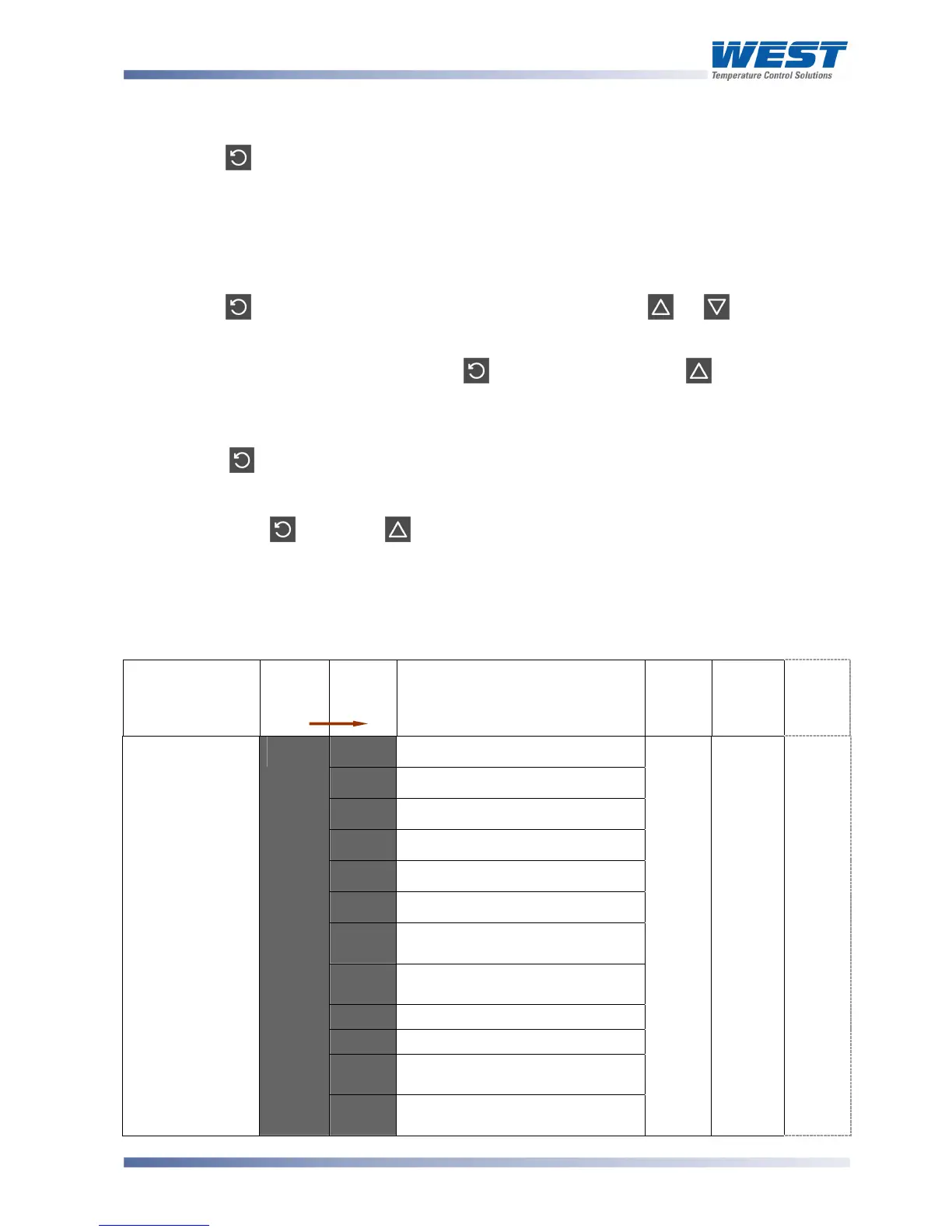
Table 21. P6010 & P8010 Configuration Mode Parameters
Parameter
Legend
for 1 sec
followed
by
Set
Value
Adjustment Range &
Description
Default
Value
When
Visible
Units
Display
(
1
/
8
Din
Only)
6$'
B type: 100 to 1824 ºC
6&'
B type: 211 to 3315 ºF
$$'
C type: 0 to 2320 ºC
$&'
C type: 32 to 4208 ºF
I$'
J type: -200 to 1200 ºC
I&'
J type: -328 to 2192 ºF
L. $
J type: -128.8 to 537.7 ºC with
decimal point
L. &
J type: -199.9 to 999.9 ºF with
decimal point
K$
K type: -240 to 1373 ºC
K&
K type: -400 to 2503 ºF
k. $
K type: -128.8 to 537.7 ºC with
decimal point
Input type and
Range
A%-#'
K. &
K type: -199.9 to 999.9 ºF with
decimal point
L$'
''
for
Europ
e
L&
for
USA
Always
9'



 To Next Page