1
/
4
-DIN,
1
/
8
-DIN &
1
/
16
- DIN Controllers & Indicators - Product Manual
Page 46 P6100, P8100 & P4100 Model Group 59305, Issue 5 – March 2005
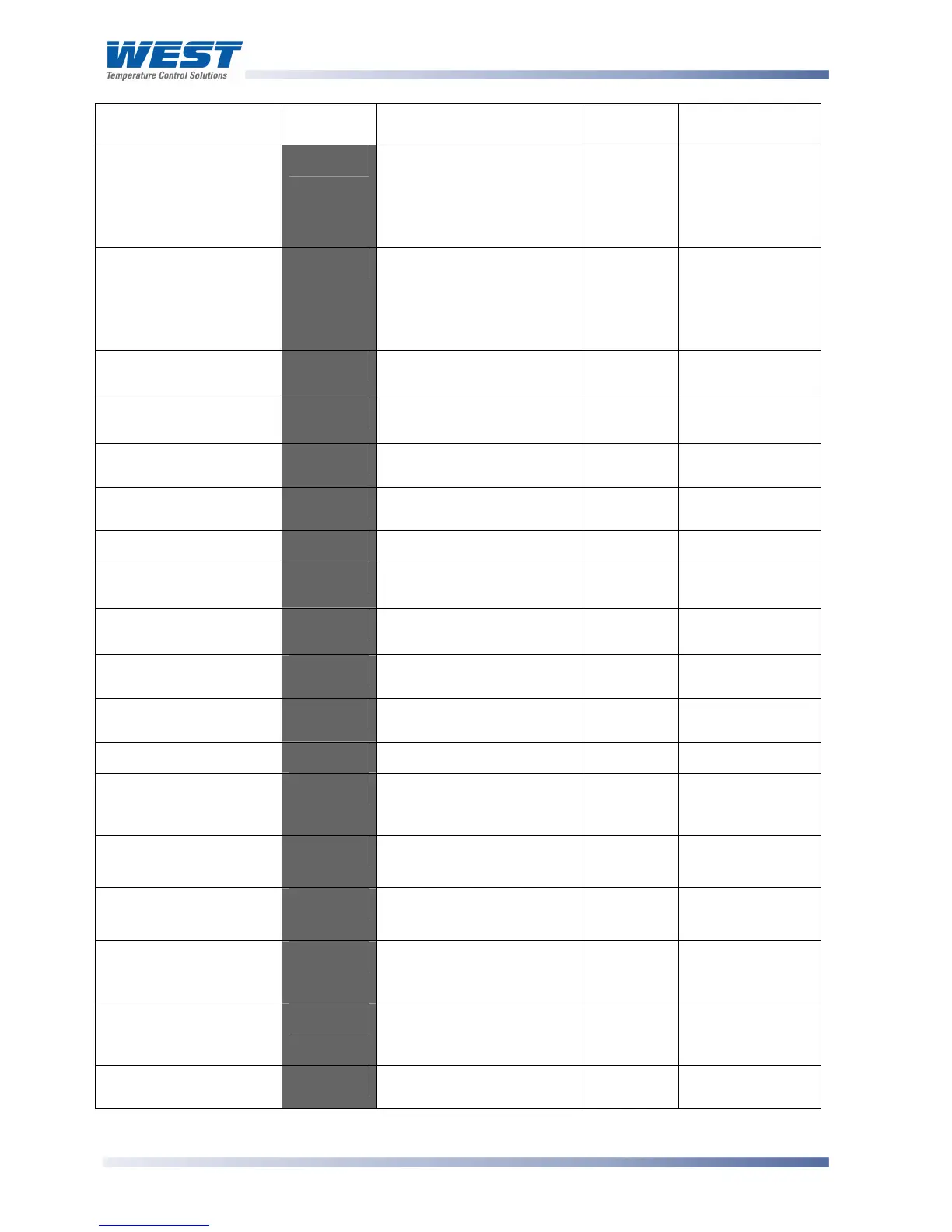
Parameter Lower
Display
Upper Display
Adjustment Range
Default
Value
When
Visible
Output 2
Cycle Time
$K3'
0.5, 1, 2, 4, 8, 16, 32, 64,
128, 256 or 512 secs.
Not applicable to linear
outputs
43'
>:.3
''
= -9<'
or :;?''
or
6=J
Output 3
Cycle Time
$K4'
0.5, 1, 2, 4, 8, 16, 32, 64,
128, 256 or 512 secs.
Not applicable to linear
outputs
43'
>:.4
''
= -9<'
or :;?''
or
6=J
Process High Alarm 1
value*
-N52'
Range Min. to Range
Max.
Range
Max.
5+52 = -B)<'
Process Low Alarm 1
value*
-+52'
Range Min. to Range
Max.
Range
Min.
5+52 = -B+"'
Deviation Alarm 1
Value*
D5+2'
±span from setpoint
G'
5+52 = D.'
Band Alarm 1 value*
65+2'
1 LSD to full span from
setpoint.
G'
5+52
= 65%D'
Alarm 1 Hysteresis*
5)M2'
Up to 100% of span
2'
Always
Process High Alarm 2
value*
-N53'
Range Min. to Range
Max.
Range
Max.
5+53 = -B)<'
Process Low Alarm 2
value*
-+53'
Range Min. to Range
Max.
Range
Min.
5+53 = -B+"'
Deviation Alarm 2
Value
D5+3'
±span from setpoint
G'
5+53
= D.'
Band Alarm 2 value*
65+3'
1 LSD to full span from
setpoint.
G'
5+53
= 65%D'
Alarm 2 Hysteresis*
5)M3'
Up to 100% of span
2'
Always
Loop Alarm Time*
+5K<'
1 sec to 99 mins. 59secs.
Only applies if primary
proportional band = 0
77QG7'
+5.%
= .%56'
Auto Pre-tune enable /
disable
5-K'
D<:5
'disabled or
.%56 enabled
D<:5'
Always
Manual Control select
enable / disable
-".%'
D<:5
'disabled or
.%56 enabled
D<:5'
Always
Setpoint Select shown
in Operator Mode,
enable / disable
::.%'
D<:5
'disabled or
.%56 enabled
D<:5'
Slot A or B fitted
with RSP module
Setpoint ramp shown in
operator mode, enable /
disable
:19'
D<:5'disabled or
.%56 enabled
D<:5'
Always
SP Ramp Rate Value
9-'
1 to 9999 units/hour or Off
(blank)
Blank
'
Always



 To Next Page