14. APPENDIX D – H.264 TO AVI CONVERSION UTILITY
Included on the bundled disc is a MS-Windows utility program used to convert native .h.264 les from the DVR
to .avi le format to be played back on PCs using Windows Media Player.
1. Insert the CD in the CD-ROM or DVD-ROM drive in the PC and copy the AVI_Converter.exe le to the
desktop. Double click the AVI Converter icon to open the utility.
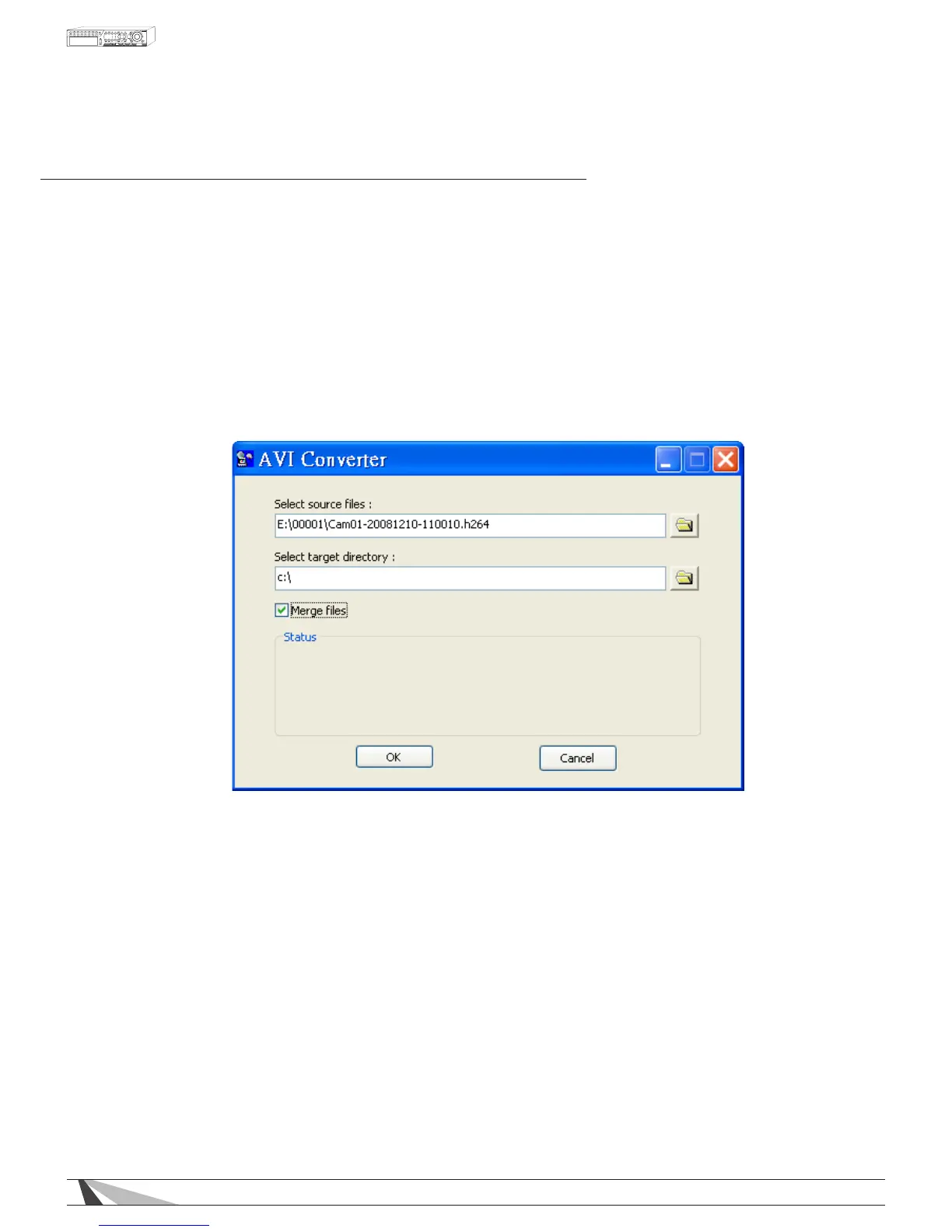
2. Select the source les (.h.264 les archived from the DVR) to be converted. Select the target directory
to save the converted les. Check Mergeles to “chain” multiple backup les to be converted into one
.avi le. Click on OK to complete the conversion. The converted .avi les can be played by Windows Media
Player or other playback software that supports the .avi le format.



 To Next Page