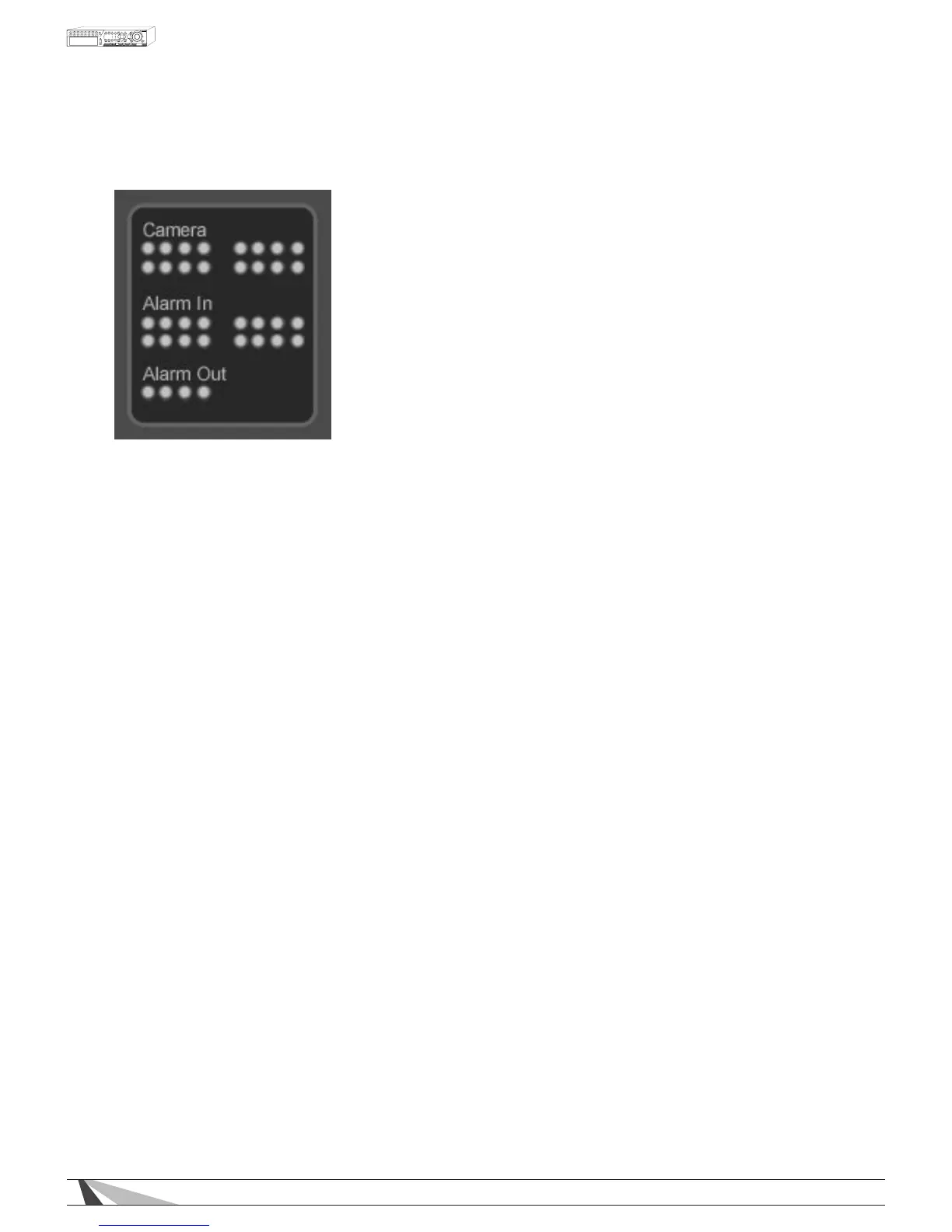
9.2.5. STATUS PANEL
• CAMERASTATUS
Motion indicators for cameras 1-16 (this DVR supports the rst 8)
- GREEN indicates normal status
- RED indicates motion
Click on any of these icons to select the corresponding camera to be displayed in the focus window
• ALARMINSTATUS
Status indicators for Alarm Inputs 1-16 (this DVR supports the rst 4)
- GREEN indicates normal status
- RED indicates alarm detection
• ALARMOUT
Status indicators for Alarm Outputs 1-8 (this DVR supports the rst 2)
- GREEN indicates normal state
- RED indicates triggered state) for the selected DVR.
As an Administrator, click on any of these icons to control the corresponding Alarm Output.



 To Next Page