9.2.6.3. COPY FUNCTION
Use the Copy function to record live video from the DVR onto the local PC. The performance of
this feature is based on bandwidth capacity of the network and the number and size of the les
being copied.
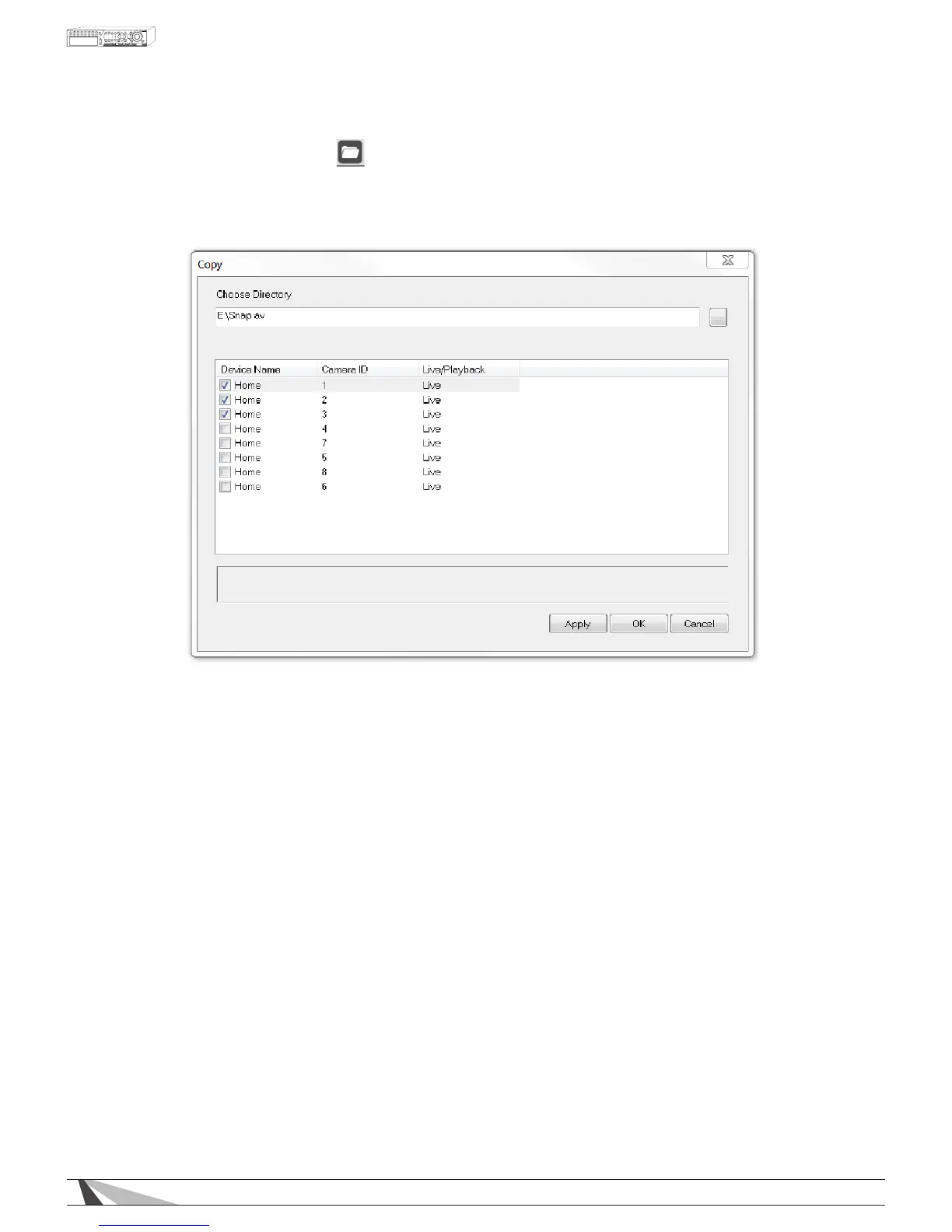
Camera options will populate the Copy menu based on what is being viewed in the split window view.
Therefore if only one camera is being viewed, only that camera will be displayed in the Copy menu as an
option to record.
To enable the Copy feature, rst choose a directory to store the video. Next, depending on the
split-window view, check each camera to be recorded to the local PC and select Apply. Live video
for the selected camera(s) will begin to copy to the chosen directory on the local PC.
To stop the Copy feature, uncheck the appropriate cameras and select the Apply button.



 To Next Page