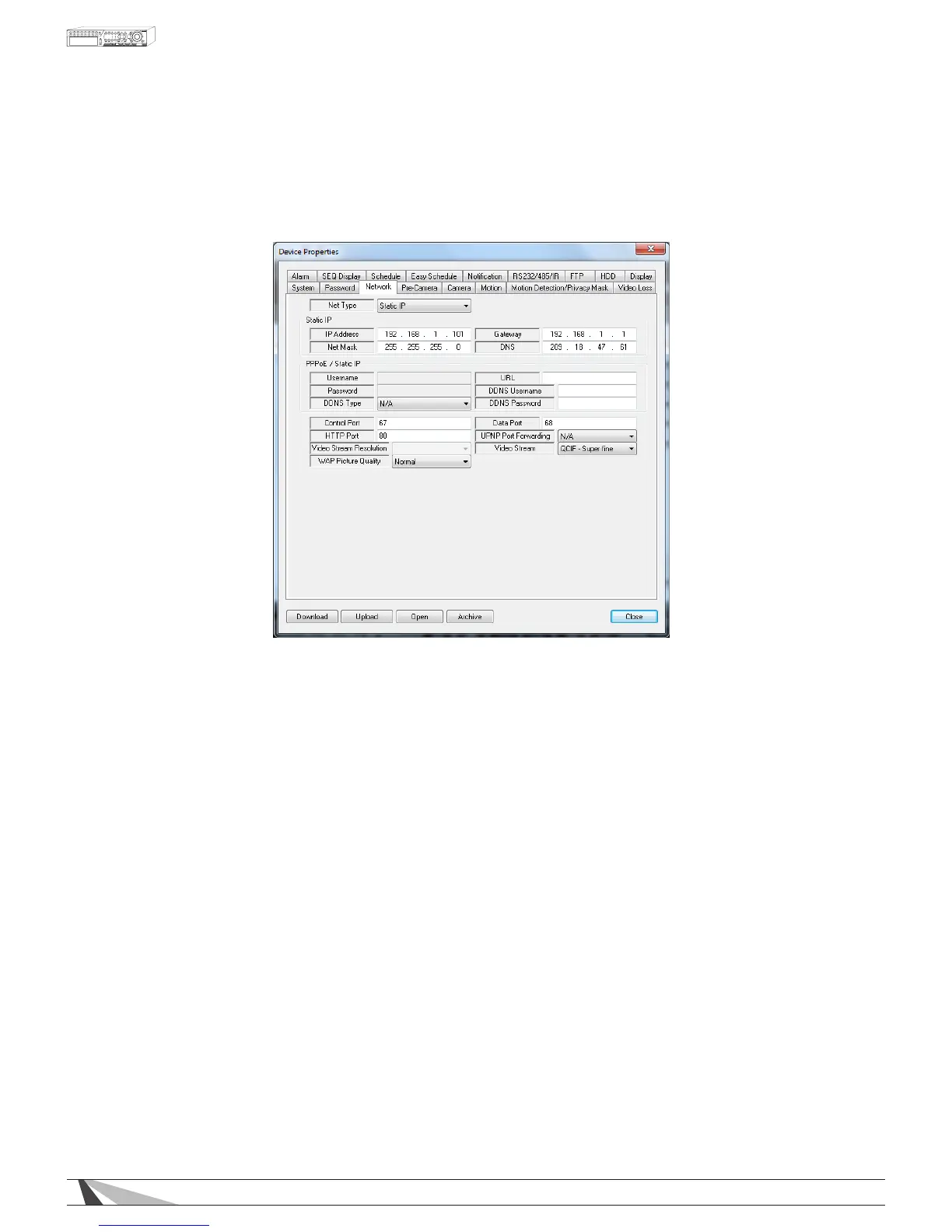
9.3.3. NETWORK
The Network Setup allows the administrator to setup all Ethernet network related parameters. Consultation with
the network administrator may be required to set these parameters correctly.
Thefollowingisabriefdescriptionforeachiteminthismenuanditsspecicoperations:
NET TYPE
•NetType
Select the type of network connection of the DVR to the network (DHCP, Static IP or PPPoE). DHCP is
enabled by default but a Static IP is recommended.
STATIC IP
•IP Address
Enter an Ethernet IP address for the DVR. This address should be static and not conict with any other IP
address on the LAN.
•Net Mask
Enter the Net Mask for the IP address.
•Gateway
Enter the Gateway IP address for the system.
•DNS
If using DNS, enter the Domain Name Server address for the system. (Same address as Default Gateway)
PPPoE/STATIC IP
• Username
If PPPoE is used, enter the username for the system.
•Password
If PPPoE is used, enter the password for the system.
•DDNS Type
Starting with Version 7.75.53 a new selection will appear for WirepathDNS. It is strongly recommended that
this option is used to simplify conguration.



 To Next Page