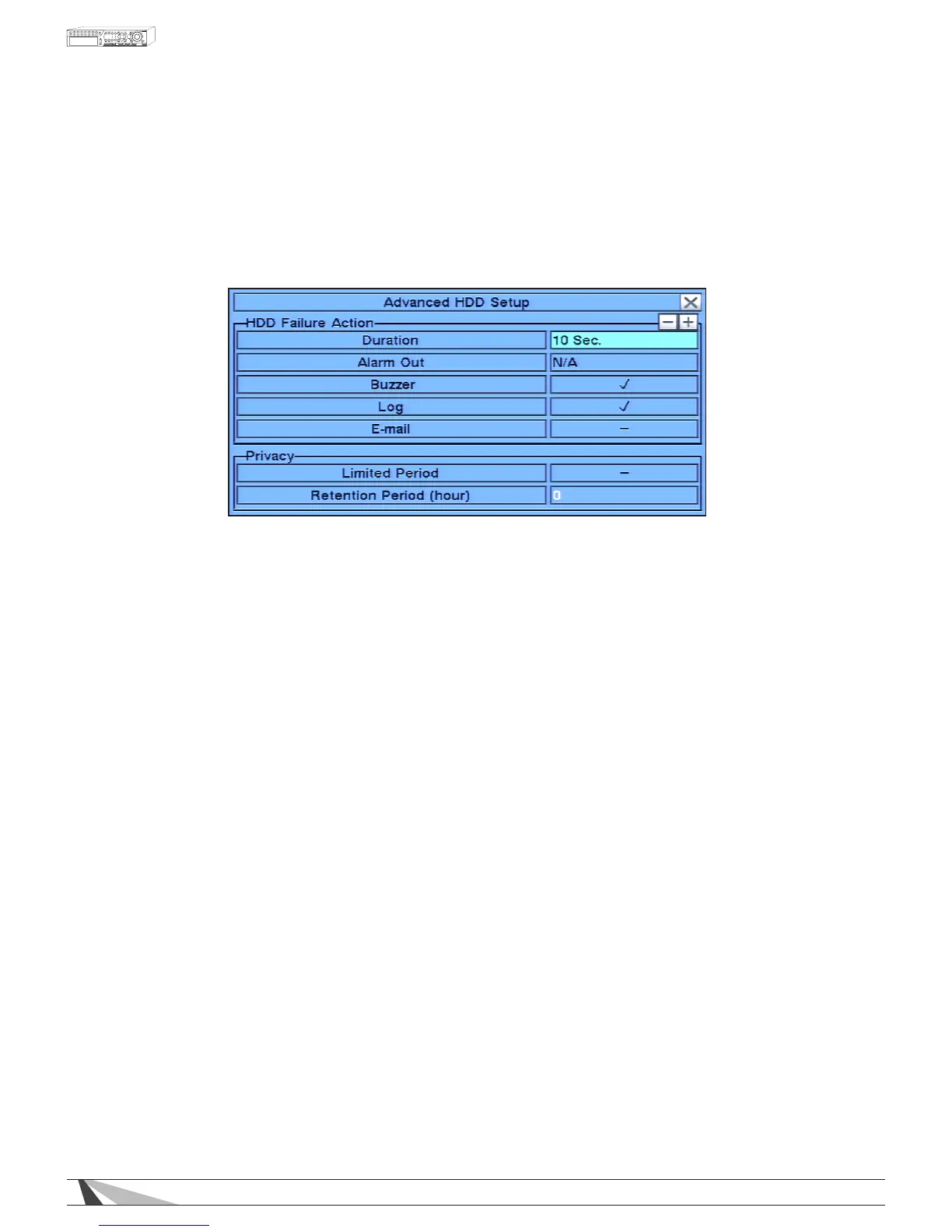
6.7.2. ADVANCED HDD SETUP
The HDD Failure Action in Advanced HDD Setup allows the administrator to dene how the system responds
to hard drive failure. The HDD Failure Action will be triggered if there’s no available formatted hard drive
detected.
In HDD Setup display, press SEQ on the front panel of the DVR or on the remote control to display
Advanced HDD Setup menu.
To navigate and operate this menu:
•▲▼◄►
Press these buttons on the front panel of the DVR or remote control to select an item. Alternatively use the
mouse to select an item.
•ESC
Press the ESC button on the front panel of the DVR or remote control to escape from this menu and
return to the main menu. Alternatively use the mouse to exit the sub menu by clicking on the “X.”
If the contents in this menu have been modied, a Save dialog box will be displayed requesting the
user to save the changes. Press ENTER on the front panel of the DVR or remote control to exit and
save, ESC to exit without saving. Another method to escape is to use the mouse to “right-click”
and exit the sub menu.



 To Next Page