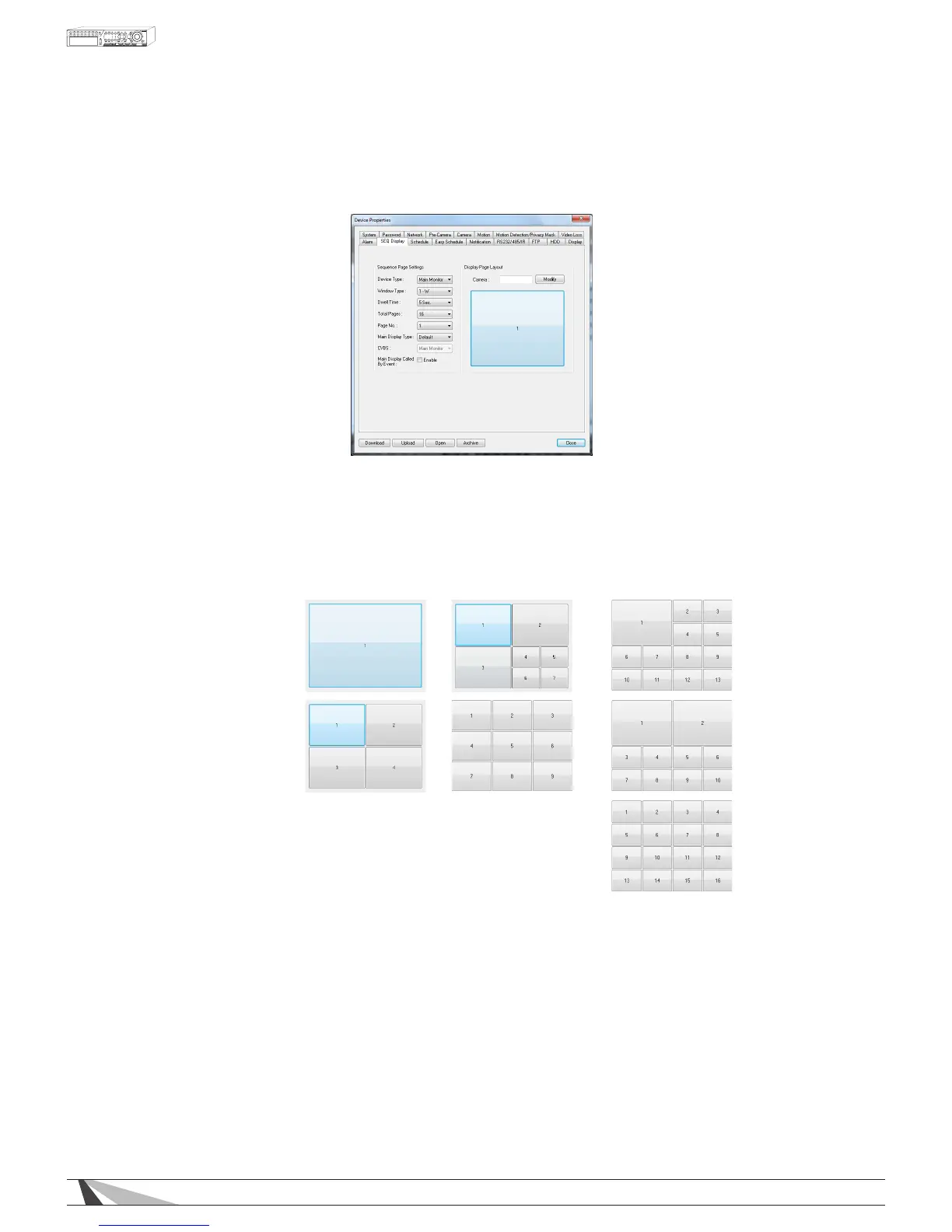
9.3.10. SEQ DISPLAY
The SEQ Display Setup allows the administrator to dene the displayed pages when in SEQ Display mode.
Thefollowingisabriefdescriptionforeachiteminthismenuanditsspecicoperations:
•DEVICETYPE
This DVR only supports Main Monitor
•WINDOWTYPE
Select the desired amount of windows to display based on the following options.
WPS-300-DVR-9CH
• 1-Window
• 4-Window
• 7-Window
• 9-Window
WPS-300-DVR-16CH
• 1-Window
• 4-Window
• 7-Window
• 9-Window
• 10-Window
• 13-Window
• 16-Window
•DWELLTIME
Set the dwell time (how long this page will be displayed before transitioning to the next page) from 3 to 60
seconds.
•TOTALPAGES
Set total pages for this SEQ Display Type.
•PAGENO
Select the page to be modied.
•MAINDISPLAYTYPE
Determines the camera channel conguration of the Main Display. In 'Default' the channel conguration
follows a normal standard (i.e. 1w - Page1 = Camera 1, Page2 = Camera 2, etc; 4w - Page1 = Camera
1/2/3/4, Page2 = Camera 5/6/7/8, etc; 7w - Page1 = 1/2/3/4/5/6/7, etc). In 'SEQ' the channel conguration
follows the layout of the Sequence menu, where a camera can be placed on any channel number.
•CVBS
This feature has no function with this model of DVR.
•CAMERA
Highlight the grid within the displayed page and select the camera number to appear in this grid.



 To Next Page