2-32
Chapter 2: Installation and Setup
Aug 2012
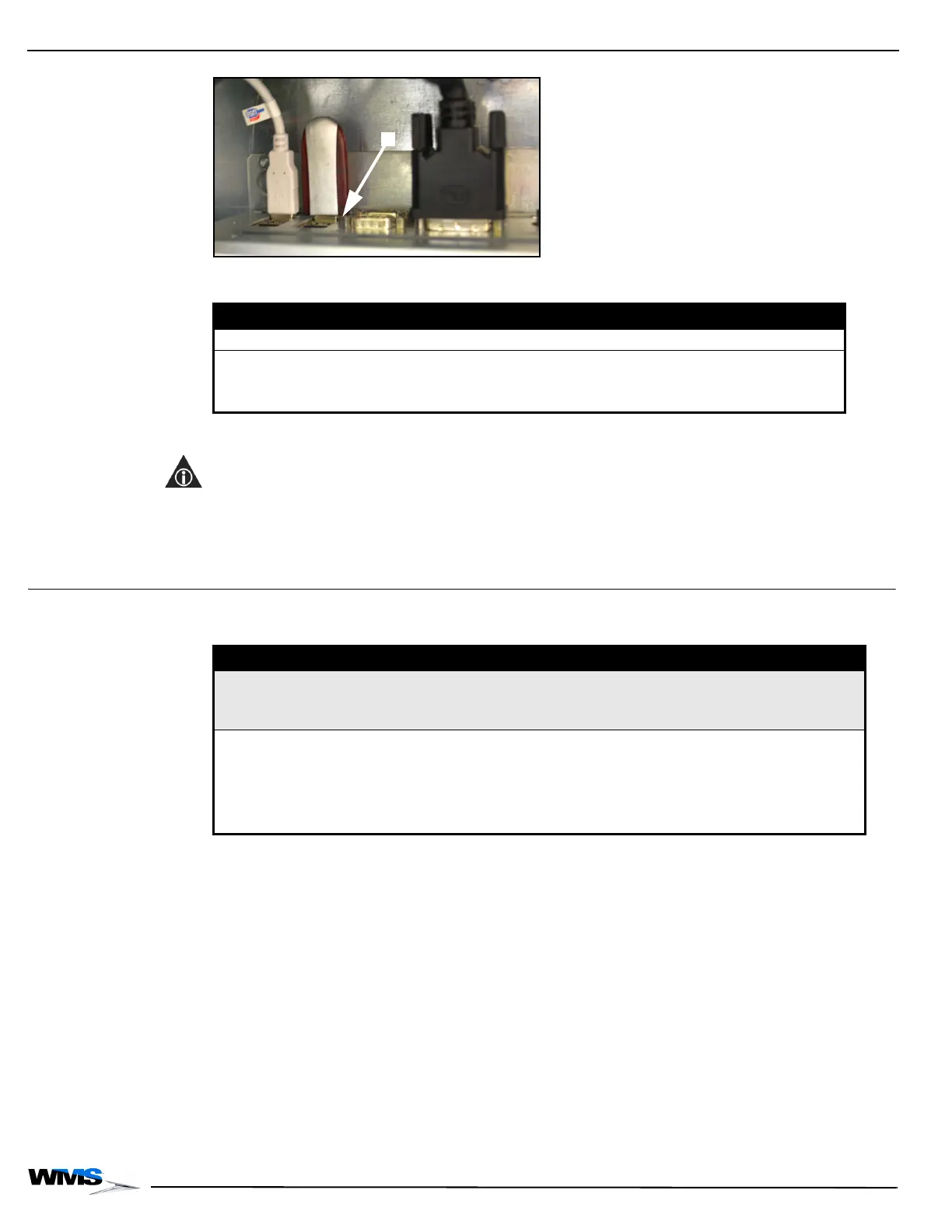
Figure 2-75 Unplugging USB drive from USB port on CPU (your equipment may look different).
10 Determine the following:
11 The RAM dump produces a folder called WMS_DUMP with several data files (CPU-NXT2,
CPU-NXT3, and CPU-NXT 3.2 only).
NOTE: The directory name includes a date/time stamp so the folder does not need to be renamed if
additional RAM dumps are required using the same device.
12 Use a utility such as WinZip
®
to compress the renamed folder.
13 E-mail the compressed folder to the WMS contact requesting the RAM dump.
Troubleshooting
Reference Table 2-3 for information on troubleshooting the RAM Dump procedure:
If the game is... then...
not playable perform a RAM Clear.
playable perform the following steps:
1 Replace the game CompactFlash Card.
2 Replace the OS CompactFlash Card.
Table 2-3 Troubleshooting.
Error Cause Solution
Unable to mount device {device name} for writing.
All information will be dumped to screen.
Card Reader or USB device is not
connected. Information will display
to screen instead of being
dumped to device.
Ensure that device is
connected.
Mounting device error. A potential problem exists with the
CPU.
Remove the CPU Enclosure
and send to WMS.
CAUTION! To avoid
damage, do not remove the
CPU from the Enclosure.
The entire CPU Enclosure
must be returned to WMS.



 To Next Page