3-5Maintenance
16-1408348
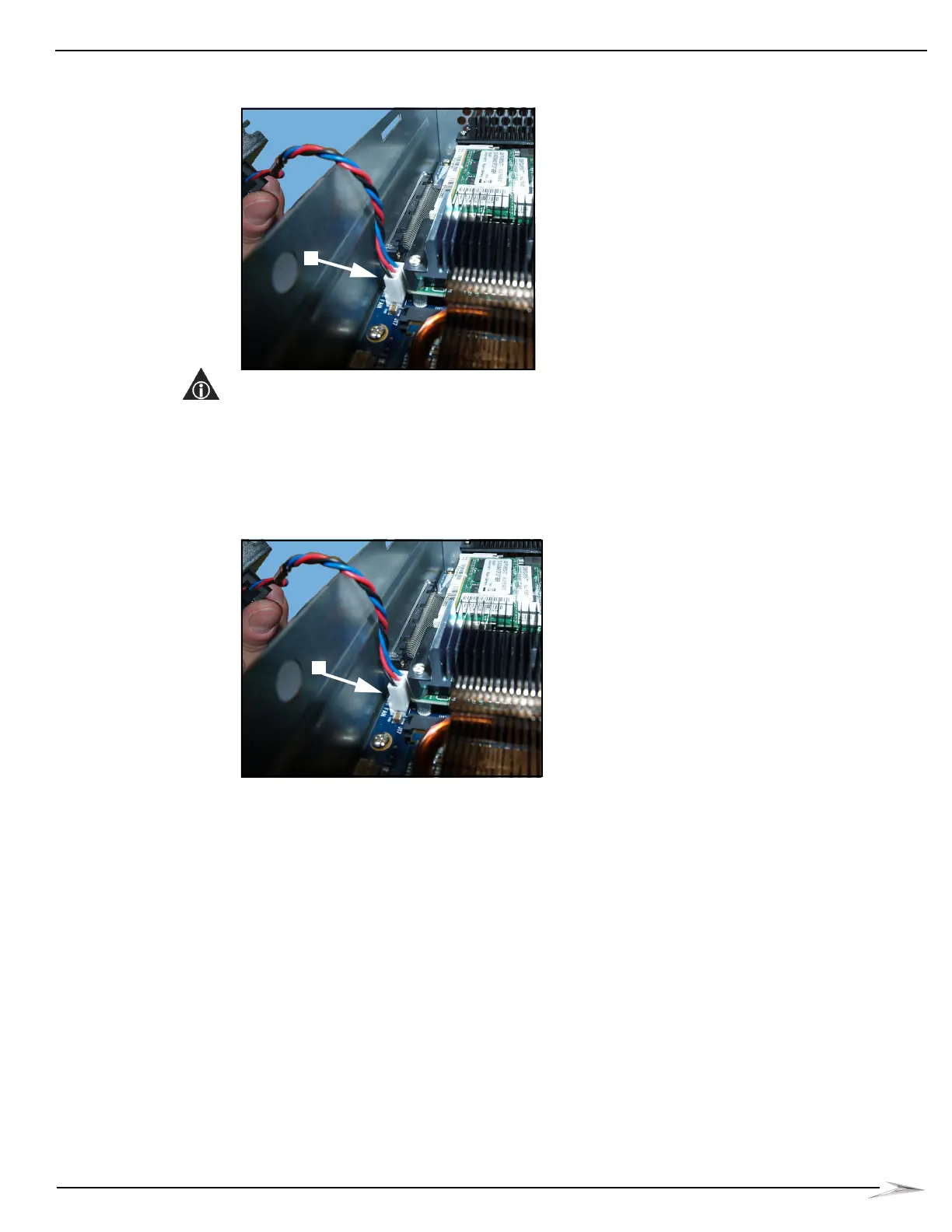
3 Disconnect the CPU Fan cable from J9 on the CPU, Figure 3-9 (A).
Figure 3-9 Disconnecting CPU Fan Cable.
NOTE: Do not remove the CPU Fan Cable by pulling on it.
Install New CPU Fan
Complete the following steps to install the CPU Fan (A-029206-00-00):
1 Locate the new CPU Fan.
2 Connect the CPU Fan cable to J9 on the CPU, Figure 3-10 (A).
Figure 3-10 Connecting CPU Fan cable.



 To Next Page